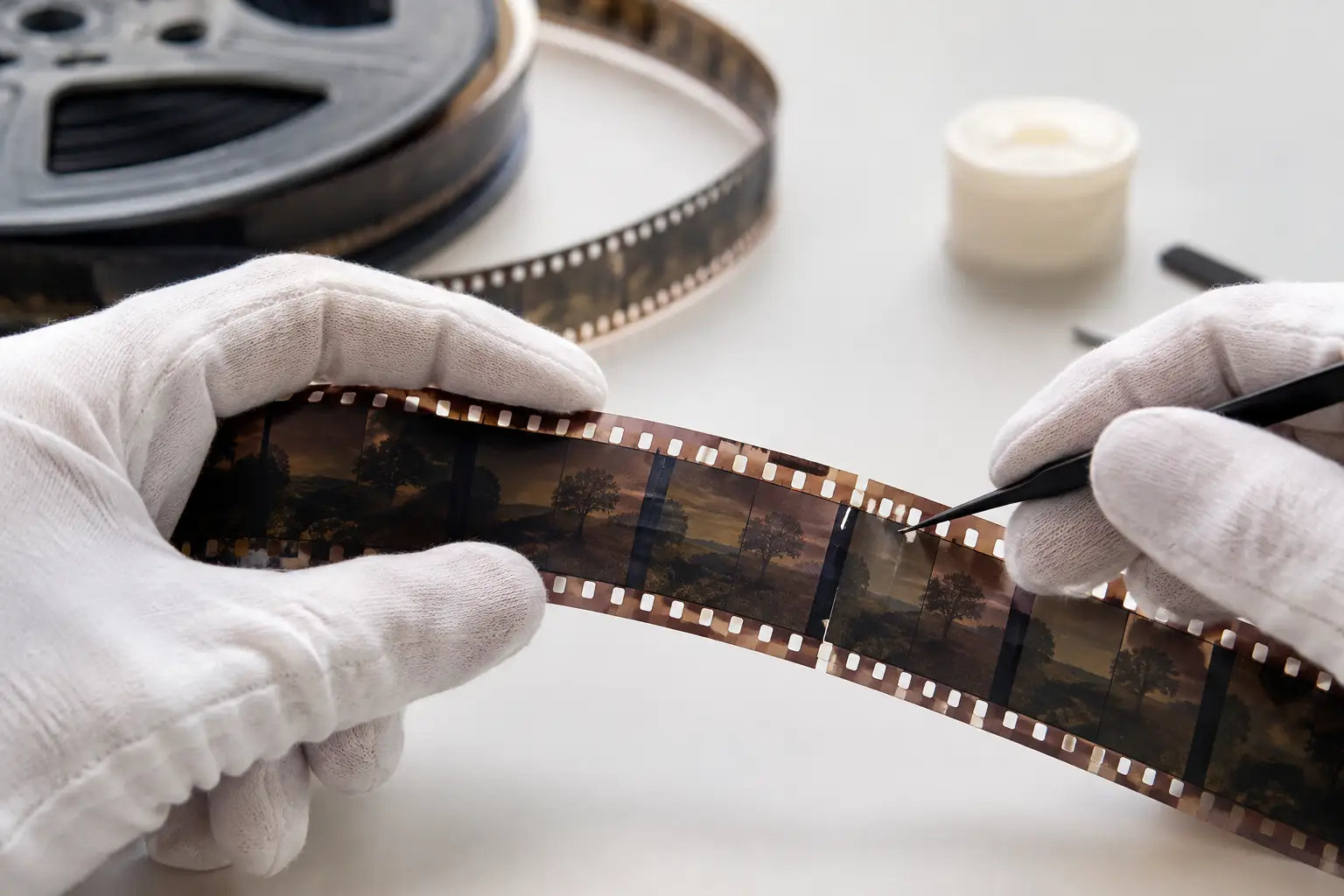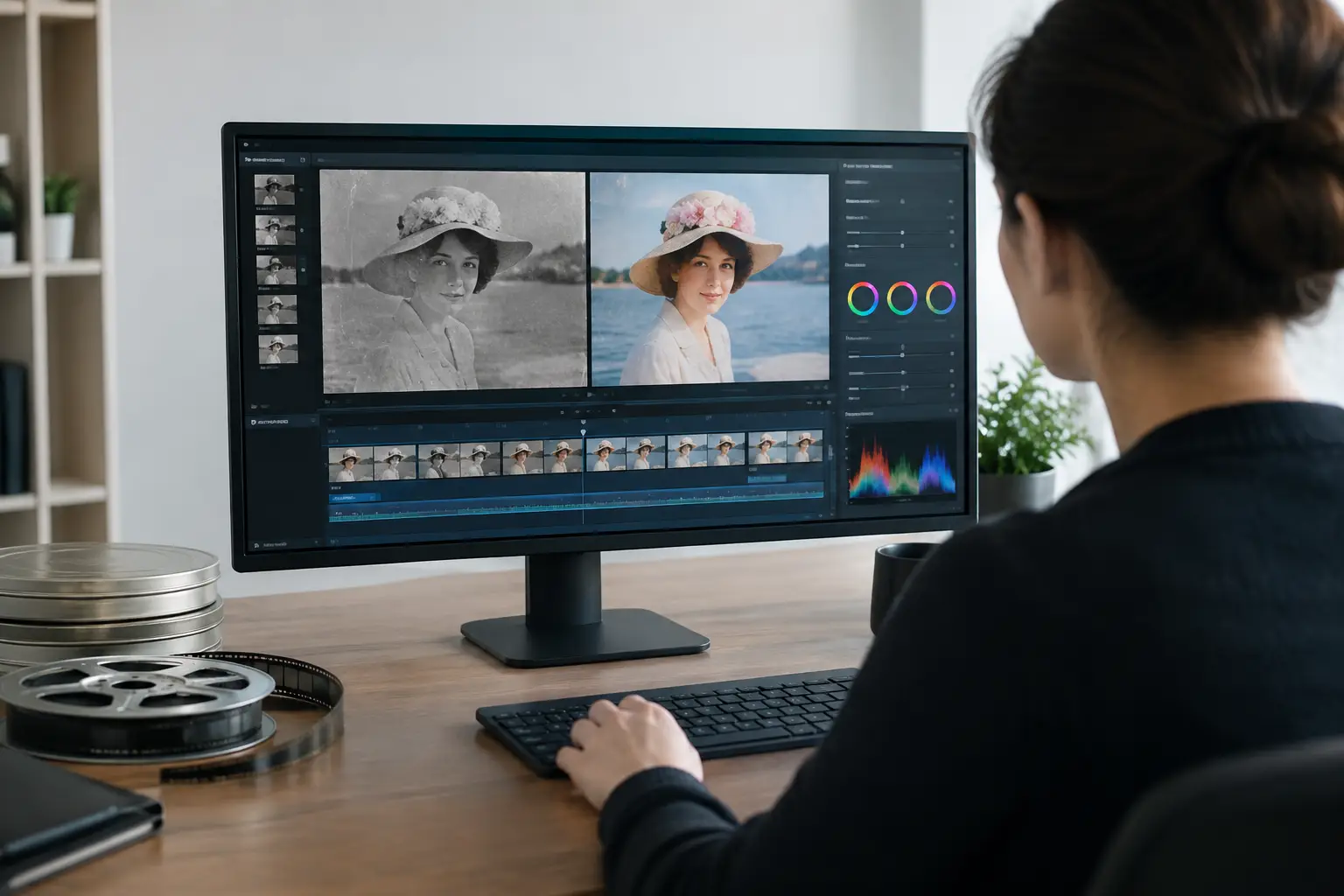
A scanned reel can look deceptively simple: a sequence of frames waiting to be cleaned and exported. In practice, each artifact has a different cause. Grain belongs to the emulsion, dust may sit on isolated frames, a splice can create a brief exposure jump, and image weave often comes from mechanical instability at the gate. A capable video restoration interface gives each problem its own control without forcing the operator to build and debug a command-line pipeline.
For 8 mm, Super 8, 9.5 mm, and 16 mm material, the interface is not cosmetic. It determines whether restoration remains repeatable, whether previewing is fast enough to make sound decisions, and whether the final encode preserves the work already done. The goal is not to apply a stack of filters until a film looks artificially clean. The goal is to create a controlled workflow that retains photographic detail, respects the original character of the stock, and removes distractions that do not belong in the image.
What a video restoration interface must control
Generic video editors are built around cuts, titles, transitions, and color effects. Film restoration begins earlier in the chain. The operator needs to inspect the scan, correct defects in the right order, compare results frame by frame, and export a master suitable for archive or delivery.
That order matters. If color correction is applied before obvious dirt is treated, changing contrast can make dust more visible. If aggressive temporal cleaning is used before stabilization, motion analysis can become less reliable. If compression is applied too early, blocking and ringing may be mistaken for scan defects. A restoration interface should therefore present processing as a readable pipeline, not as a collection of unrelated effects.
At minimum, that pipeline needs practical control over source interpretation, image cleanup, stabilization, color, audio synchronization, preview, and encoding. The user should be able to enable or disable a stage, change its parameters, and immediately see what changed. This sounds elementary, but it is the difference between a repeatable restoration process and a sequence of guesses.
Source handling is part of restoration
The first decision is often whether the scan has been interpreted correctly. Frame rate, field order, aspect ratio, pixel format, and bit depth influence every stage that follows. A 16 mm scan delivered as a high-bit-depth sequence should not be reduced to an 8-bit intermediate simply because an editor defaults to that format.
A good interface keeps source properties visible and makes conversions explicit. This is especially valuable when working with mixed archives. A collection may include silent Regular 8, Super 8 sound film, 9.5 mm home movies, and 16 mm educational prints, all scanned under different conditions. Presets can accelerate setup, but they should remain editable rather than hiding the technical choices behind a single button.
Cleaning film defects without erasing film texture
Dust removal and grain reduction demand restraint. A heavily filtered image may look impressive in a paused frame but fail during playback: faces can become waxy, fine fabric detail can dissolve, and natural grain movement can turn into smeared motion.
Temporal tools such as RemoveDirtMC can be effective when dust appears as isolated frame-to-frame anomalies. Their settings should be evaluated on movement, not only on stills. A shot with camera pan, water, foliage, or handheld motion needs more conservative treatment than a locked-off interview shot. Motion-compensated processing using components such as MVTools2 can help distinguish real image movement from transient defects, but no automatic setting is appropriate for every reel.
The same principle applies to grain. Grain reduction should address excessive noise from the scan or degraded stock while preserving the structure that makes film look like film. In many projects, a light global pass followed by targeted correction for the worst shots produces a better result than one aggressive setting applied to the whole reel.
A useful video restoration interface supports this judgment with before-and-after previewing, parameter visibility, and the ability to process short test ranges. Restorers should be able to check a difficult section before committing an hour-long reel to an export queue.
Splices, scratches, and unstable frames need separate treatment
Splices are not ordinary dirt. They may cause a flash frame, a brightness jump, a short loss of registration, or a sudden change in frame geometry. A specialized Splice Cleanup stage can target these discontinuities without forcing the operator to damage adjacent frames with broad temporal filtering.
Scratches require similar care. A vertical mark that persists through many frames may need a different approach from random particulate dust. Where the defect is limited to a few frames, manual or localized correction can be more faithful than applying a global filter to every shot.
Registration instability is another distinct category. A film image can weave, bounce, or drift because of shrinkage, perforation wear, transport variation, or scanner mechanics. Perforation-based stabilization, often described as Perfo Lock, uses the film's physical reference to stabilize the image rather than trying to infer stability only from picture content. This can be particularly effective for amateur footage with moving subjects, zooms, or fast pans, where conventional image stabilization may mistake intended camera movement for unwanted shake.
The trade-off is deliberate. Locking the frame to the perforations can preserve the original camera motion while removing gate weave, but a scan with badly damaged or poorly captured perforations may require adjusted settings. The interface should expose that choice clearly.
Color correction should restore intent, not invent it
Faded reversal film, yellowed prints, cyan loss, and uneven exposure are familiar problems in small-gauge archives. They rarely have one universal correction. A family reel shot across several years can contain different stocks, lighting conditions, and levels of chemical aging within the same project.
Color tools need to support both broad correction and shot-level judgment. White balance, levels, curves, saturation control, and gamma adjustment all have a role. GamMac-style gamma and color management controls are useful when the scan requires tonal correction without pushing midtones into a harsh or clipped result.
Reference areas help, but they are not absolute. A white shirt may be yellow because the film faded, or it may be warm because the scene was shot under late-afternoon light. Restoration should not remove every color cast automatically. The better question is whether the correction recovers credible skin tones, neutral objects, shadow detail, and the atmosphere of the original scene.
For commercial work, saveable presets and project-level settings are more than a convenience. They allow a lab to apply a consistent baseline to a batch while preserving the ability to make exceptions for problem reels. Consistency is valuable, but uniformity is not the same as accuracy.
Preview speed changes the quality of decisions
Restoration is iterative. A setting that works in one shot can fail in the next, and the operator needs fast feedback to catch that failure. Real-time or near-real-time preview makes it practical to compare filter strength, examine movement, and identify where a cleanup stage begins to remove actual detail.
This is where a graphical environment built on AviSynth+ has a practical advantage. The processing engine can execute specialized filters, while the operator works through organized controls rather than writing, revising, and troubleshooting scripts for each test. AvyScan Lab follows this model by exposing a film-focused restoration pipeline in a Windows application, including cleanup, Perfo Lock stabilization, color correction, audio synchronization, and batch processing.
The interface should also preserve the ability to inspect the technical state of the project. Professionals need to know whether they are viewing a proxy or the final processing path, what pixel format is active, and whether a stage is affecting luma, chroma, or both. A preview that hides these facts can produce expensive surprises at export.
Encoding is the final technical decision, not an afterthought
A restoration can be excellent and still be compromised by a poor delivery encode. The export stage should match the purpose of the file. An archival master may call for FFV1 or another lossless format, with a high-quality pixel format such as chroma 4:2:2 or 4:4:4 when the source and workflow justify it. A delivery file may use x264 or x265, with bitrate and profile settings selected for the intended platform and viewing conditions.
There is no single best codec. Lossless masters require more storage, but they preserve the restored image for future versions and new delivery formats. Highly compressed files are easier to share, but they should be generated from a preserved master rather than becoming the only copy of the restoration.
For sound film, image and audio synchronization should remain part of the same workflow. Frame-rate conversions, stabilization, and edits around damaged sections can affect sync. Treating the picture and sound as separate jobs invites drift or unnecessary rework.
Build a workflow that remains repeatable
The strongest restoration interface does not promise that one preset will repair every reel. It gives the restorer a disciplined path: inspect the source, test cleanup on difficult sections, stabilize against the appropriate reference, correct color with restraint, verify sync, and encode from a known processing chain.
For a personal archive, that control protects irreplaceable family footage. For a scanning service or postproduction studio, it turns repeated technical judgment into a process that can be checked, documented, and scaled. The practical test is simple: when a reel arrives with dust, weave, faded color, and a damaged splice, the interface should make the next correct decision obvious without taking control away from the person restoring the film.