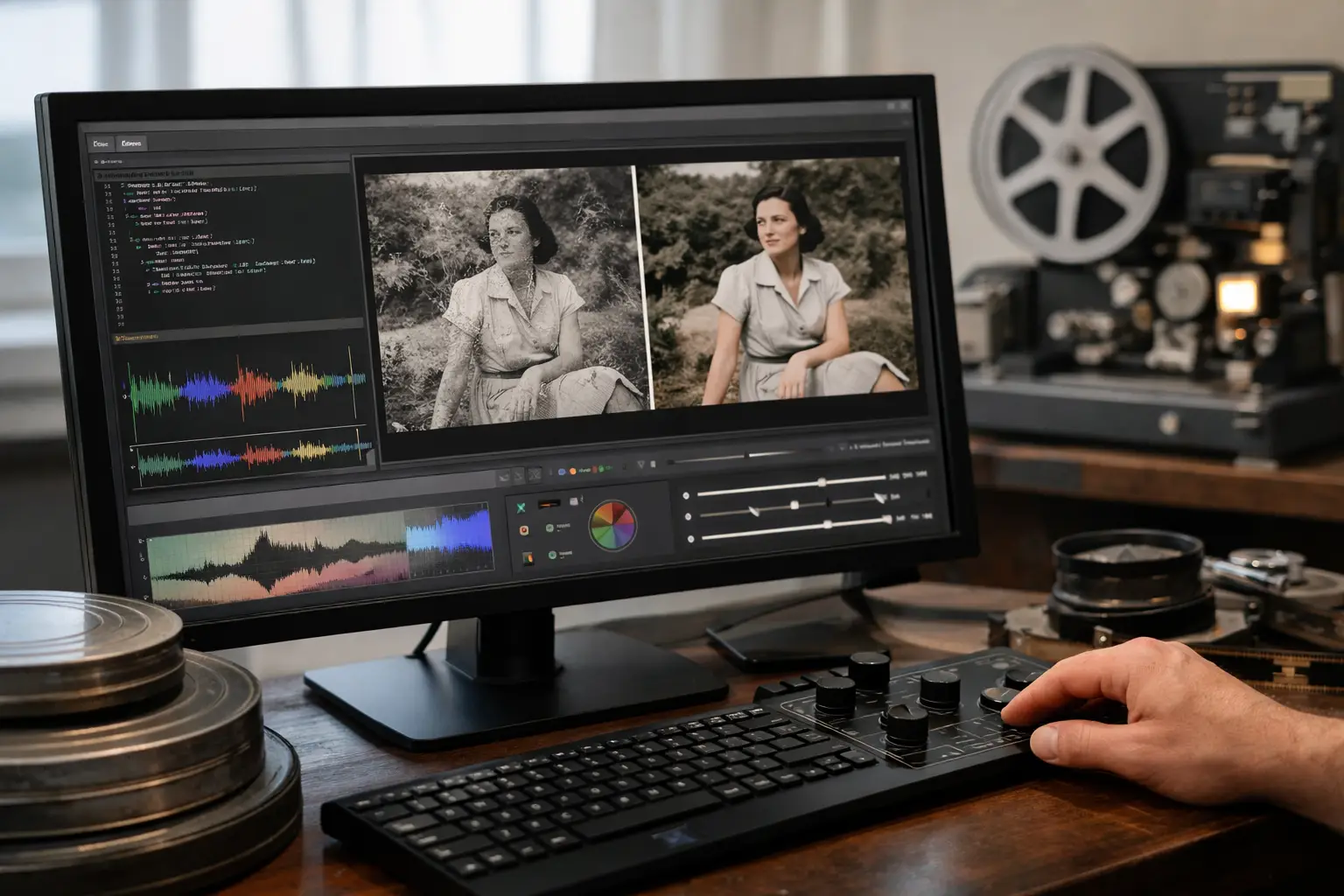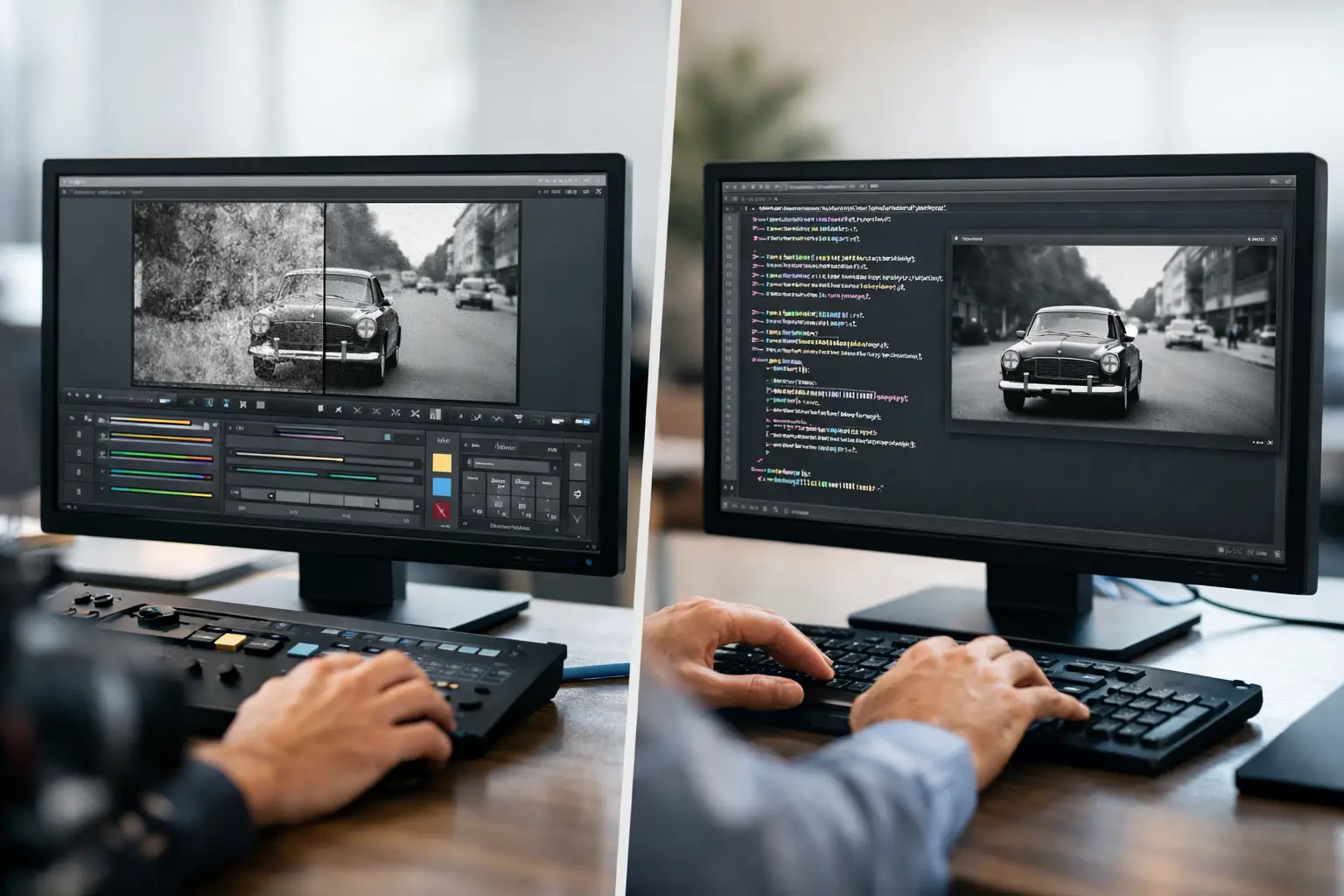
A scan of a family Super 8 reel can look deceptively simple: a sequence of image files or a high-bit-depth video, ready for cleanup. The difficult part begins when you must decide how to process it. AviSynth GUI versus scripting is not merely a question of interface preference. It determines how quickly you can test grain reduction, correct a fading color cast, stabilize perforation movement, preserve detail, and reproduce the same result across an entire collection.
AviSynth+ remains one of the most capable frame-serving environments available for video restoration. Its strength is also its barrier: a powerful filter chain is normally built in text, with exact syntax, compatible plugins, correct color-space handling, and a clear understanding of filter order. A graphical workflow does not replace that processing engine. It changes how you access it.
Why Film Restoration Makes the Choice More Important
Generic video cleanup often starts with a compressed digital source and aims for a cleaner, smaller deliverable. Film restoration starts elsewhere. A scan may contain real grain, scanner noise, dust, gate weave, damaged splices, exposure variation, color aging, and soundtrack synchronization issues. Each defect calls for a different correction, and each correction can affect the next stage of the pipeline.
For example, applying aggressive temporal denoising before stabilization can cause motion analysis to interpret frame movement incorrectly. Correcting color after a destructive conversion from 4:4:4 to 4:2:0 can limit what is recoverable. Sharpening before dust removal can make dirt more visible and harder to treat. The work is not simply choosing filters. It is building a controlled sequence that respects the scanned film.
That is where the AviSynth GUI versus scripting decision becomes practical. The best option depends on whether your priority is experimental control, repeatable production, quick operator training, or a combination of all three.
What Direct AviSynth Scripting Does Best
AviSynth scripting gives experienced users precise command over every stage. You can open a source, declare frame rate and field behavior, convert color spaces, call filters with exact parameters, create masks, branch logic for problem sections, and pass the finished stream to an encoder. A script is compact, portable, and auditable when it is well documented.
For a specialist who already knows the ecosystem, this is a major advantage. A custom script can combine MVTools2 motion vectors with RemoveDirtMC, add a targeted temporal repair for a damaged scene, use GamMac for tonal correction, then create an FFV1 archival master or an x264/x265 delivery file. There is no need to wait for a menu option when you can write the operation yourself.
Scripting is especially valuable when a project contains exceptions. One reel may have a short section with severe camera shake, a splice flash at a specific frame range, or a color shift that appears only after a reel change. Conditional logic and frame-specific commands let you isolate those cases without changing the treatment of the rest of the film.
The limitation is not image quality. A script can deliver exceptional results. The limitation is operational overhead. Every plugin must be installed correctly. Every function name, parameter, quote, parenthesis, and source path must be valid. A color-space mismatch can produce an error or, worse, an export that looks technically acceptable but handles chroma incorrectly. For occasional restorers, the setup and troubleshooting time can exceed the time spent evaluating the image itself.
Where an AviSynth GUI Changes the Workflow
An AviSynth GUI is most useful when it exposes serious processing without asking the operator to become a software developer. Instead of writing a filter chain from memory, the user selects restoration stages in a structured interface, adjusts parameters, and evaluates the result in a preview window.
That changes the working rhythm. You can import a scan, set crop and framing, apply dust or grain treatment, activate stabilization, adjust color, compare settings, then configure export without repeatedly editing and reloading a text file. The underlying processing can still rely on AviSynth+ and specialized filters, but the operator spends more time judging the film and less time debugging syntax.
For film archives, visual control is not a convenience feature. It is part of quality control. A grain reduction setting that looks acceptable on a static frame may erase fine texture in motion. A stabilization setting may hold the perforation correctly but crop too aggressively at the frame edge. Real-time or near-real-time preview makes these trade-offs visible before a batch job begins.
A dedicated interface also reduces the risk of inconsistent settings between reels. Presets, named projects, and batch queues make it easier to apply the same restoration policy to a group of 8 mm, Super 8, 9.5 mm, or 16 mm scans. This matters for commercial scanning services and small archives that need stable results across hundreds of minutes of footage.
AviSynth GUI Versus Scripting: The Real Trade-Offs
The difference is not beginner versus professional. It is direct programmability versus controlled operation.
With scripting, you retain unrestricted access to the AviSynth language and plugin ecosystem. You can create unusual workflows, automate through external tools, and implement logic that a graphical application may not expose. The cost is that every custom choice must be built, tested, documented, and maintained by someone who understands the script.
With a GUI, you gain speed at the point where most restoration work happens: evaluating footage, comparing corrections, organizing presets, and launching repeatable outputs. The cost is that you work within the capabilities the application exposes. If you require a rare third-party filter with an unconventional parameter structure, direct scripting may still be necessary.
The practical answer is often hybrid. A restoration operation can be standardized in a GUI for day-to-day production, while unusual reels are handled with custom scripts. This approach protects throughput without giving up advanced intervention when an archive presents a difficult defect.
A Better Workflow for Scanned Film
For most film projects, begin by defining the deliverable before touching restoration controls. An archival master may need lossless FFV1, 10-bit or higher precision where supported, and preserved 4:2:2 or 4:4:4 chroma. A viewing copy may need H.264 or H.265, a practical bitrate, and a frame size suited to the client or family archive. Those requirements influence the entire pipeline.
Then inspect the scan without processing. Identify whether the visible texture is film grain, scanner noise, or compression damage. Look for repeated dust, isolated white or black defects, splice jumps, exposure pumping, edge movement, and frame-rate problems. A treatment designed for dirt should not be used as a substitute for correcting instability, and a denoiser should not be used to hide a color problem.
Build corrections from structural issues toward finishing. Stabilize first when the image is moving mechanically in the gate. Treat splices and recurring dirt next. Apply grain or noise reduction conservatively, using motion-aware methods where appropriate. Follow with color balance, gamma, and contrast adjustments. Reserve sharpening for the end, and use it only when the scan and the film stock support it.
This order is not absolute. A badly faded reel may need an early tonal correction to make defects easier to evaluate. A highly damaged section may need separate processing from the rest of the reel. The point is to make each decision intentional and visible, rather than stacking filters until the picture looks artificially clean.
When a GUI Is the More Professional Choice
A GUI is often the stronger professional choice when multiple people must produce consistent work, when a project includes many reels, or when restoration settings must be reviewed quickly with a client. It lowers the training threshold while preserving a disciplined pipeline. An operator can understand what is being applied, preview the effect, save the project, and reproduce it later without reconstructing a script from notes.
This is particularly relevant to perforation-based stabilization and splice cleanup. These are film-specific tasks, not generic video effects. A purpose-built application such as AvyScan Lab can present operations like Perfo Lock and Splice Cleanup as visible, controllable stages in the restoration chain while using AviSynth+ processing beneath the interface.
Scripting remains the right choice for developers, restoration engineers, and technicians who need unrestricted custom logic. But for many archivists, scanning providers, and collectors, writing code is not the work they are trying to preserve. The work is preserving the image, the motion, and the character of the original film.
Choose the workflow that lets you spend your attention on the reel in front of you. If a GUI gives you faster comparison, safer batch processing, and repeatable exports without reducing control over the results, it is not a shortcut. It is a better use of restoration time.