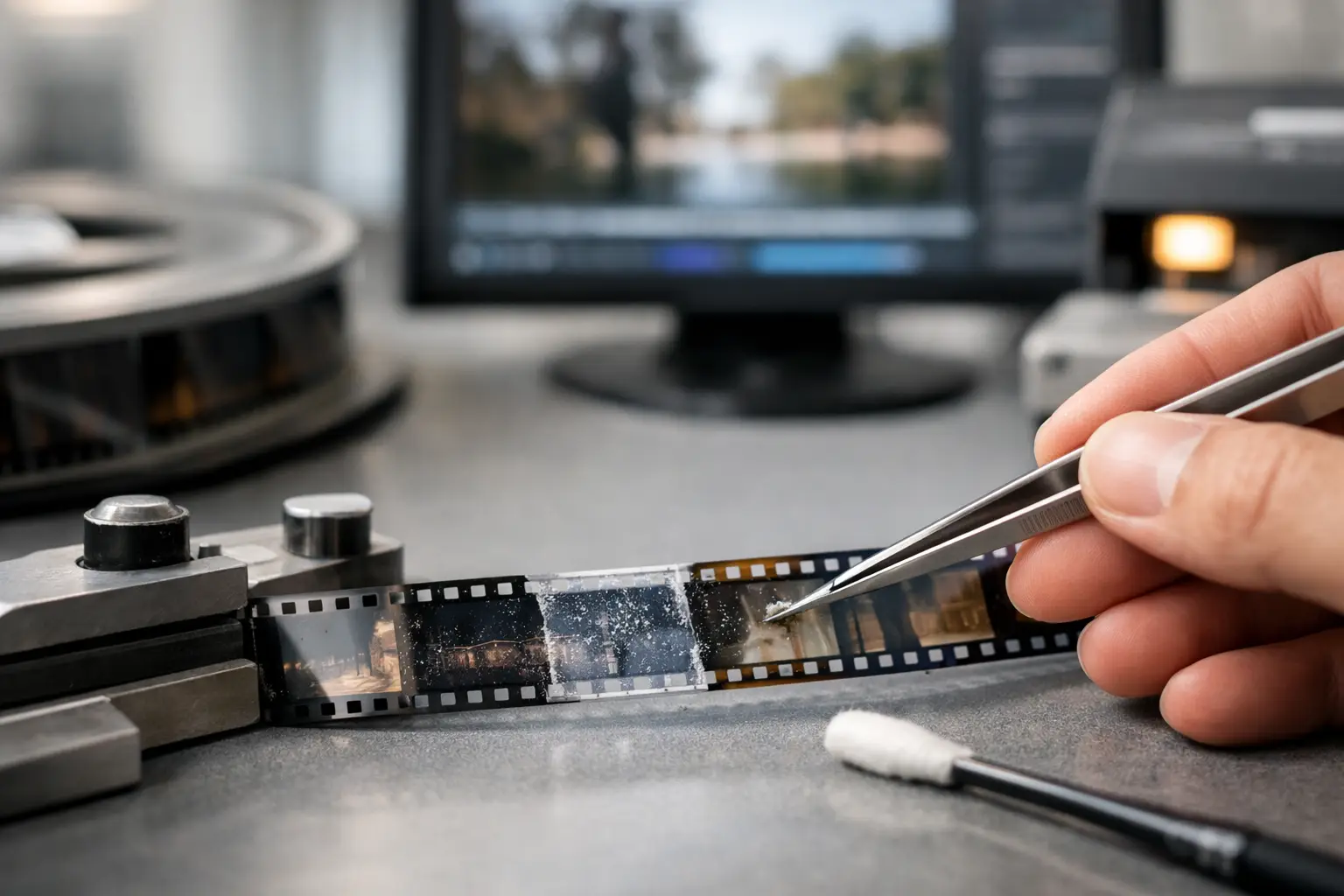
A single scanned reel can be corrected by hand. A collection of 200 reels cannot be treated as 200 isolated experiments. Batch film restoration software turns a proven restoration recipe into a controlled production workflow: import scans, apply the right corrections, review exceptions, and deliver consistent masters without rebuilding the pipeline for every file.
For family-film collections, archival holdings, transfer services, and small postproduction teams, the value is not simply speed. It is repeatability. When 8 mm, Super 8, 9.5 mm, or 16 mm material has been scanned under comparable conditions, the same dust, grain, color, stability, and encoding decisions should be available across the entire job.
What batch film restoration software should automate
Batch processing is often misunderstood as pressing one button and applying aggressive cleanup everywhere. That approach can remove detail, flatten film grain, alter color, or create temporal artifacts on difficult shots. A serious workflow automates repeatable operations while preserving the ability to inspect and override the clips that need individual attention.
The baseline begins with organized source files. Each reel should retain a stable name, reel number, format, scan resolution, frame rate, and audio status. This matters when a project contains silent Regular 8 film alongside sound Super 8, or when a 16 mm collection includes both black-and-white and faded color stocks. Batch settings are only reliable when the inputs are understood.
The software should then let the operator build a processing chain that can be saved and reused. In a film-specific pipeline, that chain commonly includes image orientation, crop and framing, dust and spot reduction, grain management, stabilization, color correction, splice cleanup, resizing, and final encoding. Rather than treating these as disconnected effects, the application should process them in an order that respects the source.
For example, stabilization by perforation or frame-edge reference is normally established before final cropping. Dirt removal needs motion-aware analysis so that actual picture detail is less likely to be mistaken for a defect. Color correction must be judged against the film stock and exposure history, not a generic assumption that every image should be neutral gray.
Build presets around scan conditions, not vague categories
The most useful batch preset is not called “old movies.” It is specific enough to describe a repeatable acquisition condition. A transfer lab may create one preset for 4K Super 8 scans with visible gate weave, another for 2K 16 mm reversal film with mild dust, and a third for faded 8 mm home movies scanned at 18 frames per second.
This distinction prevents a common failure: applying the same denoising level to every reel. Fine Super 8 grain, scanner noise, and severe mold damage do not respond to the same settings. A filter such as RemoveDirtMC can be highly effective for transient dust and spots, but the settings that preserve a clean outdoor scene may be too conservative for a heavily contaminated indoor reel. Conversely, strong temporal cleanup can erase texture in foliage, fabric, or fast motion.
A practical preset should define both the treatment and the output. That means identifying the source frame rate, the stabilization method, the color transform or correction approach, the cleanup intensity, the target codec, and the naming convention for exported files. Keeping those choices together reduces the risk of making a visually correct restoration that is delivered in the wrong format.
Use tiers instead of one universal cleanup profile
Many collections benefit from two or three treatment tiers. A light preset can handle scans that only need dust reduction, modest color balancing, and encoding. A standard preset can add stabilization and more active defect removal. A repair preset can be reserved for reels with persistent dirt, bad splices, heavy flicker, or pronounced mechanical instability.
This is faster than manually tuning every reel, but safer than forcing damaged and clean material through the same filter chain. It also gives a lab a clear way to estimate work: most reels may run through the standard queue, while exception reels receive focused review.
Stabilization is where film-specific tools matter
Generic video stabilizers are designed to interpret camera movement in digital footage. Film scans often have a different problem: the picture moves because the film wandered through the gate, perforations were damaged, or the scan has frame-to-frame registration error. Cropping and analyzing image content alone can create an unstable result when the shot itself includes pans, zooms, or moving subjects.
Perforation-based stabilization addresses the mechanical reference available in scanned film. A tool such as Perfo Lock can use the perforation area to stabilize the frame while preserving intentional camera movement. This is especially valuable for 8 mm, Super 8, 9.5 mm, and 16 mm transfers where gate weave is more distracting than the original hand-held motion.
The trade-off is framing. Stabilization may require a small crop or border management strategy because the image shifts relative to the scan area. Before launching a large queue, review several representative clips at full resolution. Check the edges, titles, and subjects near the frame border. A preset that is visually stable but trims handwritten title cards or faces at the edge is not ready for production.
Preview representative reels before committing the queue
Batch processing should start with a controlled test set, not the entire archive. Choose reels that represent the project’s range: clean footage, faded color, low-light scenes, fast motion, bad splices, and any sound film. Process short excerpts, then inspect the results at 100% viewing scale.
Look for dust that remains visible, but also for damage introduced by restoration. Excessive temporal filtering can produce smearing or ghost trails. Over-correction of contrast can crush shadow detail. Strong color balancing may remove the warm or cool character of a scene that was intentional. Film restoration is not the pursuit of a synthetic digital image. It is the controlled reduction of defects while retaining the visual evidence of the original material.
This review stage is also the right place to verify frame rate and sound synchronization. Sound Super 8 and 16 mm projects need special attention because a seemingly minor speed mismatch becomes obvious over time. A batch system should preserve the intended cadence and keep image and audio aligned from import through final export.
Encode for the master and the viewing copy separately
One batch can produce more than one deliverable. That is often the correct approach. A preservation or production master may use a high-quality intermediate such as FFV1, or another suitable codec selected for the organization’s storage and editing requirements. A viewing copy may use x264 or x265 for manageable file sizes and broad playback support.
Do not treat codec selection as an afterthought. Chroma sampling, bit depth, bitrate or quality settings, audio format, and container choice affect whether the restoration remains useful after delivery. If the source scan is 4:2:2 or 4:4:4, an export pipeline should not silently discard color information without a deliberate decision.
Naming is equally operational. Include reel identifiers and output purpose in the filename, such as a preservation master, restoration review, or access copy. When hundreds of exports are produced, predictable naming prevents costly confusion and makes later quality checks possible.
Keep an exception path for damaged reels
The best batch workflow includes a place for material that should not be automated blindly. Broken splices, abrupt exposure changes, severe shrinkage, warped frames, and extreme color fade may need a separate preset or manual correction. Splice Cleanup can reduce the visual disruption caused by splices, but it should be checked carefully around edits, camera flashes, and scene changes.
This is where a visual interface has a practical advantage over a script-only workflow. The underlying power of AviSynth+ filters, motion analysis, and professional encoders can be used without requiring every operator to write, troubleshoot, and maintain custom scripts. In AvyScan, settings can be assembled, previewed, saved, and applied to a queue from a structured Windows interface, while retaining the technical controls that serious restoration requires.
Measure success by consistency, not just throughput
A fast queue is useful only if every export meets the same standard. Build quality control into the batch process: review the first completed files, inspect random files throughout the run, and compare exception reels against the intended preset. Confirm duration, frame rate, audio sync, file naming, and codec parameters before considering the project complete.
The practical goal is not to make every reel look identical. Different stocks, cameras, exposures, and decades should still look different. The goal is to ensure that every reel receives the right level of cleaning, stabilization, color work, and encoding without wasting hours rebuilding known-good settings.
Once a restoration preset has been tested on real representative footage, it becomes more than an automation shortcut. It becomes a documented treatment decision that can be repeated next week, next year, or across the next hundred reels in the archive.