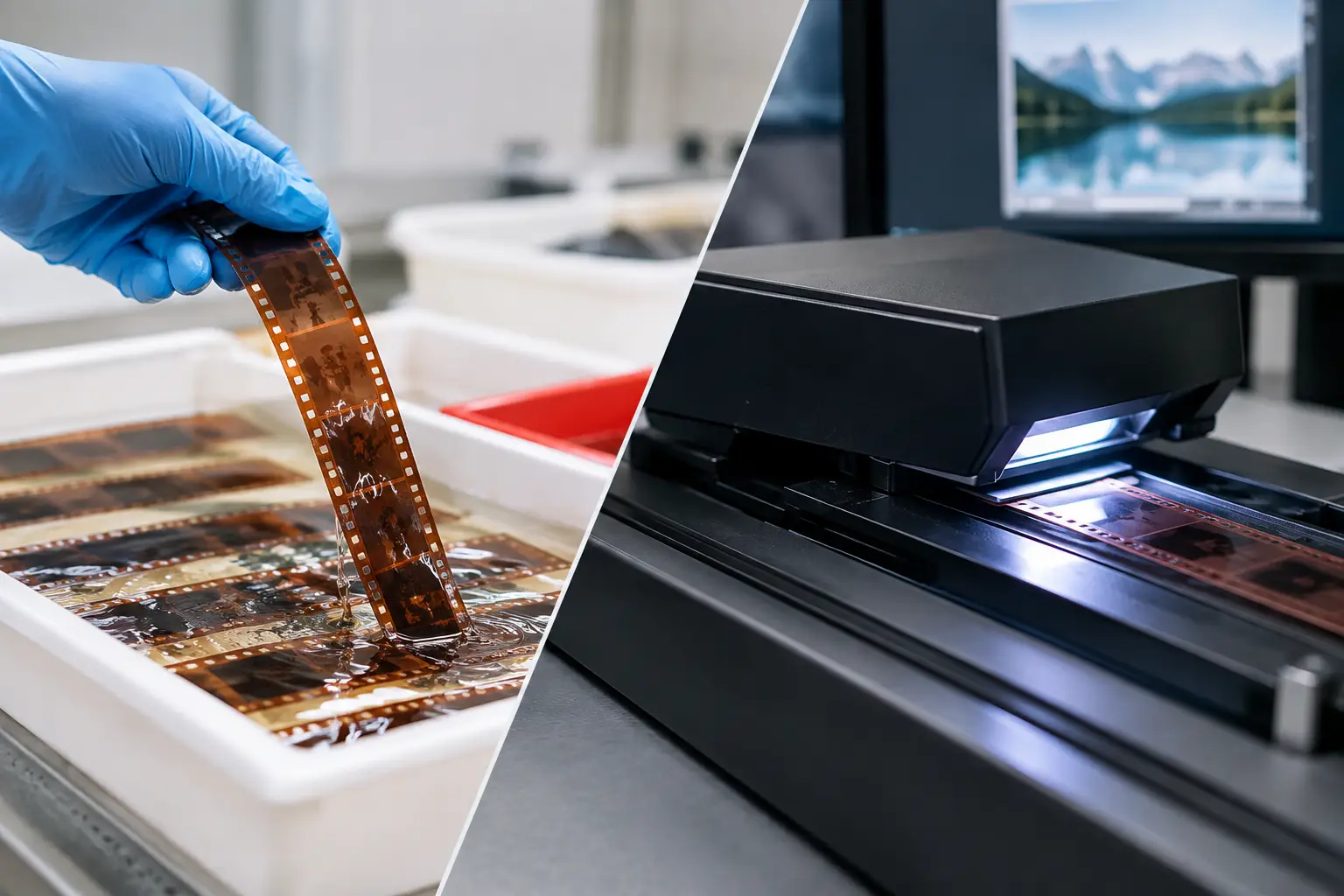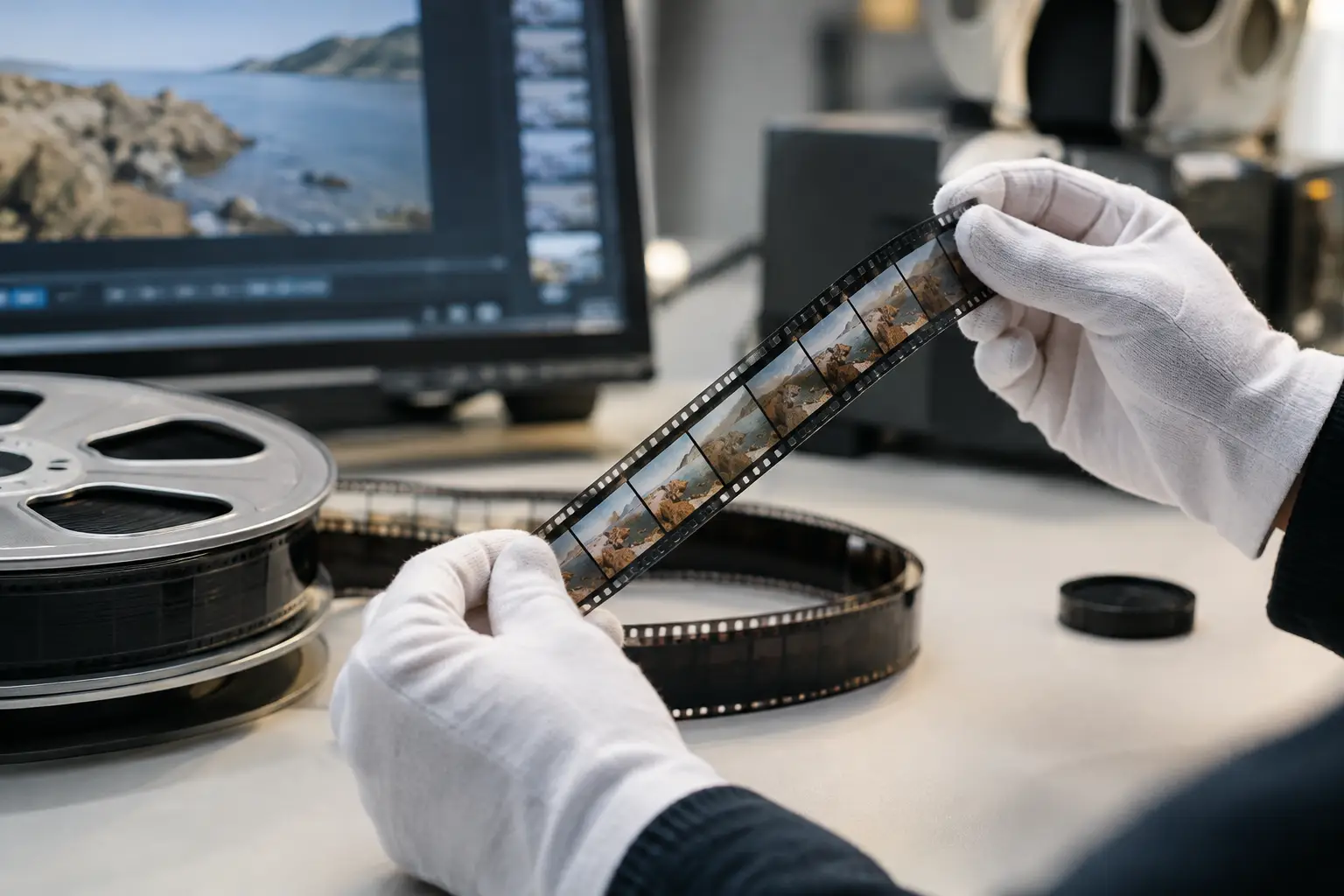
A clean scan is not automatically a faithful restoration. When grain is smoothed into waxy skin, fine fabric turns flat, and a sunlit wall becomes a plastic-looking field, the image may be technically cleaner but less believable. Knowing how to retain film texture means separating the visual character of the original stock from the damage accumulated through handling, aging, projection, and scanning.
For 8mm, Super 8, 9.5mm, and 16mm collections, that distinction matters even more. These small-gauge formats often carry visible grain, modest resolving power, edge softness, and exposure variation by design. A restoration workflow should stabilize and clean the scan without rewriting those characteristics.
Film Texture Is More Than Grain
Film texture is the combined behavior of grain, fine detail, optical softness, tonal transitions, and frame-to-frame variation. It is not a single layer that can be added back after aggressive noise reduction. Once temporal filtering has erased subtle detail or blended neighboring frames too heavily, an artificial grain overlay will not restore the original image information.
Grain itself is not always identical across a reel. Different stocks, exposure levels, processing methods, and scan settings affect its visibility. Underexposed footage may show more pronounced grain in shadows. Color reversal film can show a different structure from black-and-white negative. A home movie shot on Super 8 in bright daylight should not receive the same filtering as a dim 16mm indoor scene.
Defects behave differently from texture. Dust, mold spots, scratches, splice flashes, gate weave, flicker, and frame jitter are localized or mechanically driven problems. Grain moves naturally with the photographed image and exists throughout the frame. A good restoration process targets defects by their behavior, not by simply softening everything that looks noisy.
How to Retain Film Texture: Start With a Conservative Pipeline
The safest restoration is progressive. Correct one class of defect, preview the result at 100% scale, then decide whether the next correction is necessary. Applying strong denoising, stabilization, color correction, sharpening, and encoding all at once makes it difficult to identify which stage damaged the image.
Work from structural issues toward cosmetic cleanup. First stabilize the frame, then remove intermittent dirt, address persistent marks, correct exposure and color, and apply limited grain reduction only if it improves the image without suppressing photographed detail. This order gives motion-based filters a more reliable reference and prevents unstable edges from being mistaken for noise.
Preserve an untouched master scan before processing. If storage allows, retain a high-bit-depth or lossless source file, preferably in an edit-friendly format such as FFV1 or another suitable archival intermediate. The restoration project should be reproducible from that source, especially when working on family archives or commercial collections where future tools may produce a better result.
Stabilize Before You Clean
Frame movement causes temporal dust and dirt filters to make poor decisions. If the image jumps vertically or horizontally, the filter may interpret real detail as a transient object and remove it. Perforation-based stabilization is especially useful when the scan includes a consistent view of the sprocket area or when the transfer workflow provides reliable registration information.
Stabilization should correct unwanted mechanical movement, not remove intentional camera motion. Handheld pans, quick reframing, and home-movie camera shake are part of the footage. Over-stabilization can crop too aggressively, bend geometry, or make authentic movement look electronically constrained. Evaluate stabilized clips in motion, not only on a paused frame.
Use Temporal Cleaning With Restraint
Temporal cleaning compares adjacent frames to detect defects that appear briefly, such as dust specks and small dirt bursts. This can be extremely effective on film scans, but the thresholds matter. If they are too aggressive, grain and small moving details are treated as contamination.
Start with low to moderate settings and inspect difficult areas: faces, hair, foliage, patterned clothing, water, smoke, and textured walls. These are the first places where excessive filtering becomes visible. Look for trailing behind moving subjects, softened eyelashes, disappearing leaves, or a background that remains unnaturally still while the subject moves.
Motion-compensated processing can improve results because it follows image movement between frames rather than comparing pixels in fixed positions. Tools based on MVTools2-style motion estimation can preserve more detail than basic frame averaging when configured carefully. Still, motion vectors can fail on heavy camera shake, abrupt edits, flash frames, and damaged splices. Segmenting the reel and applying different settings to problem shots is often faster than trying to force a single global preset onto every scene.
Persistent scratches require a different approach from isolated dust. A vertical scratch that repeats across many frames may need directional repair or targeted masking. Broad automated treatment can blur vertical detail such as window frames, tree trunks, and clothing seams. For occasional severe frames, manual correction or a short localized treatment is usually the better trade-off.
Protect Detail During Color and Contrast Correction
Color restoration can accidentally reduce the perception of texture. Heavy shadow lifting often reveals scanner noise and weakens black density. Excessive saturation can make faded reversal footage look synthetic, while aggressive contrast can crush grain-bearing shadow detail into featureless blocks.
Correct color in small steps. First neutralize a clear color cast only when there is evidence it is a defect rather than the look of the scene. Then set black and white points with room for highlight roll-off and shadow information. Finally, refine saturation and channel balance. A warm living-room scene, a tungsten-lit birthday party, or late-afternoon footage should not be neutralized into generic daylight.
Gamma adjustments deserve equal care. A controlled gamma correction can reveal faces and midtone detail without flattening the image. Push it too far, however, and the picture loses density. The goal is not maximum visible information in every shadow. It is a stable, credible tonal structure that still feels like photographed film.
Sharpening is similarly conditional. A lightly soft scan may benefit from mild edge enhancement after dirt removal and stabilization. But sharpening cannot recover detail that the lens, film stock, or scan never captured. Strong sharpening exaggerates grain, produces halos, and makes remaining scratches more obvious. If the image looks sharper only when paused, but harsh in motion, reduce the setting.
Preview at Native Size and in Motion
A restoration should be judged at more than one viewing scale. At 200% or 400%, you can detect filter artifacts and incomplete dirt repair. At native resolution, you can judge whether the image still has coherent detail. At normal playback distance, you can decide whether the result actually feels more watchable.
Motion is the decisive test. Grain should remain alive without crawling digitally. Fine texture should move with the scene, not smear behind it. Faces should retain pores and contours without becoming brittle. Watch a representative section continuously, including shots with camera movement, cuts, dark exposure, and high detail.
A practical method is to render short A/B test clips rather than relying on memory. Compare the original scan, a conservative pass, and a stronger pass. The strongest setting is rarely the best setting. If viewers notice the cleanup process before they notice the footage, the treatment has gone too far.
Keep Encoding From Undoing the Restoration
Even a carefully restored master can lose texture during export. Low-bitrate delivery encoding creates blocking, mosquito noise, and smeared grain that can be mistaken for poor restoration. Preserve a high-quality master first, then create distribution versions for streaming, client review, or household playback.
For archival or postproduction masters, use a lossless or near-lossless codec appropriate to the workflow. For delivery, x264 or x265 can produce efficient files, but bitrate, preset, pixel format, and chroma handling must match the material. Fine grain places real demands on compression. If the bitrate is too low, the encoder may blur it, break it into artifacts, or allocate bits unevenly during motion.
Avoid unnecessary color-space conversions. If the scan and restoration pipeline support higher chroma sampling such as 4:2:2 or 4:4:4, maintain it through the master when color fidelity matters. Consumer delivery may require a more compatible format, but that conversion should happen at the final export stage, not repeatedly during processing.
Build Settings Around the Reel, Not the Software Default
A preset is a starting point, not a verdict. One reel may include clean outdoor footage, dim interiors, a damaged splice, faded color, and several decades of handling wear. The correct settings can change from shot to shot.
This is where a film-specific interface has a practical advantage. In AvyScan, a visual pipeline can combine specialized operations such as dust reduction, splice cleanup, perforation stabilization, color correction, and professional encoding without requiring manual AviSynth+ scripting. The value is not automation for its own sake. It is the ability to preview each decision, keep processing repeatable, and make controlled adjustments without losing track of the restoration chain.
Name versions clearly and save project settings with the source scan. A file labeled only “final” becomes unhelpful when a client asks for a less filtered version six months later. Record the major choices: stabilization mode, temporal cleaning strength, color corrections, crop, and export format. That record protects both your time and the integrity of the collection.
The best restored film does not look newly manufactured. It looks like the original footage seen more clearly: stable enough to watch, clean enough to focus on, and textured enough to preserve the evidence that light once passed through a physical strip of film.