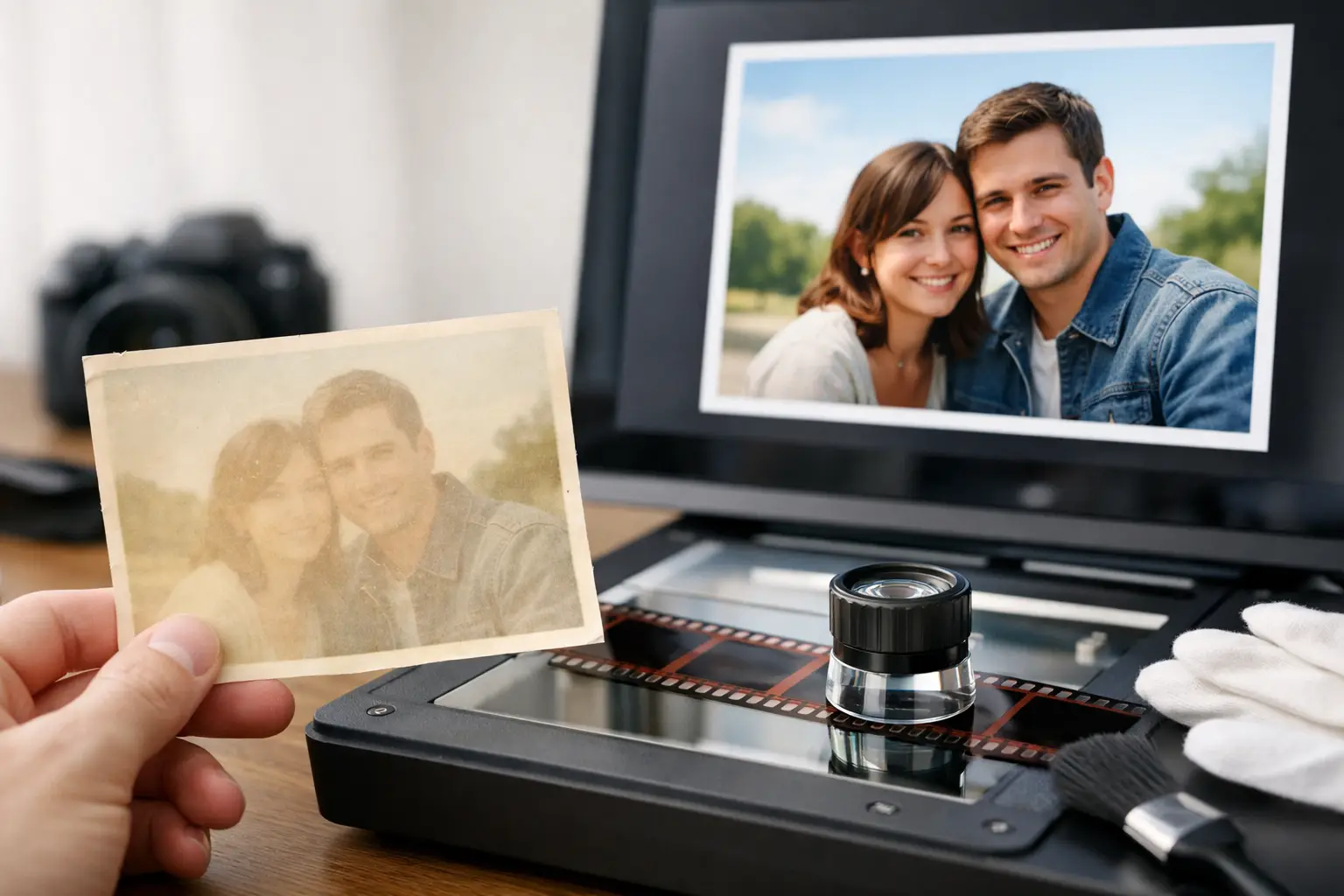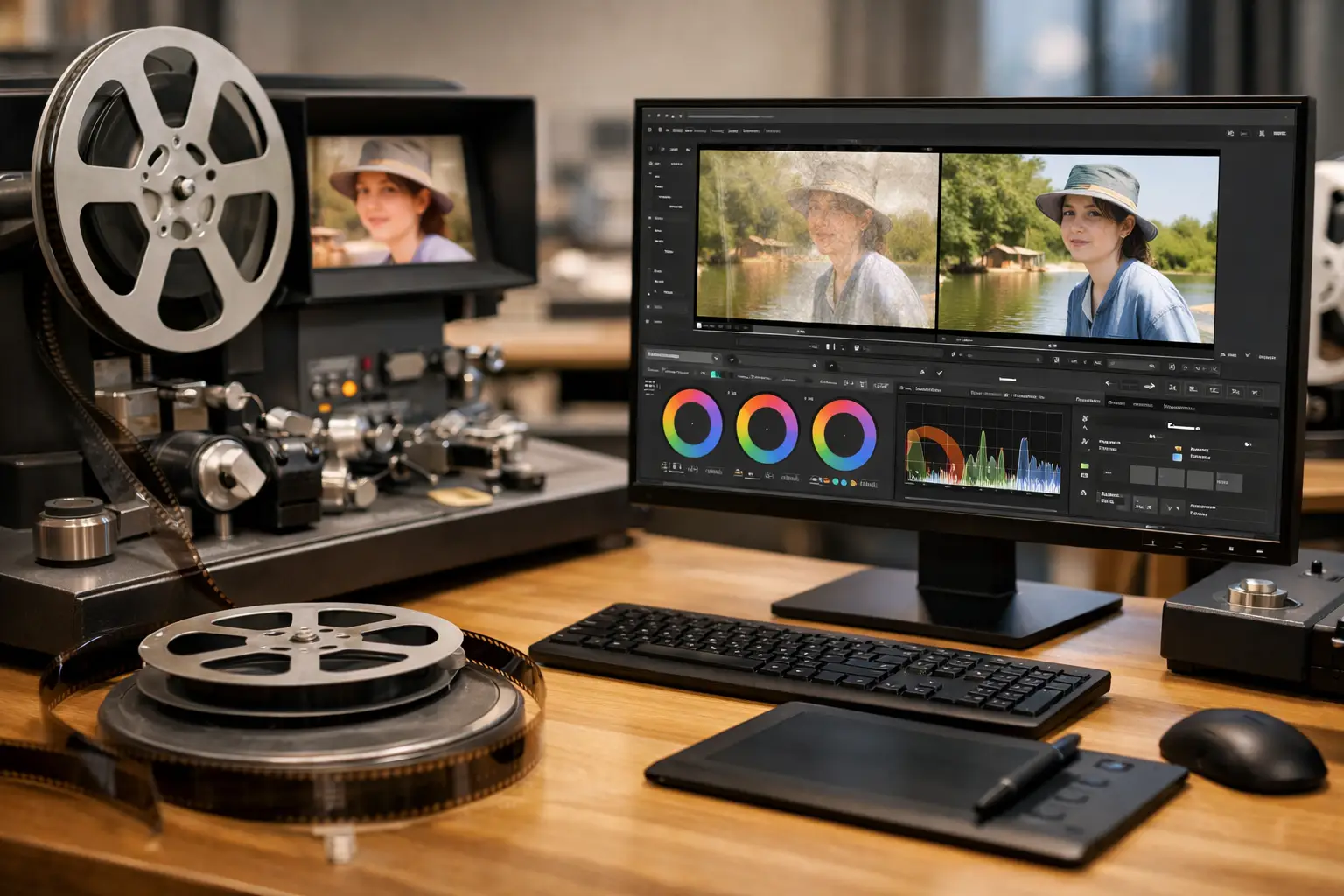
A 16mm scan can look deceptively clean until you step through it frame by frame. Gate weave shows up in the edges, dust pulses in and out, splice marks break motion, and color drift turns one reel into three different looks. That is exactly where specialized 16mm film restoration software earns its place. Not as a generic video editor with a few cleanup filters, but as a restoration pipeline built for the defects film actually produces.
For archivists, transfer houses, collectors, and post teams handling small-gauge and mid-gauge material, the real question is not whether software can improve a scan. It is whether the software gives enough control to correct film-specific damage without slowing the operator down or forcing every job into manual scripting. On 16mm work, that balance matters more than marketing claims.
What 16mm film restoration software needs to do
16mm is not just larger Super 8. The format often arrives with a different mix of problems depending on source and history: reversal originals with visible grain, classroom and industrial prints with heavy wear, optical sound prints with registration issues, faded color stocks, warped elements, or reels assembled from multiple generations. A tool designed for film restoration has to address those conditions at the frame level.
The first requirement is stable geometry. If the scan breathes, jitters, or drifts because perforation tracking was inconsistent during capture, image repair becomes less effective. Dust removal and temporal filtering work best when consecutive frames align correctly. Good software handles stabilization early in the chain, ideally with film-aware methods such as perforation-based locking rather than broad image stabilization that can crop, hunt, or distort motion.
The second requirement is defect isolation. Film damage is not one problem. Dust, white specks, embedded dirt, vertical scratches, splice flashes, flicker, and grain all behave differently. If one slider claims to fix everything, it usually means one compromise is being applied to every defect. Serious restoration software separates these operations so the user can tune each one by strength, threshold, radius, or temporal range.
The third requirement is color control that respects the source. 16mm collections often contain mixed stocks, inconsistent lab timing, aging-related shifts, and exposure changes inside the same reel. A useful tool needs more than a simple auto-correct button. It should let the operator rebalance color, recover contrast, adjust gamma, and maintain consistency across scenes without turning restoration into guesswork.
Why generic video tools often fall short
A conventional NLE or standard video cleanup plugin can improve presentation, but film restoration asks for a different workflow. Editors are built to cut and finish footage that is already usable. Restoration software has to diagnose mechanical and photochemical defects before creative work begins.
Take grain reduction as an example. Generic denoisers often treat grain the same way they treat sensor noise. On scanned 16mm, that can flatten texture, smear edges, and erase fine detail in fabric, hair, or film titles. A better approach combines temporal and spatial logic carefully, often with motion-compensated analysis, so grain can be reduced without collapsing actual image information.
The same applies to stabilization. Standard warp stabilizers are meant for handheld camera motion. Film weave is a transport problem, not a camera move. If the software cannot distinguish intended frame content from registration drift, the result can look worse than the original scan.
This is why many professionals still rely on restoration chains built around proven engines like AviSynth+ and filters such as MVTools2 or RemoveDirtMC. The challenge has never been capability. It has been usability. Scripting offers precision, but it slows down anyone who needs repeatable output across dozens or hundreds of reels.
The best workflow is visual, but still precise
The strongest 16mm film restoration software does not hide the processing pipeline. It makes it manageable.
In practice, that means an interface where the operator can import a scan, inspect damage, activate the right tools in the right order, preview the effect in real time, and encode to the required delivery format without leaving the application. Each stage should be visible. Each parameter should be adjustable. And each change should be testable on the image immediately.
That visual control is not a luxury. It is what keeps restoration accurate. Grain reduction that works on a daylight exterior may be too aggressive on a low-key interior. Dust cleanup may need stronger settings on leader damage than on the picture area. Color correction may require shot matching after a splice or reel change. If preview is slow or disconnected from export settings, operators either waste time or make conservative choices that leave defects on the screen.
This is also where software designed around AviSynth+ can be especially effective when presented through a structured GUI. You keep access to mature restoration methods, professional encoding options, and a disciplined processing order, but without writing or debugging scripts for every reel. For many users, that is the difference between owning powerful tools and actually using them productively.
Features that matter most on 16mm projects
Perforation-aware stabilization
For unstable scans, registration is the foundation. Perforation-based locking is often more reliable than broad content tracking because it follows the mechanical reference of the film itself. On 16mm, where edge information and frame position are critical, this method can reduce weave while preserving natural motion.
Dust and spot cleanup
Not all defects should be treated with the same filter. White dust, black dirt, emulsion blemishes need separate handling. Good software lets you combine automatic cleanup with threshold control so the image is repaired without creating plastic surfaces or motion artifacts.
Splice repair
Splice flashes and cement joins can break continuity for a single frame or several. Specialized tools are valuable here because splice damage often appears predictably and can be corrected without rebuilding the entire shot by hand.
Grain management
Grain is part of the film image. Excessive grain can also obscure detail, especially in underexposed or duped elements. The right software gives you a way to reduce grain selectively, with enough control to preserve texture and edge integrity.
Color and density correction
16mm material often needs scene-by-scene balancing. Controls for white balance, gamma, black point, highlight behavior, and chroma intensity are basic requirements. Support for higher-fidelity workflows, including 4:2:2 or 4:4:4 processing and archival codecs like FFV1, matters when the file is more than a viewing copy.
Batch processing and encoding
One reel is a test. Fifty reels are a workflow problem. Batch tools, reusable presets, and dependable export options such as x264, x265, or lossless intermediates save enormous time, especially for service providers and institutions.
It depends on the source scan
Software cannot compensate for every scanning issue. If a transfer is badly out of focus, clipped in highlights, heavily compressed, or captured with inconsistent exposure, restoration options narrow quickly. The best results come from a scan that preserves as much information as possible in the first place.
That said, good restoration software still changes what is practical. A scan with moderate weave, dirt, and color drift can move from barely usable to publication-ready if the processing chain is correct. The key is to match the treatment to the material. Archival preservation masters need restraint. Commercial delivery files may justify stronger cleanup. Home movies often benefit from a different balance than educational prints or release excerpts.
What to look for before you commit
If you are evaluating software for 16mm work, look past headline claims and test the actual workflow. Can you preview changes in real time on the problem area, not just a clean section? Can you stabilize from perforations? Can you tune dust removal separately from grain reduction? Can you preserve full-quality output in a free or trial environment long enough to evaluate real footage? Can the software export professional mezzanine and archival formats, not only consumer codecs?
Those questions matter more than a long feature table. Restoration is about predictability. You want software that behaves consistently across shrunken prints, faded reversal, mixed reels, and difficult scans.
A product such as AvyScan stands out when it combines that level of control with a Windows interface that makes advanced AviSynth+ processing accessible to non-scripters. That matters for solo operators and small labs in particular. You get specialized tools for film defects, structured processing, and professional export without turning each job into a coding exercise.
The best 16mm restoration work usually comes from a simple principle: keep the operator close to the image, and keep the software close to the actual behavior of film. If your tool respects both, you spend less time fighting the pipeline and more time recovering what was always there.