A clean-looking scan can hide two very different realities: a film that was physically clean before capture, or a film whose surface defects were optically concealed during capture. That distinction sits at the center of wet gate versus dry scanning. For 8 mm, Super 8, 9.5 mm, and 16 mm collections, the right choice affects more than apparent sharpness. It affects cleanup time, color consistency, detail retention, equipment cost, and the quality of the preservation master you keep for the future.
A wet gate can make a damaged reel look dramatically better at the scanner. A dry scan can preserve a more literal record of the film while keeping the workflow simpler and more accessible. Neither method is automatically superior. The useful question is: what defects are present, what material are you scanning, and what must the final file accomplish?
Wet Gate Versus Dry Scanning: The Core Difference
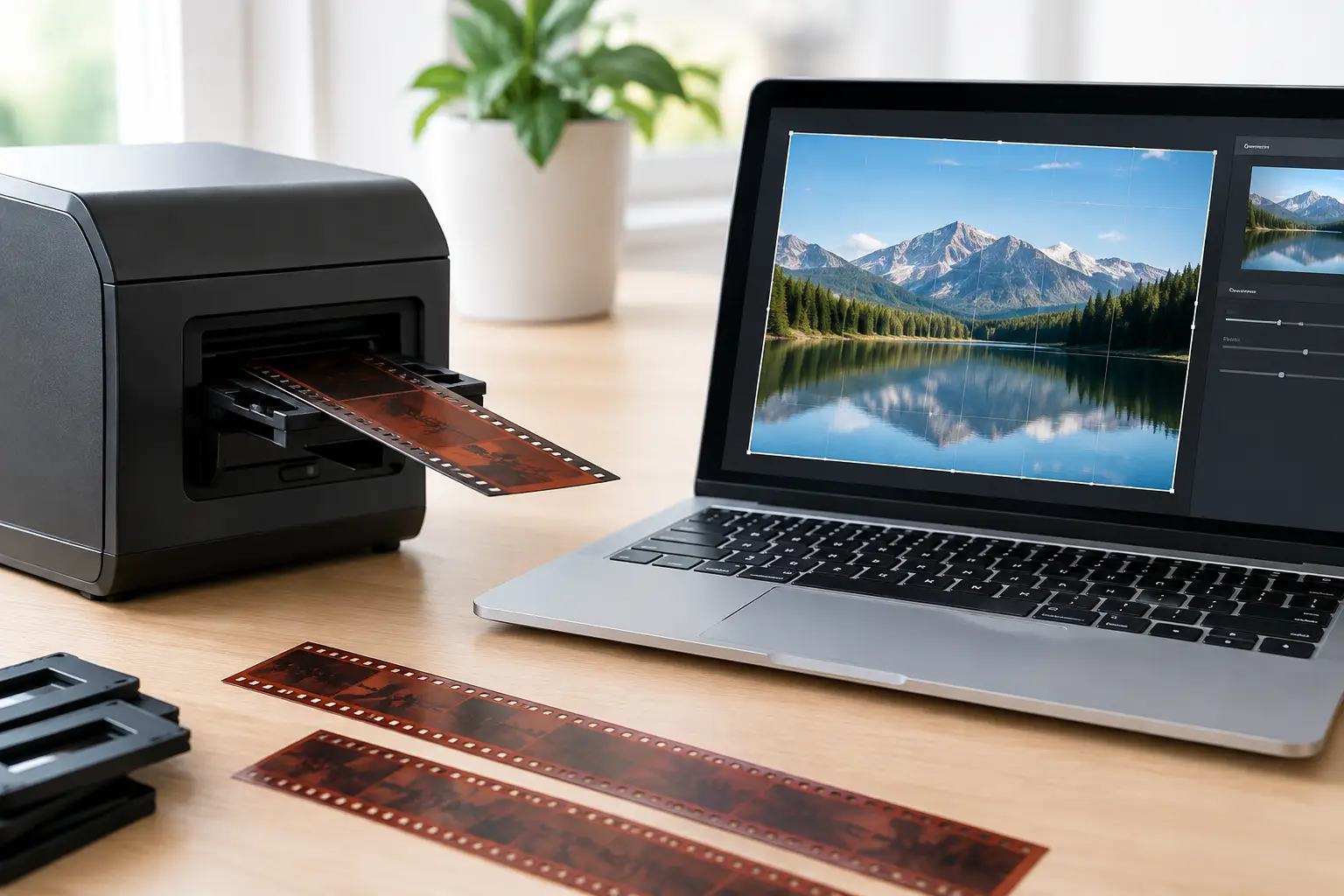
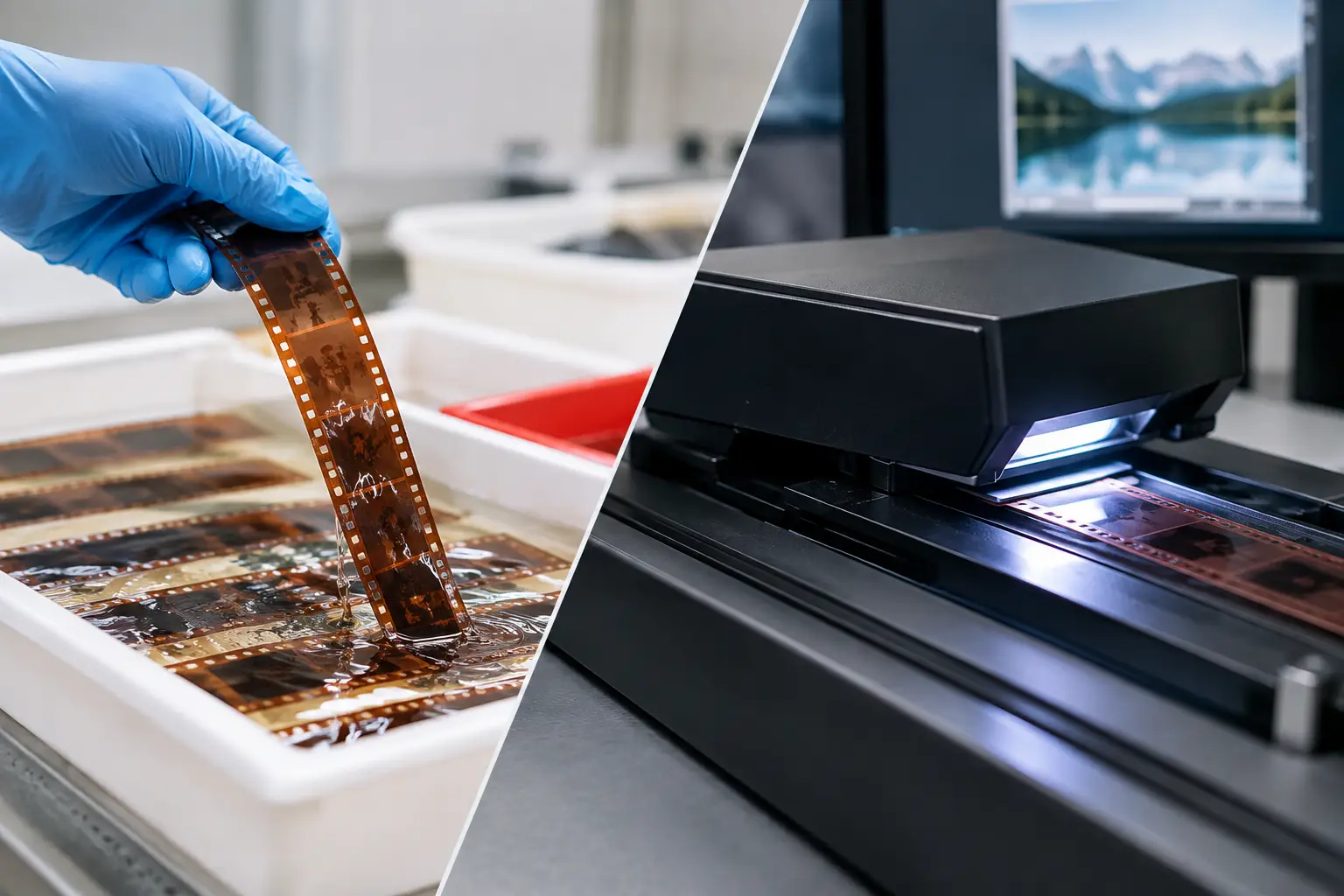
Dry scanning is the standard approach. The film passes through a scanner or telecine path in air, and the camera records the image as it exists on the film. Dust, abrasions, fingerprints, emulsion damage, base scratches, and splice residue can all be visible. A careful cleaning pass reduces loose contamination, but it does not remove scratches already embedded in or on the film base.
Wet-gate scanning introduces a fluid with a refractive index close to that of the film base. The liquid fills many surface scratches while the film passes through the imaging area. Because light is no longer scattered as strongly by those scratches, they become far less visible in the captured image. The result can be striking on heavily handled reversal originals, worn 16 mm prints, and films marked by projector abrasion.
The key word is surface. Wet gate is most effective on scratches and scuffs on the base side of the film. It cannot repair emulsion-side damage, missing image information, deep gouges, mold etching, dye fade, unstable exposure, or physical warping. It is a capture technique, not restoration in the broader sense.
What a Wet Gate Does Well
When base scratches dominate the image, wet gate provides an advantage that no purely digital filter can perfectly duplicate. It suppresses defects before they enter the file, which means image processing does not need to guess what belongs behind a bright scratch. Fine detail, grain structure, and edge definition can survive more naturally than they might after aggressive digital scratch removal.
This matters when working with small-gauge film. A scratch that seems narrow on a Super 8 frame can occupy a meaningful portion of the image once enlarged for HD or 4K delivery. If that scratch runs continuously through a face, title, or sky, frame-by-frame repair or temporal filtering can become time-consuming and may leave artifacts.
Wet gate is especially relevant in a few cases:
- archival prints with long, consistent base-side projector scratches;
- high-value originals where minimal digital intervention is preferred;
- commercial jobs where cleanup labor would exceed the cost of wet-gate capture;
- material intended for premium restoration, projection, or large-screen presentation.
It also produces a cleaner source for subsequent stabilization, color work, grain management, and encoding. A scratch-free source lets restoration tools concentrate on defects they can address effectively, such as isolated dirt, flicker, weave, or color imbalance.
The Operational Costs of Wet-Gate Capture
Wet gate is not a free improvement button. It requires specialized equipment, appropriate fluid handling, ventilation, maintenance, and an operator who understands film condition. The film must be inspected carefully before it enters a wet system. Damaged splices, curled film, brittle stock, residue, and contamination can complicate handling.
Some films should not be wet-gated without expert evaluation. Shrinkage, vinegar syndrome, active mold, weakened perforations, and unknown prior treatments raise the risk. Fluid can also reveal issues that are less obvious in a dry path, including poor splices or surface contamination that needs proper cleaning first.
There is a throughput consideration as well. Wet-gate scanning can involve more setup, cleaning, drying, and quality control than dry scanning. For a large family archive with mostly clean reels and only occasional scratches, the cost and delay may not be justified. A good dry scan followed by targeted restoration can be the more efficient choice.
Most importantly, wet gate does not remove the need for inspection. It can mask base scratches, but it cannot tell an operator whether a reel is physically stable enough to scan safely. Preservation begins with condition assessment, not with the imaging method.
Why Dry Scanning Remains the Practical Default
Dry scanning gives you a direct, repeatable representation of the film and is widely available across consumer, prosumer, and professional systems. It is usually faster to schedule, less expensive to perform, and simpler to integrate into a batch workflow. For many 8 mm and Super 8 collections, those practical advantages outweigh the benefit of wet gate.
A high-quality dry scan is not the same as an untreated scan. Proper preparation matters. Gentle cleaning, reel inspection, splice repair, correct film tension, stable registration, and a capture format that preserves adequate bit depth and chroma information set the foundation for successful restoration.
Once captured, modern film-specific processing can address a wide range of remaining problems. Temporal dirt removal can reduce transient dust and small spots. Motion-compensated methods can preserve moving subjects while distinguishing them from dirt. Perforation-based stabilization can correct frame movement caused by shrunken stock or imperfect transport. Color tools can recover a neutral balance without flattening the original palette.
This is where a dry-scan workflow becomes highly capable. In AvyScan Lab, a scanned source can be previewed and processed through a visual restoration pipeline using tools such as RemoveDirtMC, MVTools2-based stabilization, Perfo Lock, color correction, splice cleanup, and professional export options including FFV1, x264, and x265. The objective is not to make every reel look artificially new. It is to reduce distracting defects while retaining the texture and character of the original film.
Digital Cleanup Cannot Replace Every Wet-Gate Benefit
A common assumption is that scanning dry at the highest possible resolution makes wet gate unnecessary. Resolution helps, but it does not solve the underlying problem. A sharp scan records scratches sharply too. Digital restoration can then reduce them, but the software has to infer image information obscured by the defect.
For isolated scratches or short damaged sections, this is often entirely manageable. A restoration workflow can remove or attenuate the defect with limited impact on the surrounding image. For continuous, heavy base scratching across thousands of frames, the trade-off changes. Strong filtering may soften grain, create motion artifacts, or require manual correction beyond the scope of an efficient project.
Wet gate reduces that burden at the source. Dry scanning preserves flexibility and accessibility. The correct decision depends on the extent and type of damage, not on a general belief that one workflow is more professional than the other.
Choose the Capture Method by the Film’s Condition
For clean or moderately dusty home movies, dry scanning is usually the sensible starting point. Capture a high-quality master, retain sufficient latitude for correction, and inspect a representative section before committing to automated processing. If dust is intermittent and scratches are minor, restoration software can produce a substantial improvement without excessive filtering.
For reels with persistent base-side scratches, especially if they are prominent in bright scenes or run through important faces and titles, request a wet-gate test scan if the service is available. A short comparison from the same scene is more informative than a specification sheet. Evaluate texture, fine detail, shadow areas, and whether the apparent improvement holds across the reel.
For historically significant, unique, or commercially valuable films, consider preservation and access as separate deliverables. A high-bit-depth dry scan may be useful as a documentary record of the physical object. A wet-gate scan or restored derivative may be better for viewing and presentation. Maintaining both is often more valuable than forcing one file to serve every purpose.
Sound film deserves its own planning. If a Super 8 or 16 mm reel includes magnetic or optical sound, confirm that the chosen capture workflow handles image and audio synchronization correctly. Surface cleanup should never come at the expense of reliable sync or complete frame coverage.
Build the Restoration Workflow After the Scan
Whether the film is scanned wet or dry, avoid applying broad correction presets without reviewing the footage. Start by stabilizing mechanical movement where necessary. Then address dirt, scratches, flicker, exposure variation, and color in an order that allows each operation to work from the cleanest possible source. Grain reduction should be conservative, particularly on small-gauge film where grain is part of the image structure and aggressive filtering can erase facial detail or fabric texture.
Keep a high-quality master before delivery encoding. For preservation, a lossless or near-lossless format and minimal irreversible processing provide room for future work. For viewing copies, encode versions suited to the destination while retaining the restored master. That separation prevents a compressed delivery file from becoming the only surviving result of a careful restoration.
The best test is not whether a scan looks cleaner in a paused frame. Watch it in motion. If the film feels stable, natural, and faithful to the photographed scene, the workflow is doing its job. Let the condition of the reel, not the appeal of a single technique, determine whether wet gate, dry scanning, or a combination of both earns its place in the project.