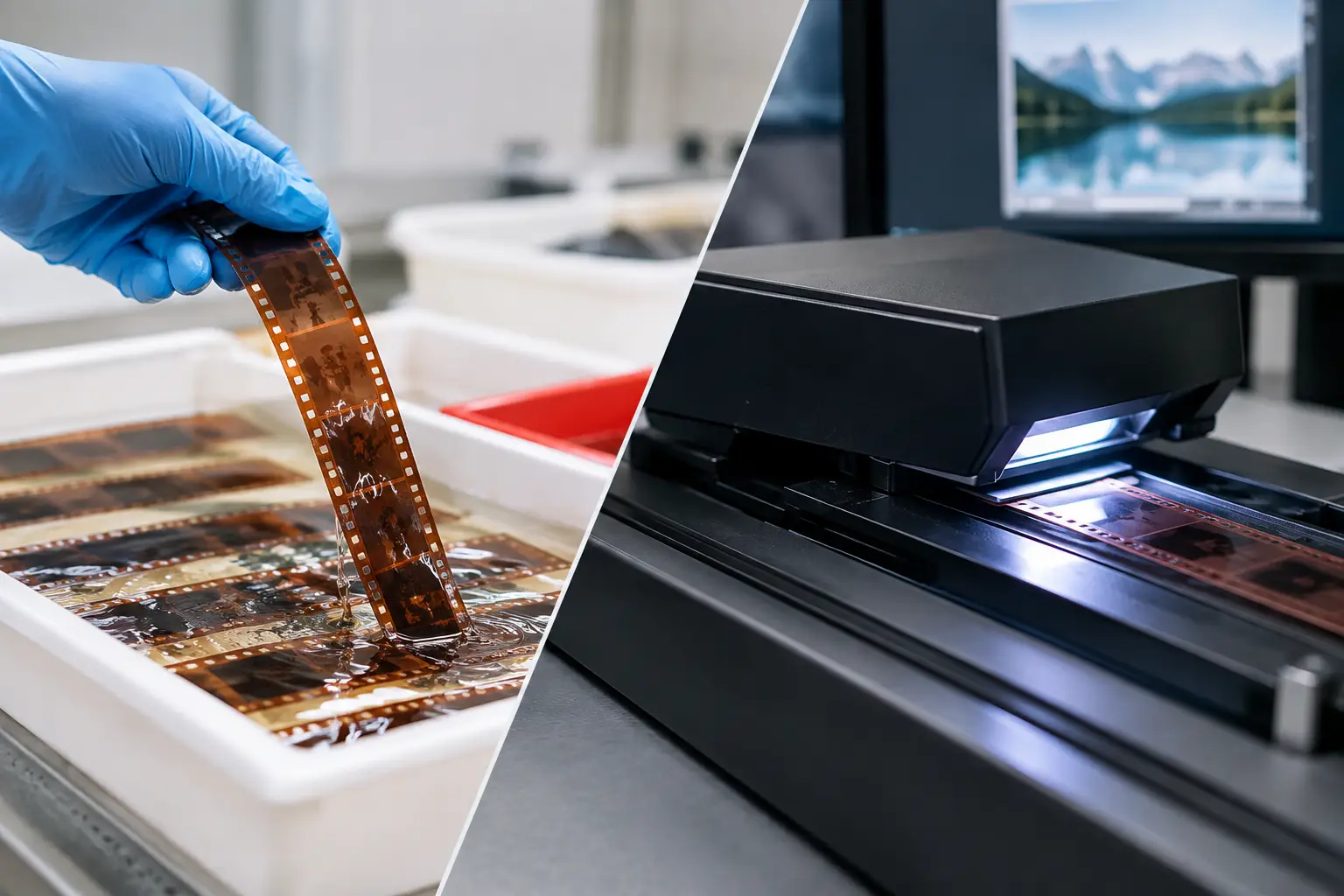
A box of family films can contain two reels that look nearly identical at a glance, yet demand different handling before restoration begins. The practical difference in 8mm versus super 8 formats starts at the film gate: Super 8 devotes more of the strip to the image, while Regular 8 uses larger perforations and a smaller frame. That difference affects identification, scan framing, stabilization, grain management, and the amount of real image detail available for a modern master.
For archivists, collectors, and transfer providers, this is not a naming detail. Applying the wrong assumptions can crop picture information, produce unstable results, or encourage processing that treats a film’s natural texture as a defect. The first task is to identify the stock correctly. The next is to build a restoration pipeline around what the scan actually contains.
Why 8mm and Super 8 Are Often Confused
“8mm” is commonly used as a catch-all term for small-gauge home movies. Strictly speaking, it usually means Regular 8, also called Standard 8 or Double 8. Double 8 film was originally manufactured as 16 mm stock. It was exposed down one side, flipped in the camera, exposed down the other side, then split lengthwise during processing into two 8 mm strips.
Super 8 arrived in 1965 as a newer amateur format built around easier loading and a larger image area. Its film is also 8 mm wide, which explains the confusion, but it is not interchangeable with Regular 8 in a camera, projector, scanner gate, or cartridge system.
There is a third format that can complicate identification: Single-8. It has the same basic image dimensions as Super 8 but uses a different cassette design and polyester base. For restoration purposes, Single-8 should generally be handled as a Super 8 image format while its physical condition and splice behavior are assessed separately.
8mm Versus Super 8 Formats: The Physical Difference
Perforations determine the frame geometry
The quickest technical distinction is the perforation. Regular 8 has relatively large sprocket holes. Super 8 uses smaller perforations, allowing a wider frame on the same 8 mm strip. The Super 8 frame is approximately 50 percent larger in area than the Regular 8 frame.
That additional image area matters, especially when the original footage was well exposed and focused. Super 8 can retain more visible facial detail, background texture, and composition at the same scan resolution. Regular 8 can still look excellent, but it begins with less negative or reversal image area. A restoration workflow should respect that limit rather than invent sharpness through aggressive edge enhancement.
The frame shape differs as well. Regular 8 is closer to a 1.33:1 image, while Super 8 is slightly wider, around 1.36:1. The numerical difference is small, but an incorrect scan mask or crop can remove information at the edges. Before committing to a batch job, inspect representative frames for sprocket intrusion, black gate edges, and accidental trimming of titles or off-center subjects.
Reel loading versus cartridges
Regular 8 was generally loaded on daylight spools. The operator threaded the camera, often flipped the reel halfway through its run, and relied on careful handling at every stage. As a result, many Regular 8 collections show evidence of manual use: uneven leader, cement splices, tape repairs, edge damage, and exposure changes between the two passes of a Double 8 roll.
Super 8 was designed around the cartridge. Loading became much simpler, which helped expand amateur filmmaking, but the format introduced its own mechanical fingerprints. Cartridge pressure plates, camera transport tolerances, and aging film can contribute to frame jitter or unsteady registration. A scan may be sharp yet still look nervous because the image moves relative to the perforations.
Neither format is automatically easier to restore. The condition of the individual reel matters more than its label. Still, knowing the format helps explain the defects seen in the scan.
What the Difference Means for Scanning
A scanner should be configured for the actual frame and perforation geometry, not simply for “8 mm.” The scan must capture the full usable image while leaving enough boundary information for alignment and later inspection. Overscan can be useful during restoration because it preserves edge data, but delivery masters usually need a clean, deliberate crop.
For Super 8, the larger frame can justify a higher-resolution scan when the footage contains fine detail worth preserving. For Regular 8, high-resolution capture is still valuable for accurate stabilization, dirt repair, and archival retention, even if the final image has less native detail. Resolution is not only about apparent sharpness. It also determines how precisely dust, scratches, weave, and splice artifacts can be analyzed.
Frame rate requires equal care. Silent Regular 8 and silent Super 8 are often associated with 16 or 18 frames per second, but actual camera speeds vary. Some cameras offered 9, 12, 24, or other settings. Sound Super 8 commonly ran at 18 or 24 fps. Never assume a playback speed from the gauge alone. Evaluate motion, camera movement, and any surviving sound reference before choosing a conform rate.
Sound Film Needs Separate Attention
Super 8 was widely used for magnetic sound film, typically with a main stripe and, on some stocks, a balance stripe. The sound head in a projector sits several frames away from the picture gate, so projection systems rely on a fixed offset between image and audio. A scanned picture and separately captured soundtrack must be synchronized using that offset, then checked against real events such as claps, doors, speech, or musical beats.
Regular 8 sound film also exists, but it is less common in many home-movie collections. Do not treat the absence of a visible stripe as proof that a reel is silent. Inspect the film and its container, and document any soundtrack before cleaning or repair work begins.
When a reel includes audio, image restoration must avoid introducing timing changes. Stabilization, frame interpolation, dropped-frame correction, and speed conversion can all affect sync if they are applied without a clear timing strategy. Preserve a reference master before editorial changes.
Restoration Priorities for Each Gauge
Both formats respond well to a restoration pipeline that separates mechanical correction from cosmetic correction. Registration should be addressed before temporal dust removal. If the image is moving from frame to frame, a dirt filter can mistake motion at the edges for contamination, while unstable grain can make denoising appear inconsistent.
For films with visible perforations or stable edge information, perforation-based stabilization provides a dependable reference. In AvyScan Lab, Perfo Lock is designed for this type of work, anchoring the image to the film’s physical transport rather than asking a generic video stabilizer to infer the intended movement. This is especially useful on Super 8 scans with cartridge-related weave and on Regular 8 material with inconsistent projection-era transfers.
Dust and spot removal should be conservative. Small-gauge reversal film often has pronounced grain, and that grain is part of the image structure. Temporal tools such as RemoveDirtMC can reduce isolated dust and flicker when tuned carefully, but settings that are too strong can smear hair, fabric, foliage, and fine lettering. A clean image that has lost its photographic character is not a successful restoration.
Splices deserve their own treatment. Regular 8 reels frequently contain old cement joins or tape splices, while Super 8 home edits may include abrupt joins made with consumer splicers. These can create flashes, frame jumps, density shifts, or short sections of damaged emulsion. Splice cleanup works best when the splice is identified, previewed, and corrected locally rather than hidden by broad filtering across the entire reel.
Color correction also depends on the stock’s condition, not the format name. Faded Super 8 color reversal often carries a strong red or magenta cast, while older Regular 8 footage may suffer from uneven exposure, yellowing, or monochrome density variation. Correct the black point, highlight headroom, and channel balance with reference to skin tones, neutral objects, and consistent scenes. A neutral grade is not always historically accurate, but a stable and intentional grade is preferable to automatic correction that shifts from shot to shot.
Build Deliverables Around the Archive, Not the Projector
The restoration master should preserve as much useful information as possible. For serious archival work, a high-quality intermediate such as FFV1 or another suitable mezzanine format can retain image detail for future processing. Delivery copies can then be encoded for viewing, client review, or editing in formats appropriate to the destination.
Avoid baking every creative decision into the only surviving file. Keep the raw scan, the restored master, and a documented record of crop, frame rate, stabilization, color, and repair settings. Batch processing is valuable for collections with similar material, but each reel still needs a visual quality check. A roll shot in bright daylight behaves very differently from a dim indoor birthday party, even when both came from the same camera.
The most useful decision is not whether Regular 8 or Super 8 is “better.” It is to identify what is on the bench, preserve the image area it actually contains, and let the restoration serve the film rather than force it into a generic video workflow.