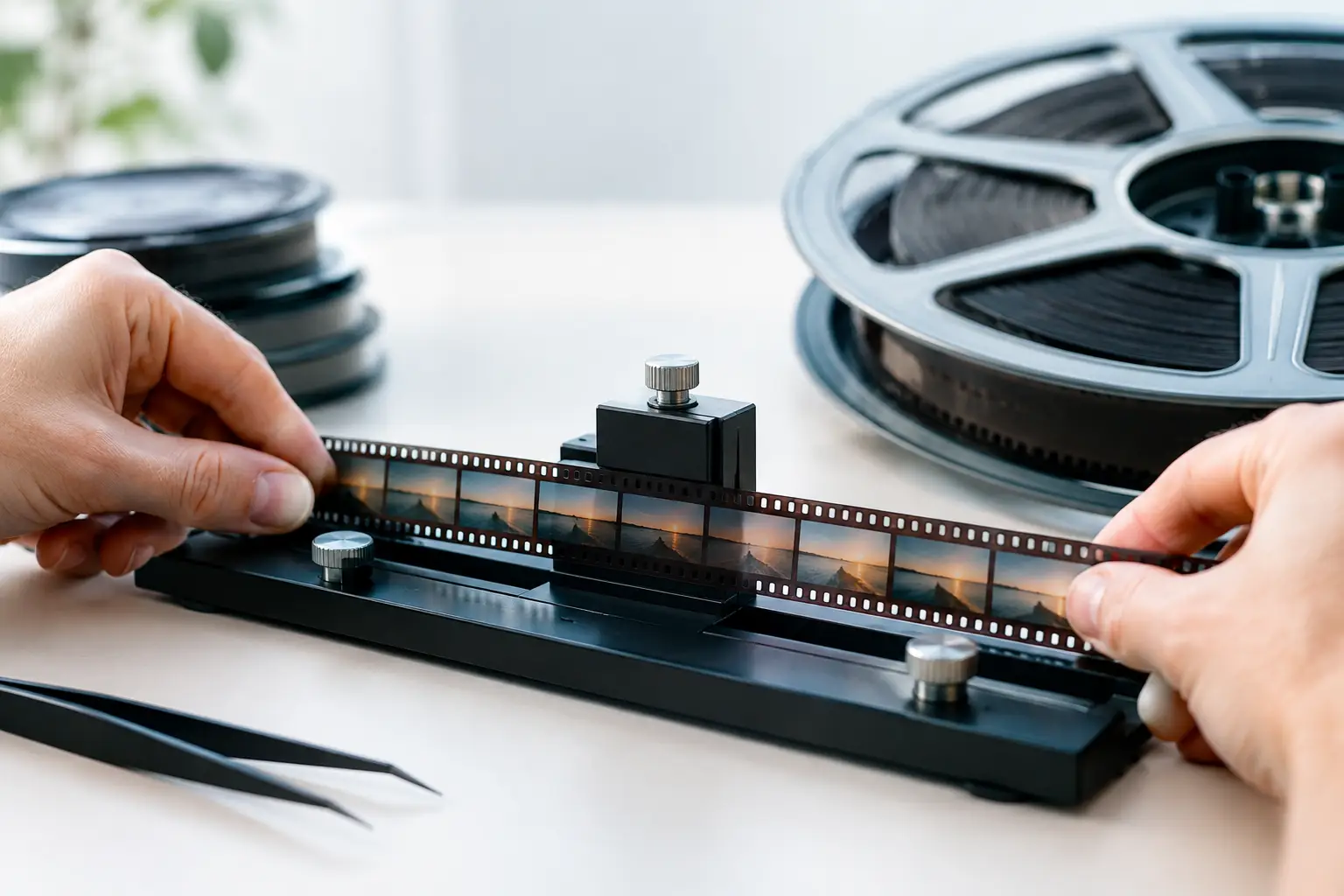
A family scene shot on reversal film can look perfectly exposed for three seconds, then brighten, darken, or pulse for no apparent reason. To correct film exposure fluctuations effectively, the restoration workflow must distinguish between accidental density variation and intentional changes in the original photography. The goal is not a uniformly flat image. It is stable brightness that preserves the film’s exposure decisions, contrast, and period character.
This distinction matters particularly with 8mm, Super 8, 9.5mm, and 16mm scans. Small-gauge film often carries decades of storage history, camera irregularities, uneven development, and scanner behavior. A broad correction can make a shot technically smoother while erasing the lighting transition that made it believable. A controlled, shot-aware pipeline produces a far better result.
What Causes Exposure Fluctuations in Film Scans?
Exposure flicker is often blamed on the scanner, but the source may be anywhere in the film’s history. Consumer cameras can vary their aperture response from frame to frame, especially in scenes with strong backlight or changing subject placement. Aging auto-exposure mechanisms may hunt visibly. A projector-transfer workflow can add lamp instability, while frame-by-frame scanners may reveal variations already embedded in the emulsion.
Film stock and processing introduce their own variables. Reversal stocks can show density shifts after uneven processing or long-term fading. Splices may join sections with different exposure or different film batches. Some reels contain camera stops, rewound passages, and reshot material, each with its own density baseline. A reel digitized as one continuous clip can therefore contain several distinct correction problems.
There is also a difference between luma fluctuation and color fluctuation. Brightness may remain nearly stable while the image shifts toward cyan, magenta, yellow, or green. Conversely, an apparent color shift may simply be a density swing affecting the channels unevenly. Treating every issue as generic brightness flicker often produces gray blacks, clipped highlights, or unstable skin tones.
Diagnose Before You Correct Film Exposure Fluctuations
Start with the cleanest practical source scan. If the scan has severe gate weave, dust bursts, splice flashes, or transport-related frame jumps, address those defects before judging exposure. A white splice frame or a dark damaged frame can mislead an automatic temporal filter and cause it to brighten or darken neighboring frames.
Preview the footage at normal speed and then inspect suspicious passages frame by frame. Determine whether the variation occurs across an entire shot, at regular intervals, only around edits, or during camera movement. Regular pulsing may point to scanner illumination or exposure instability. A gradual drift may be a faded section, an in-camera aperture change, or an actual lighting change such as clouds crossing the sun.
It helps to divide the material into three practical categories. First, there are single-frame or brief flashes around splices and damage. Second, there is repetitive flicker within an otherwise continuous shot. Third, there are real changes in exposure or scene lighting that should remain visible but may need gentle balancing. Each requires a different correction strength and temporal range.
Do not rely only on waveform data. A waveform can show the fluctuation, but it cannot tell you whether a child stepping from a porch into direct sunlight was meant to brighten. Use scopes to confirm a diagnosis, then use the picture and the shot context to make the decision.
Establish a Reference Level Per Shot
For each shot, identify frames that represent the intended exposure. Look for stable midtones, protected highlight detail, and plausible black levels. Faces, neutral clothing, pavement, clouds, and interior walls can help, but none is a universal reference. A white dress under noon sun should not be forced down to middle gray, and a dim living room should not be graded like an exterior.
When a reel contains an edit between differently exposed scenes, treat the transition as a scene cut. Correct each side independently. Trying to force a continuous match across the cut makes the edit more obvious, not less. The objective is consistency within the shot and credible relationships between adjacent shots.
Build the Correction in the Right Order
A restoration pipeline is most reliable when it handles mechanical and transient defects before temporal exposure balancing. Stabilization by perforation, such as a Perfo Lock workflow, should generally occur early because image movement changes what a temporal algorithm compares from frame to frame. Likewise, isolate or repair obvious splice flashes before applying a flicker filter across the cut.
Dust and dirt removal should be tuned with restraint. Heavy temporal cleaning can soften fine grain and alter frame-to-frame texture, making exposure pulsing appear worse or causing the correction to chase artifacts. Tools based on motion-compensated processing, including workflows built around MVTools2 and RemoveDirtMC, can be effective when their settings respect motion and film grain. They are not substitutes for exposure analysis.
Once the image is stable enough for comparison, correct broad color casts and severe channel imbalance before fine flicker work. If a faded section has a strong cyan cast, luma-only correction may leave it brighter but still visually wrong. Channel-aware color balancing and gamma control, including a GamMac-style adjustment where appropriate, can establish a reasonable baseline without crushing the tonal range.
Then apply temporal exposure correction to the smallest affected range. A mild correction over several frames can smooth an annoying pulse while retaining natural changes in illumination. A stronger correction may be justified for a scanner-induced rhythmic flicker, but it must be checked on motion, faces, skies, and textured backgrounds. The correction should follow the footage only where the footage is demonstrably unstable.
Use Temporal Filtering Without Creating New Artifacts
Temporal exposure correction compares neighboring frames, so motion is its central challenge. A person passing in front of a bright window changes the average brightness of the frame. A filter that blindly normalizes the whole image may brighten the room or darken the person, producing a visible breathing effect. The same risk appears with pans across alternating dark and light subjects.
Short temporal windows are safer around active motion, handheld shots, and changing light. Longer windows can work well on locked-off scenes with constant composition and repetitive flicker. There is no single setting that fits a full reel. Split the footage at meaningful scene changes, then use separate corrections where the image behavior changes.
Watch for three common artifacts. First, blacks may rise and fall even after highlights look stable. Second, saturation can pulse when RGB channels are not treated consistently. Third, grain can appear to shimmer because the correction is altering the apparent density of every frame. If grain becomes more distracting after correction, reduce the strength, narrow the temporal range, or revise the pre-correction color balance.
Preserving highlight detail is usually more valuable than forcing a bright image. Small-gauge reversal film often has limited latitude, and once a scan clips a window, chrome, or white clothing, no exposure filter can reconstruct the missing information. Set levels to protect what is present, then stabilize the remaining tonal variation.
A Practical Workflow for Mixed-Reel Archives
For archival reels with multiple scenes, work in passes rather than attempting every repair at once. First, organize the scan into shots and flag splices, flashes, and major density shifts. Next, stabilize the frame position and remove defects that would contaminate temporal analysis. Establish a neutral color and contrast baseline for each shot, then perform the minimum flicker correction needed for stable playback.
After every major adjustment, preview in real time at normal viewing speed. Frame-by-frame inspection finds damage; normal-speed playback reveals whether the correction feels natural. A technically smooth waveform is not enough if the image now breathes during a pan or if a sunset no longer looks like a sunset.
For masters, retain a high-quality intermediate that preserves the scan’s available information. FFV1 is a practical archival option, while a high-bit-depth mezzanine codec may suit postproduction. If the source supports it, maintain chroma 4:2:2 or 4:4:4 through correction rather than reducing chroma early. Deliverable versions can then be encoded separately with x264 or x265 according to their intended use.
AvyScan Lab is designed for this kind of staged workflow: specialized film cleanup, perforation-based stabilization, color adjustment, real-time preview, and controlled encoding are available in one visual environment rather than scattered across generic video tools.
When Not to Remove the Variation
Not every brightness change is a defect. Auto-exposure ramps, a camera entering shade, a fade, a flashlight sweep, and changing daylight can all be part of the original event. Removing them can make historical footage feel artificial and can misrepresent how it was filmed.
The strongest restoration decisions are often conservative. Correct the pulse that distracts from the image, protect the texture and tonal limits of the original stock, and leave intentional light where it belongs. A stable scan should still look like film, not like a modern video image forced into uniform exposure.