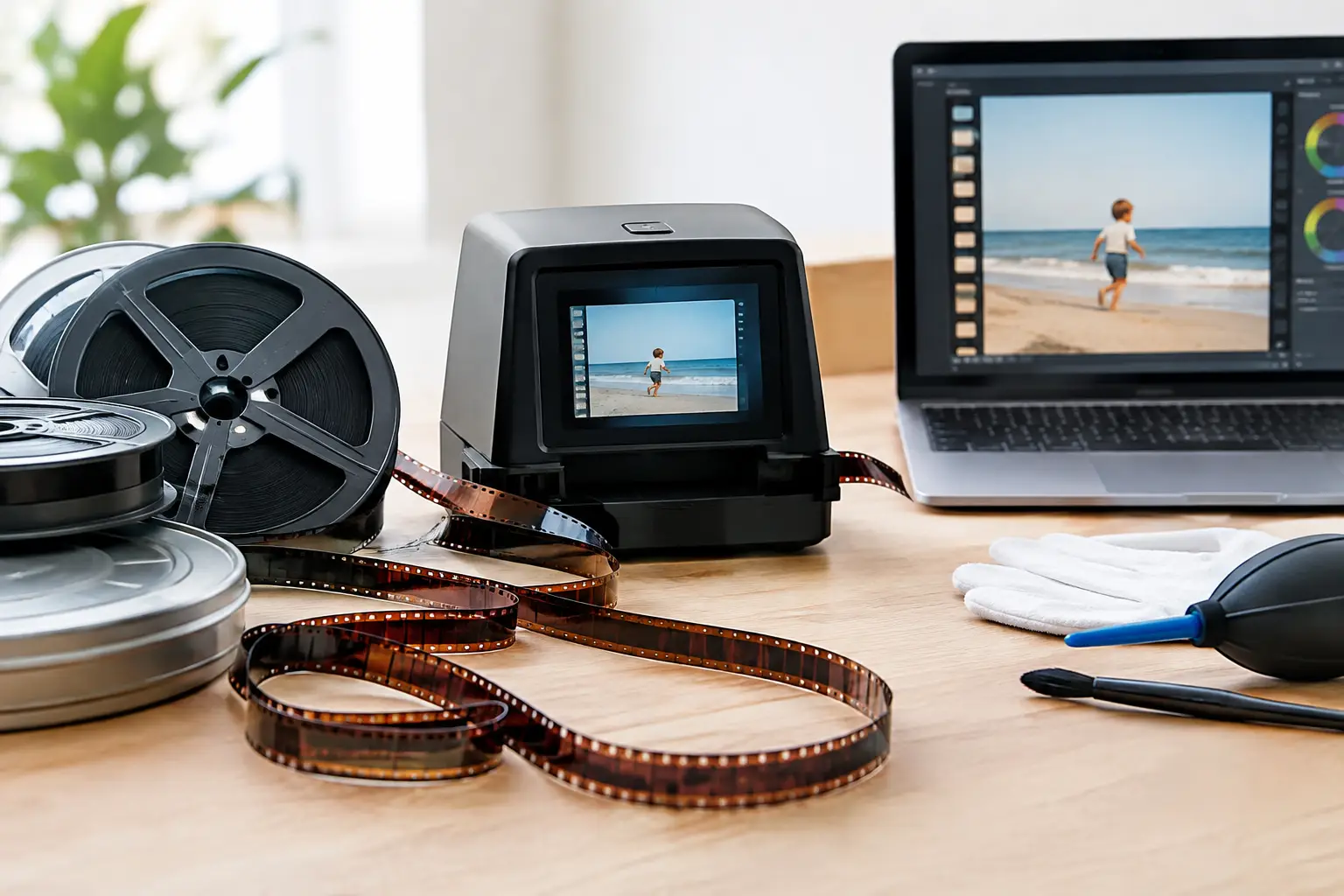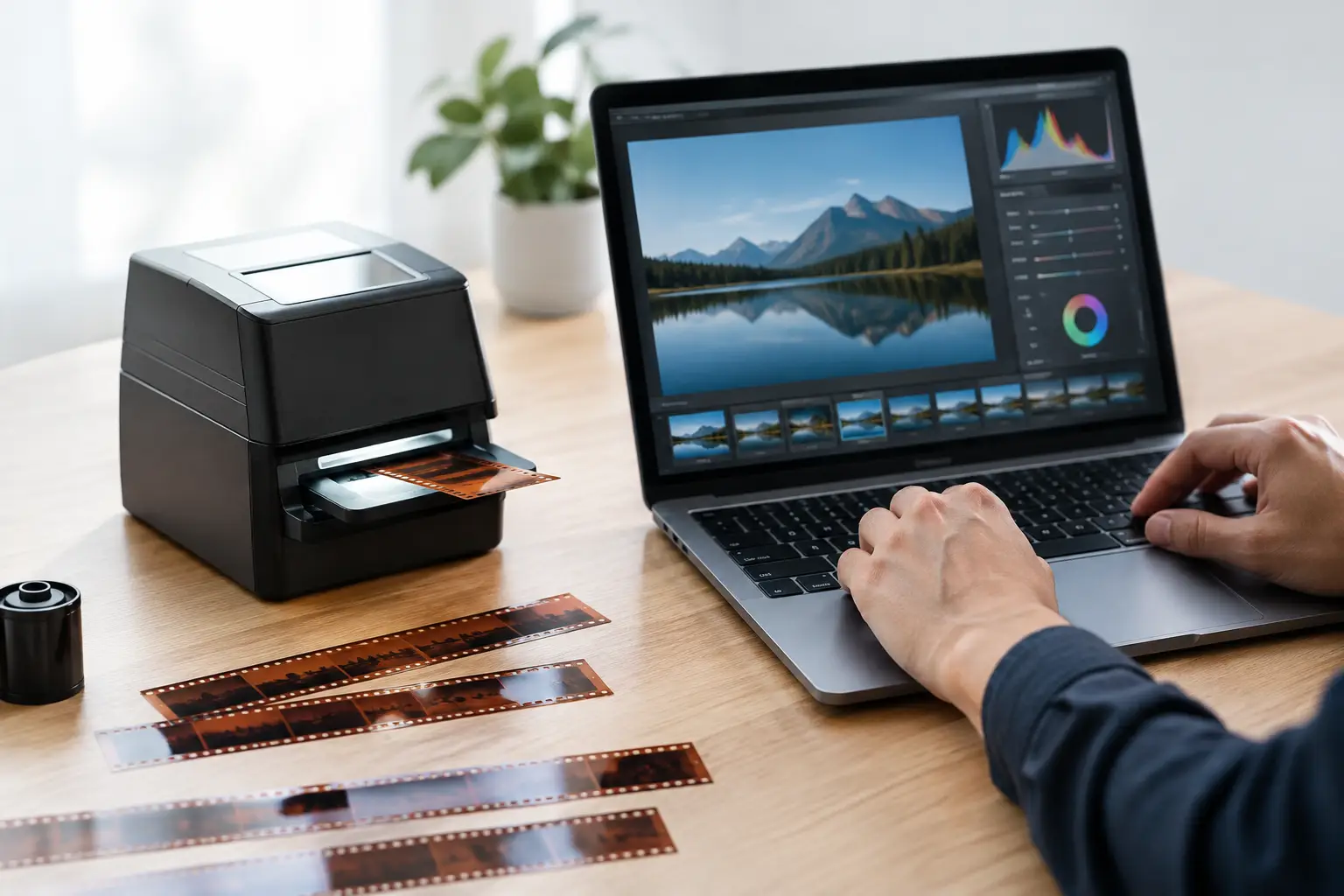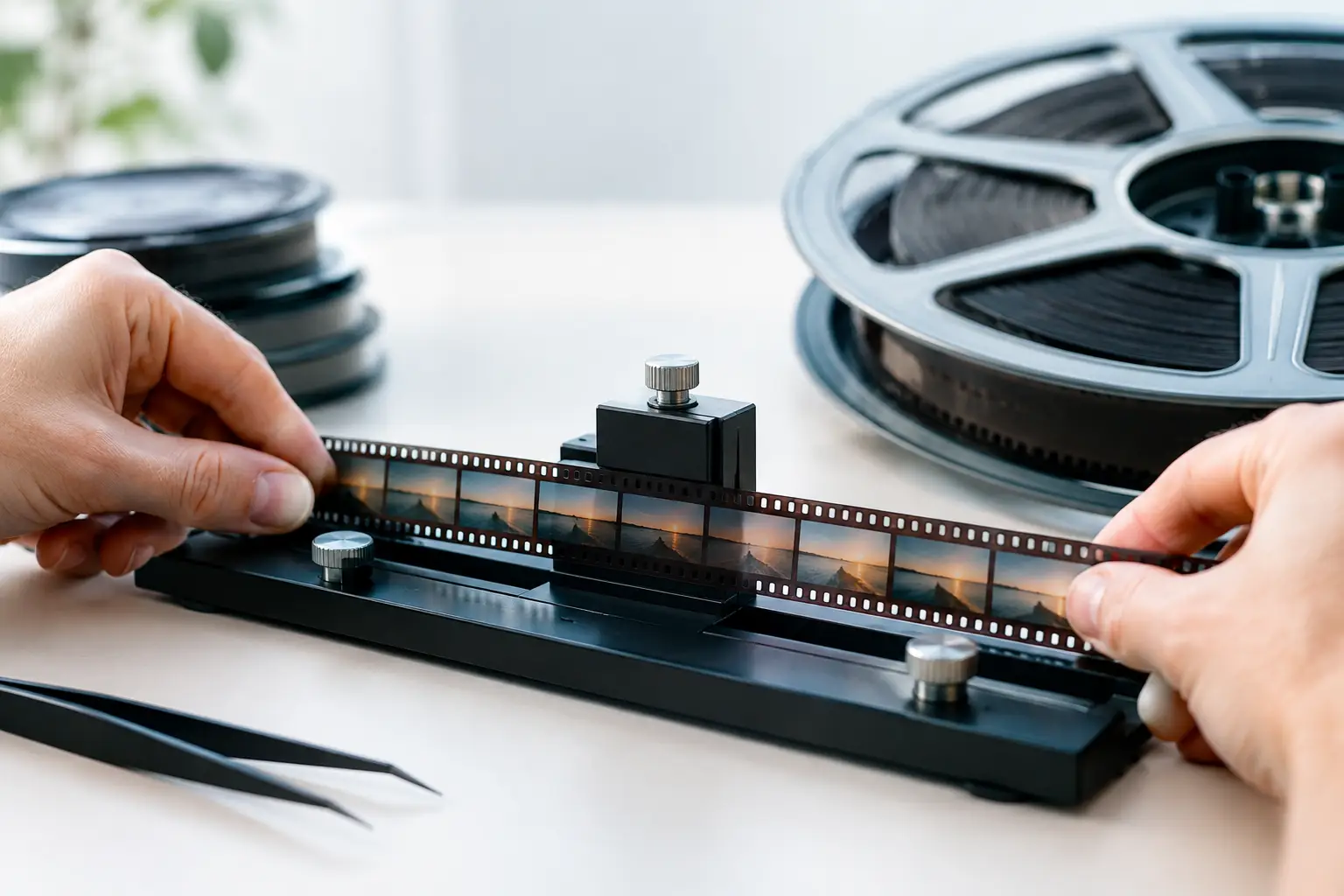
A scan can be sharp, clean, and correctly exposed yet still feel unusable when the image drifts a few pixels from frame to frame. This guide to film frame alignment addresses that mechanical problem at its source: defining a stable reference, separating true camera motion from transport error, and applying correction without damaging the film’s original composition.
Film frame alignment is not simply a matter of making every shot stand still. Home movies often contain handheld pans, tripod adjustments, zooms, and intentional movement. The objective is to remove unintentional gate weave and frame jitter while preserving the movement recorded by the camera. That distinction determines whether restoration looks convincing or artificially locked down.
What Film Frame Alignment Actually Corrects
A motion-picture frame has several possible reference points: the photographed image, the frame edge, the perforation, and, on some scans, the optical soundtrack area. Each behaves differently. The image may move because the camera moved. The frame edge may be irregular because of shrinkage, poor scanning, or a damaged reel. The perforation is usually the most reliable mechanical reference when it is visible and intact.
Alignment correction compensates for frame-to-frame displacement in the horizontal and vertical axes. Depending on the source and scanner, it may also need to address slight rotation, scale variation, or a repeating registration pattern caused by the transport mechanism. On 8 mm, Super 8, 9.5 mm, and 16 mm material, even modest weave becomes obvious after digitization because modern displays make stationary objects appear to jump.
The result should be a stable viewing window, not a cropped or overprocessed image. If correction requires excessive enlargement, it can discard picture information at the frame boundaries. If the analysis follows image content too aggressively, it can mistake a moving subject for camera shake. A good workflow always begins with diagnosis rather than immediately applying the strongest stabilization setting.
Guide to Film Frame Alignment: Start With the Scan
Frame alignment works best when the scan preserves enough information around the photographed image. Overscan is especially valuable. It records part of the film border and, where possible, the perforation area, giving the restoration process a physical reference that does not depend on scene content.
A tightly cropped scan can still be stabilized with image-based motion estimation, but the trade-off is clear. It provides less evidence of the film’s position in the gate and increases the chance of correcting intentional camera movement. For archival work, an overscanned lossless master is generally the better starting point, even if a clean, cropped viewing copy will be exported later.
Before correction, inspect several sections of the reel at full size. Look for these distinct patterns:
- A uniform left-right or up-down oscillation that repeats throughout the reel, often caused by scanner transport or poor registration.
- Sudden vertical jumps near a splice, where tape thickness, cement residue, or a warped join disrupts transport.
- Drift that becomes worse near damaged perforations, shrunken film, or curled leaders.
- Movement only during pans, handheld shots, or zooms, which may be original camera motion rather than a defect.
This inspection tells you whether one global setting can handle the reel or whether it needs separate treatment by scene or by damaged section. A family film with a single bad splice should not receive the same aggressive correction as a reel with persistent mechanical weave from beginning to end.
Choose the Right Reference
When the perforation is visible, perforation-based alignment is usually the most precise method. It follows the physical transport reference rather than the photographed image. This is particularly effective on well-scanned Super 8 and 16 mm footage, where stable perforation detection can eliminate gate weave without flattening handheld cinematography.
The limitation is film condition. Torn, blocked, stretched, or poorly exposed perforations can confuse detection. 9.5 mm requires particular care because its central perforation layout changes the available image and reference areas. A correction system must identify the perforation consistently without allowing scratches, edge damage, or scan noise to become false targets.
When no reliable perforation data exists, image-based alignment becomes the practical alternative. Motion analysis can track stable structures such as a wall, horizon, doorway, or background texture. Tools based on motion vectors, including workflows built around MVTools2, can produce excellent results, but they require a conservative approach. Exclude cuts from analysis, avoid tracking large moving foreground objects, and test scenes with deliberate camera movement before processing an entire reel.
A hybrid workflow is often best. Use the perforation to establish mechanical registration, then apply restrained image-based correction only where residual weave remains. This avoids asking one method to solve two different problems.
Set Correction Strength Conservatively
The strongest available stabilization is rarely the best setting. Excessive correction causes edge pumping, where the crop changes visibly as the image is repositioned. It can also create a floating look in which backgrounds appear unnaturally fixed while people move through the frame.
Begin with translation only. Correct horizontal and vertical shift before enabling rotation or scale compensation. Rotation correction can be useful when a scanner introduces slight frame tilt, but it also enlarges the necessary crop and may accentuate unstable edges. Scale correction should be reserved for a clearly measurable scanning artifact, not used as a default.
Preview difficult material at normal playback speed and frame by frame. Normal speed reveals whether the image feels stable. Frame-by-frame inspection reveals whether the correction is tracking film grain, dust, a passing object, or a damaged edge instead of the actual registration reference.
For delivery, set a crop margin that covers the measured displacement plus a small safety allowance. Do not crop by guesswork. If horizontal drift is four pixels and vertical drift is six pixels, a consistent margin must account for both axes. A modest crop is usually preferable to variable edge fill, but the right choice depends on the intended output. Archive masters may retain overscan, while a presentation file may use a carefully cropped frame.
Handle Splices and Damaged Sections Separately
Splices are alignment outliers. Their thickness and stiffness can cause a one-frame or multi-frame jump that does not represent the rest of the reel. If a global stabilizer tries to absorb that jump, neighboring frames may warp or shift unnecessarily.
Treat the splice as a local event. Isolate the affected frames, clean the splice disturbance if needed, and then resume the primary alignment pass. A dedicated splice cleanup stage is useful because it addresses the transient defect before it contaminates motion analysis. The same principle applies to torn perforations, severely scratched frames, and sections where the film briefly leaves its normal path through the scanner.
Do not confuse dirt removal with alignment. Temporal dirt filters such as RemoveDirtMC can improve the consistency of a damaged scan, but they should not be used to hide registration errors. Stabilize the mechanical frame position first, then evaluate grain management, dust removal, scratch treatment, and color correction in that stabilized context. A dust spot is easier to judge when it is not jumping across the image with the frame.
Preserve the Original Cadence and Sound Sync
Alignment changes geometry, not timing. Avoid workflows that duplicate, drop, or interpolate frames merely to make movement appear smoother. A film transferred at the correct frame rate should retain its original cadence after registration correction. The goal is to keep every photographed frame in its proper order while improving its position on screen.
For sound film, maintain the existing audio timeline throughout the process. Visual alignment normally does not alter synchronization, but careless trimming around heads, tails, or splice repairs can. Check a recognizable sync point after export, especially on 16 mm material with an optical or magnetic soundtrack.
Export quality matters here because aggressive compression can introduce motion artifacts that resemble residual weave. Use an intermediate or archival codec such as FFV1 when retaining a restoration master, then create distribution copies in x264 or x265 from that master. If the source and workflow support it, preserve appropriate chroma sampling rather than forcing an unnecessary 4:2:0 conversion early in the pipeline.
Build a Repeatable Alignment Workflow
For recurring work, consistency saves more time than chasing a perfect setting on the first pass. AvyScan Lab’s perforation-oriented workflow makes it possible to preview registration behavior, tune the correction, and apply a controlled process across similar reels without writing AviSynth+ scripts by hand.
Still, batch processing should follow classification. Group reels by gauge, scanner, capture method, and condition. A stable Super 8 batch with clean perforations can share parameters. A mixed batch containing warped 8 mm, spliced 16 mm, and severely shrunken film should not. Save a working preset for each common scan profile, then validate it against a short sample before committing to a long render.
The most useful alignment result is often subtle. Viewers should notice that the film feels calmer, not that it has been transformed into digital video. When the frame is mechanically stable, the remaining grain, texture, and camera movement read as part of the original photograph - exactly where they belong.