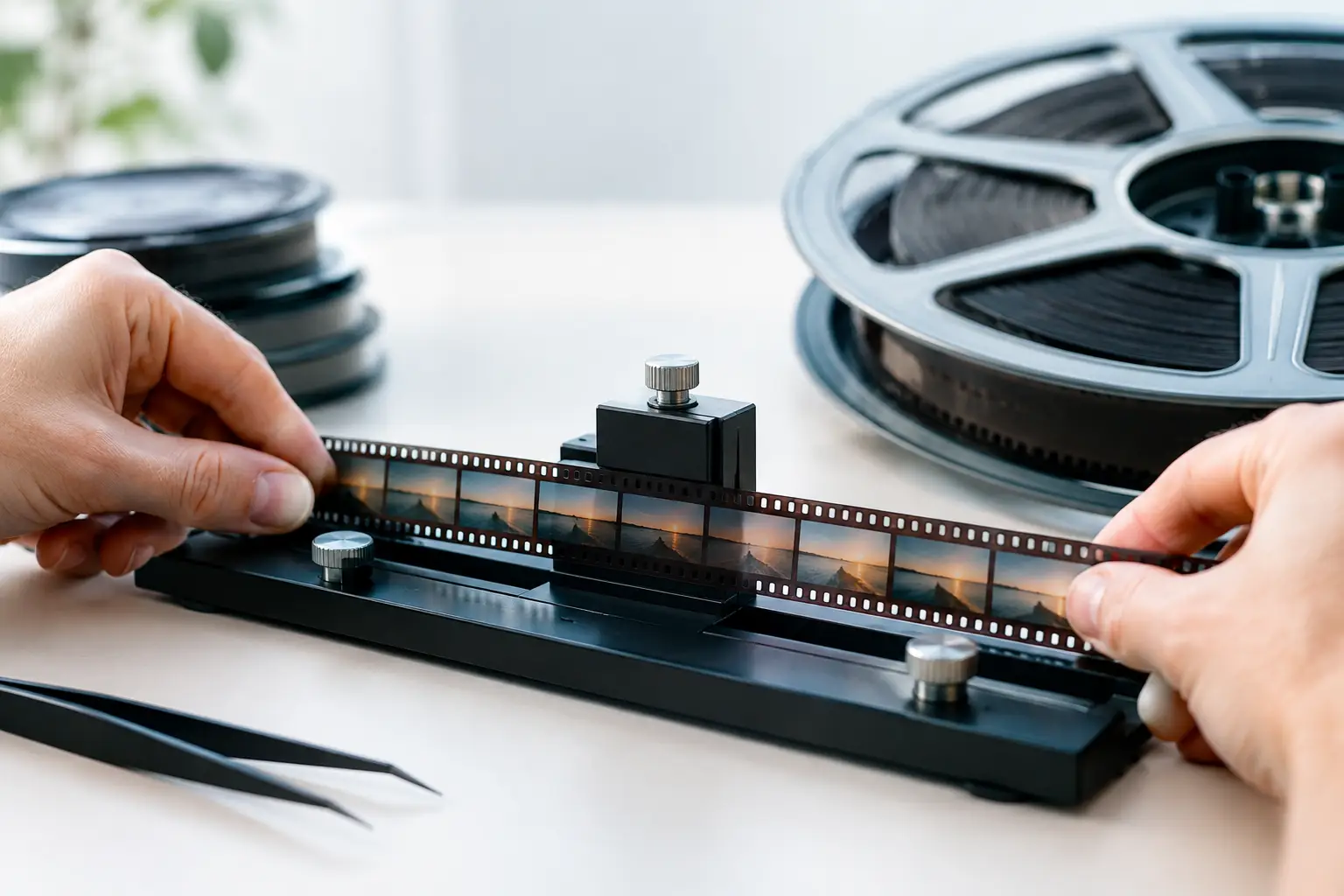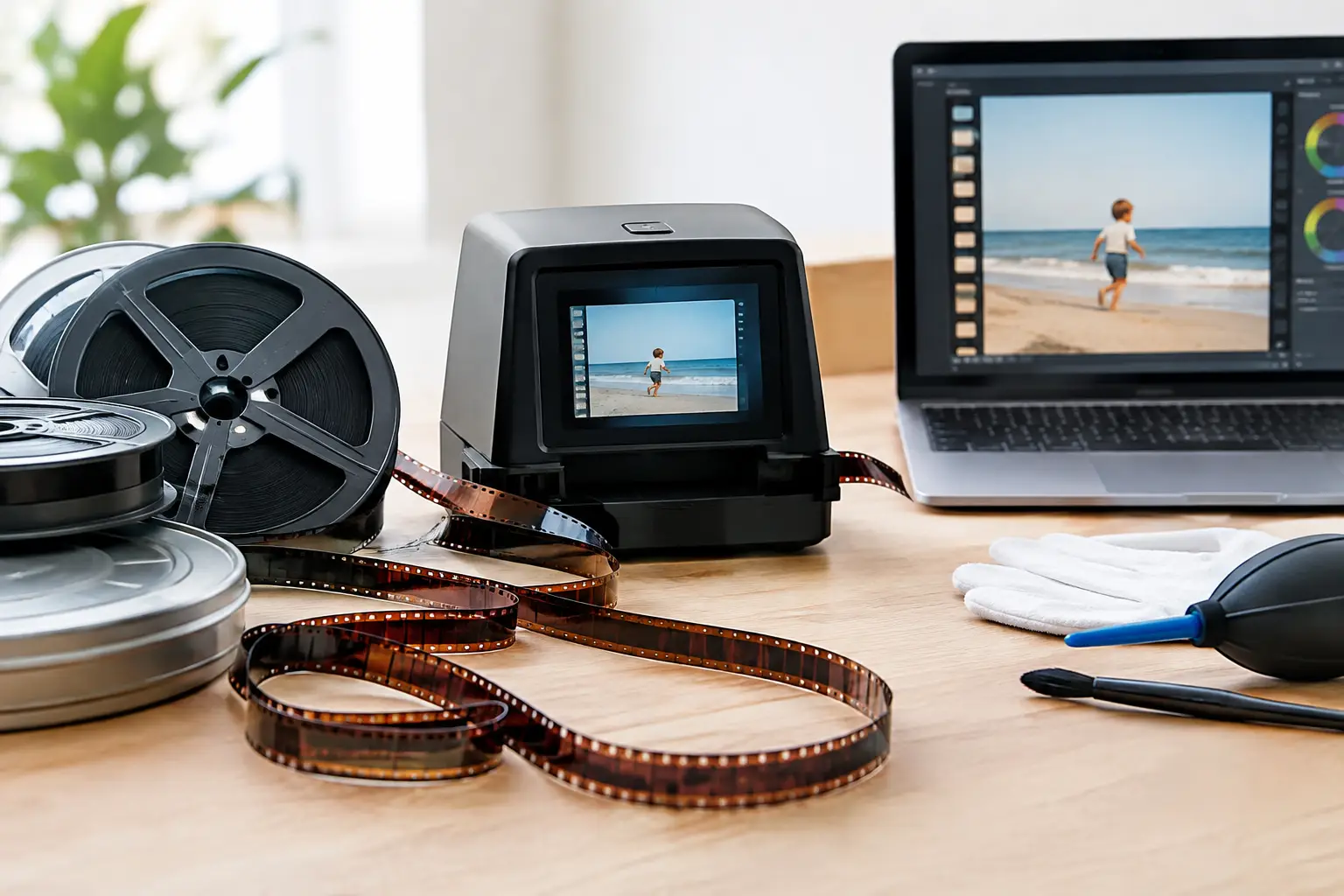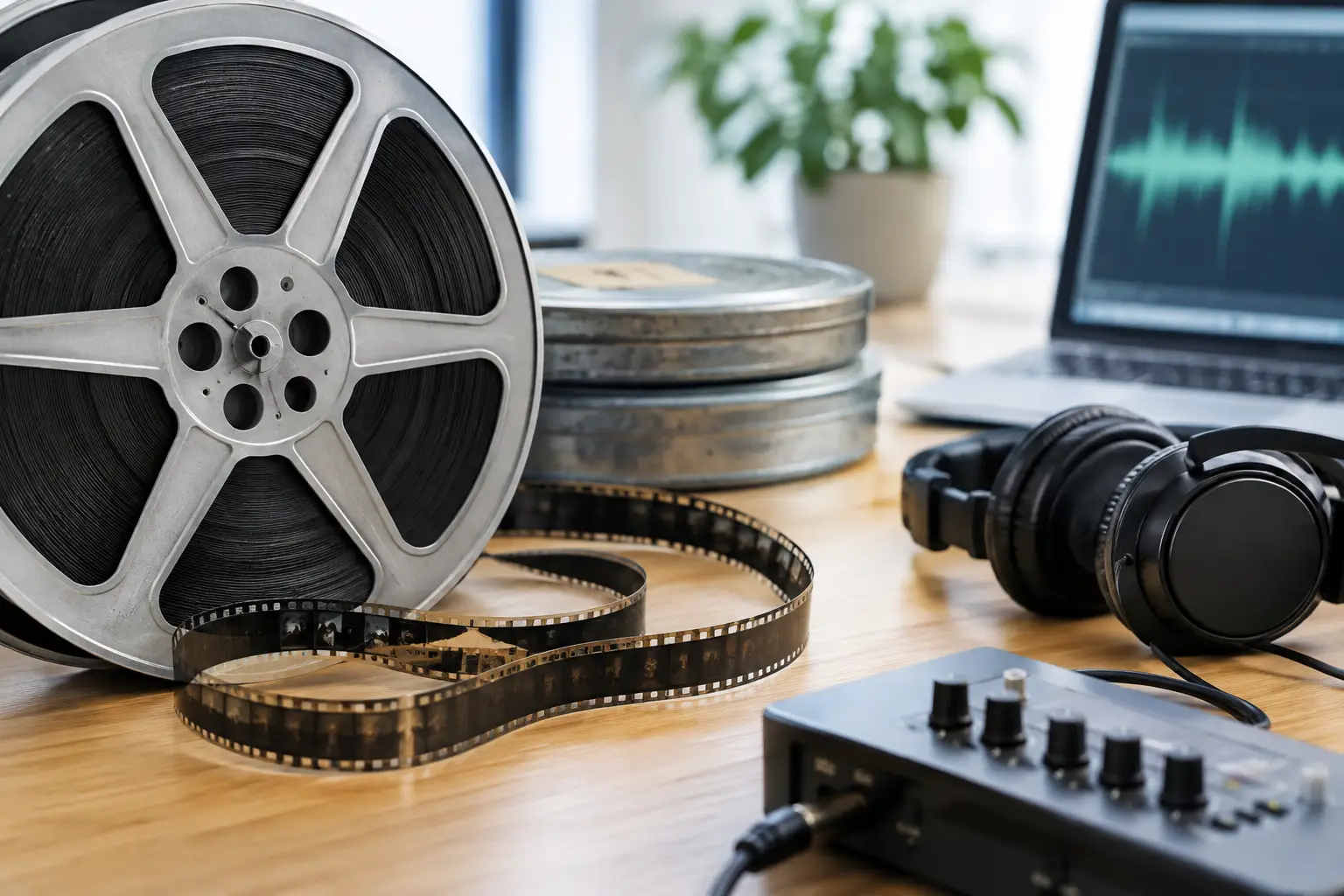
A reel can look remarkably clean after scanning and still fail as a historical record if its soundtrack is ignored. The voices, room tone, music, projector chatter, and imperfect timing on an old home movie often carry more memory than the image alone. This guide to film audio preservation focuses on retaining that record while making it usable for modern editing, viewing, and long-term storage.
For 8 mm, Super 8, 9.5 mm, and 16 mm collections, audio is not a single technical problem. It may be a magnetic stripe bonded to the film, an optical track beside the frame area, a separate reel, or audio captured decades ago from a projector. Each source needs a different capture and restoration strategy. The common rule is simple: preserve the unprocessed original first, then create carefully documented access copies.
Start by Identifying the Sound Format
Before cleaning, syncing, or encoding anything, establish what you actually have. This prevents the most damaging mistake in audio restoration: applying a generic workflow to a format with different physical and timing characteristics.
Magnetic sound is common on sound Super 8 and some 16 mm prints. A narrow iron-oxide stripe carries the audio, often offset from the image by a fixed number of frames. On Super 8, the sound head sits downstream of the image gate, so image and sound are physically separated during projection and transfer. The scanner or transfer system must compensate for that offset.
Optical sound is more common on 16 mm release prints and educational films. It appears as a photographic waveform or variable-area track near the sprocket holes. It can be read with an optical sound reader during transfer, but contrast loss, shrinkage, scratches, and dirt can affect intelligibility. Unlike magnetic sound, optical tracks can also reveal distortion caused by poor exposure or deterioration in the original print.
Some collections have double-system sound: picture on film and audio on a separate tape, disc, or digital file. Treat these as related but independent originals. Do not assume that a soundtrack made for projection will remain synchronized after scanning at a nominal frame rate.
Inspect Before You Run the Reel
Sound preservation begins with mechanical inspection. Look for vinegar syndrome, warped film, shrunken perforations, brittle splices, mold, loose magnetic stripe, and reel damage. A failing splice can interrupt image transport and create a sudden sync shift. A shedding magnetic stripe may leave material on playback heads and compromise the rest of the reel.
Avoid repeatedly projecting fragile sound film just to determine whether audio exists. Projection can be appropriate for stable access prints, but it is not a preservation method. If the film is shrunken, warped, or actively degrading, have it evaluated before attempting playback. The goal is to make the fewest safe passes possible.
Document reel diameter, stock type, sound format, labels, running time, visible damage, and any notes from the original owner. Photograph boxes, leader, and handwritten labels. These details help later when identifying multiple versions, reconstructing reel order, or resolving sync questions.
Capture the Highest-Quality Audio You Can
The preservation master should retain as much information as the source and transfer path can provide. For magnetic or optical audio, capture at 24-bit depth and at least 48 kHz. A 96 kHz capture can be justified when the transfer hardware and source condition support it, particularly if detailed spectral analysis or later restoration is expected. Higher sampling rates do not repair damaged sound, but they can provide more room for careful processing.
Save the first capture as an uncompressed PCM WAV or Broadcast WAV file. Do not make MP3, AAC, or another lossy format the only master. Lossy encoding permanently removes information and can exaggerate artifacts after noise reduction, equalization, or level correction.
If the scanner captures audio and picture together, confirm that its audio path is stable and that the resulting file has constant timing. If audio is transferred separately, record enough leader and tail to establish alignment. A slate, visual cue, clap, spoken identification, or a distinct transient such as a door slam can provide a useful sync reference.
Keep the raw scan and raw audio capture unchanged. Work on duplicates. This is not excessive caution. Restoration decisions change over time, and better tools may later recover detail that an earlier noise-reduction pass removed.
Synchronize for the Actual Transfer Speed
Film audio sync is often affected by frame rate conversion, not by a simple missing-frame error. Silent home-movie formats may have been shot at variable speeds. Sound Super 8 typically runs at 18 or 24 frames per second, while 16 mm material may be 24, 25, or another rate depending on its origin. A telecine transfer, a scanner, and an editing timeline can each introduce their own assumptions.
First, align a clear reference point near the beginning of the reel. Then check a point in the middle and near the end. If audio starts in sync but drifts progressively, the issue is usually a speed mismatch. A fixed offset can be corrected by moving the audio track. Progressive drift requires a controlled time stretch or a corrected interpretation of the image frame rate.
Do not stretch audio blindly. Measure the drift over a known duration, calculate the required percentage change, and preserve the original pitch when appropriate. Small corrections can be transparent; larger corrections may introduce artifacts or reveal that the reel was shot at inconsistent speed. For amateur films, it may be more faithful to preserve slight speed variation than to force every scene into an artificial constant cadence.
For scans that need image stabilization, perform timing-critical synchronization against the original scan or a version whose frame count is unchanged. Perforation-based stabilization can improve viewing stability, but dropped, duplicated, or blended frames will complicate audio alignment. In a restoration workflow such as AvyScan Lab, keep image processing and audio synchronization under explicit control so visual cleanup does not silently alter reel duration.
Clean the Sound Without Erasing the Record
Audio restoration should solve a defined problem, not chase laboratory silence. Film soundtracks often contain hiss, hum, clicks, optical buzz, print-through, or uneven level. Some of that noise is distracting. Some is inseparable from the period and recording method. Aggressive processing can flatten speech, remove consonants, pump background noise, and leave metallic artifacts that are more distracting than the original hiss.
Begin with broad, reversible corrections. Remove DC offset if present, correct obvious channel imbalance, and set sensible levels without clipping. A high-pass filter may reduce low-frequency rumble, but use the lowest practical cutoff. Speech, music, and projector noise can overlap in the same range, so there is no universal setting.
For persistent hum, identify the fundamental frequency and its harmonics before applying narrow filters. For clicks and pops, use short, targeted repair rather than heavy broadband processing. For hiss or optical noise, work in small increments and compare every change against the unprocessed capture. Listen on headphones and speakers. Headphones expose artifacts; speakers reveal whether dialogue still sounds natural in normal viewing.
Keep two derivatives when practical: a lightly cleaned preservation access copy and a more polished presentation version. The first supports research and future restoration. The second may be appropriate for family screenings, documentary edits, or online delivery. Label them clearly so a future user does not mistake the presentation mix for the original capture.
Build Files That Can Survive a Future Migration
Audio preservation is not finished when the reel has been digitized. Files need names, metadata, storage, and verification. A well-restored soundtrack becomes difficult to use if nobody can identify the reel, transfer date, frame rate, processing history, or relationship to the picture file.
A practical package includes the raw audio master, the raw image scan, synchronized restoration masters, and viewing copies. Use a lossless or uncompressed audio format for masters. For the video preservation file, choose a codec appropriate to the scan and workflow, such as FFV1 or another documented lossless option, while retaining original frame rate and audio parameters. Delivery copies can use H.264 or H.265 when file size and playback compatibility matter more than archival purity.
Record the following in a plain text note, spreadsheet, or collection management system:
- Reel identifier, title, date range, and physical format
- Sound format, capture hardware, sample rate, bit depth, and channel layout
- Scan frame rate, sync offset, and any time-stretch percentage applied
- Every restoration process, including filters and settings
- File checksums, storage locations, and the date they were last verified
Maintain at least three copies on two different types of storage, with one copy kept in another location. Storage media fail, cloud accounts change, and external drives are often forgotten until the day they do not mount. Periodically verify checksums and migrate files before hardware or software becomes obsolete.
A Guide to Film Audio Preservation That Respects the Source
The best result is not necessarily the cleanest soundtrack. It is the one that remains synchronized, intelligible, traceable, and faithful to the reel in front of you. A little hiss may be acceptable; missing dialogue, unstable timing, or an undocumented processing chain is not.
Make one careful capture, keep the raw files, and let every later decision remain reversible. That discipline gives a family film, a local history collection, or a commercial archive something more valuable than a polished export: a soundtrack that can still be understood, checked, and restored again years from now.