A dented 8mm reel in a closet is not just obsolete media. It is an analog original with a finite life, mechanical damage risks, and image information that may never exist anywhere else. So, can old film be digitized? Yes - often with excellent results - but the quality of the outcome depends far more on inspection, capture method, and restoration discipline than on the age printed on the box.
Old film can be transferred even when it has faded, shrunk slightly, accumulated dust, or developed splices. What cannot be assumed is that every reel should be run through the same scanner settings or treated with aggressive automated cleanup. A successful workflow preserves the character of the original while correcting defects introduced by aging, projection, handling, and the film transport itself.
Can Old Film Be Digitized After Decades in Storage?
In most cases, yes. Standard 8mm, Super 8, 9.5mm, and 16mm film can remain scannable for many decades when it has been stored cool, dry, and away from direct light. Color film may show dye fading, while reversal and black-and-white stocks may have their own contrast, grain, and base-condition issues. Age alone does not determine whether a reel can be digitized.
The first question is physical condition. A reel with a strong vinegar odor, warped film, mold, damaged perforations, curled leader, loose winding, or brittle splices needs attention before scanning. Do not force compromised film through a projector or consumer transfer device. Shrinkage and fragile perforations can turn a recoverable reel into a torn one in seconds.
A careful inspection should identify the film gauge, reel length, winding condition, splice type, sound stripe if present, and visible damage. This is also the moment to confirm whether the film is Standard 8, Super 8, 9.5mm, or 16mm. The format affects the capture gate, sprocket or capstan handling, frame rate assumptions, and restoration choices later in the pipeline.
Digitization Is Not the Same as Restoration
Digitization creates a digital representation of the film. Restoration improves the usability and visual stability of that representation. Keeping those stages separate is one of the most useful habits in archival work.
The scan should be retained as a preservation master before strong cosmetic processing is applied. If a dust-removal setting mistakes a tiny facial detail, a title card texture, or a star field for dirt, the original scan remains available for a different treatment. The goal is not to create a sterile modern video. It is to produce a stable, faithful, technically sound version of the footage while retaining the visual evidence that belongs to the film stock.
This distinction matters especially with home movies. Grain is not automatically noise. Frame jitter is not always a scanning failure. Faded color may be historically accurate, even if a corrected version is preferable for family viewing. A professional workflow allows multiple outputs: an untouched or lightly corrected master, a restored viewing copy, and perhaps a smaller delivery file for sharing.
Start With the Right Scan
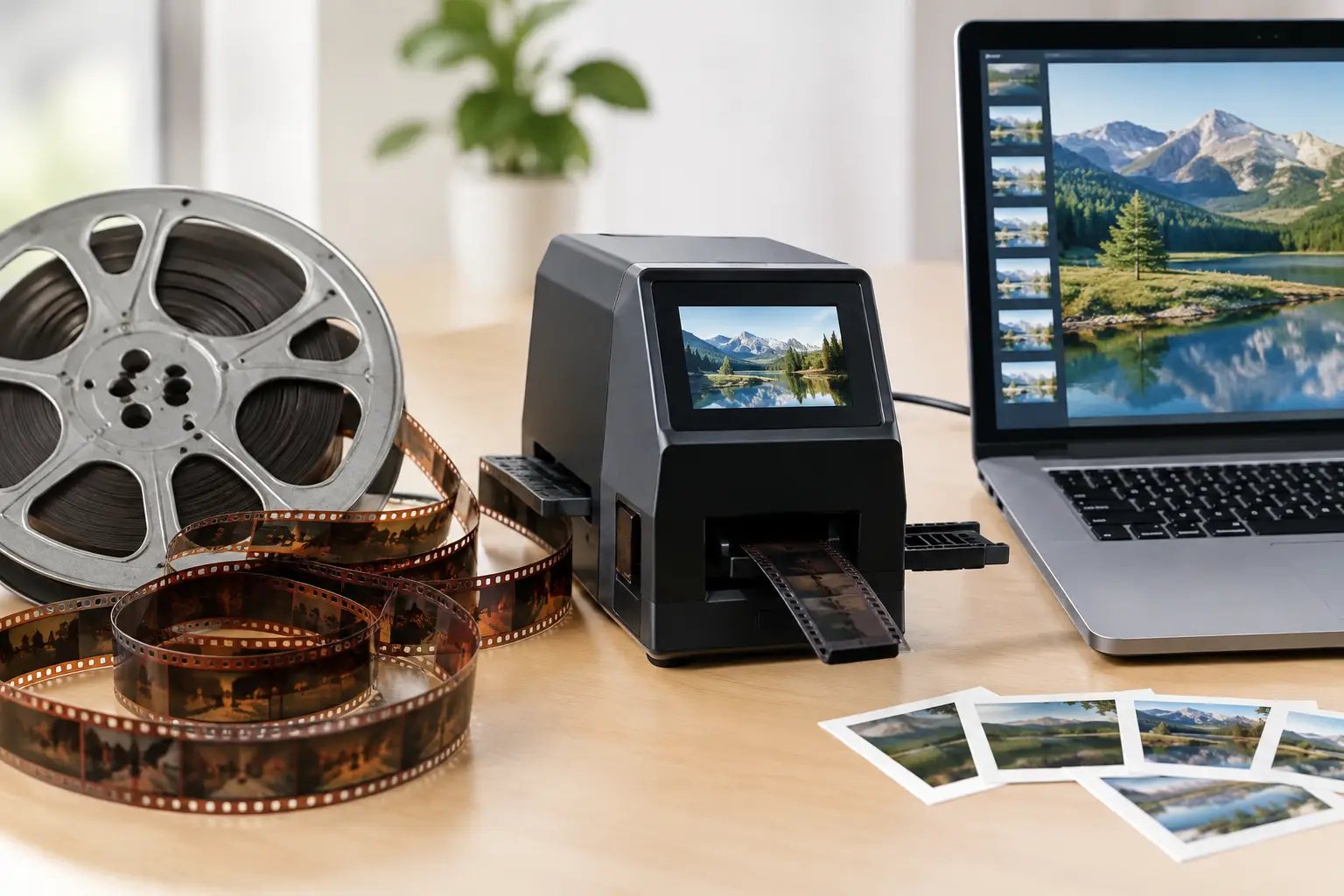
The scanner determines the ceiling of the final result. A poor capture cannot be fully repaired in postproduction. Film should be cleaned and repaired as needed before it reaches the gate, then captured frame by frame rather than recorded off a projected screen.
Frame-by-frame scanning avoids projection flicker and gives restoration tools access to individual frames. For valuable footage, capture at a resolution that can preserve the grain structure, edge detail, and available image area without inventing detail through excessive sharpening. A high-quality scan also benefits from a stable exposure system and a film transport designed to handle the gauge safely.
Whenever possible, request or create a high-bit-depth, lightly compressed scan. Formats and codecs such as ProRes, FFV1, or image sequences retain more grading latitude than a heavily compressed delivery file. If the source contains sound, preserve it separately or ensure that image and sound are transferred with a reliable synchronization reference. Super 8 magnetic sound and 16mm optical or magnetic tracks require particular care because the sound head position and image gate are not physically aligned.
Frame rate deserves the same attention. Many amateur films were shot around 16, 18, or 24 frames per second, but actual camera speed can vary. Running everything at a generic video rate can create unnatural motion. A test export is often the fastest way to judge whether movement feels correct.
Build a Controlled Restoration Pipeline
Once the scan is secure, restoration should proceed in a deliberate order. Correcting defects randomly can make later stages less effective. The exact sequence depends on the material, but the logic is consistent: stabilize the physical image first, repair transient defects, then address color and finishing.
Stabilize Before You Judge Sharpness
Film weave, gate jitter, and intermittent perforation damage can make otherwise sharp footage appear soft. Stabilization should anchor the frame without cropping away important edge content or producing a floating, over-corrected look.
Perforation-based stabilization is particularly useful when the scanned frame includes a stable view of the perforation area. A tool such as Perfo Lock can use that physical reference to reduce mechanical movement with more confidence than image-only tracking on low-contrast scenes. Where perforations are unavailable or damaged, motion analysis tools such as MVTools2 can help, but settings must be tested carefully around pans, zooms, and moving subjects.
Remove Dirt Without Erasing the Film
Dust, hairs, and small spots are usually temporary defects: they appear for one or several frames, then disappear. Temporal filters can detect that pattern effectively, but they need thresholds that respect genuine fine detail. RemoveDirtMC-style processing can be highly effective on persistent debris when motion compensation is configured correctly.
Scratches and emulsion damage are more complicated. A vertical scratch that remains in the same position may be reduced with targeted repair, while a broad damaged area may need manual intervention. Heavy filtering can smear faces, soften text, and create ghosting around movement. Preview at full resolution and compare against the source frequently. If the cleanup becomes noticeable, it is probably too strong.
Splices deserve their own treatment. A splice can cause a sudden exposure change, a jump, a missing frame, or a burst of dirt. Specialized splice cleanup is faster and more reliable than applying global correction to the entire reel for a defect that lasts only a few frames.
Correct Color and Contrast With Reference Points
Color correction is not simply about making old footage brighter. Faded film often loses color unevenly, with cyan, magenta, or yellow casts that vary from scene to scene. Start by setting black and white points conservatively, then correct the dominant cast while protecting skin tones and highlight detail.
GamMac and curve-based adjustments are useful when a scan has lifted blacks or compressed midtones. Avoid crushing shadow detail just to make the image look more contemporary. In family footage, the information in a dark suit, a tree line, or a room interior may matter more than dramatic contrast.
Scene-by-scene correction generally produces better results than a single global grade. A reel may contain outdoor sunlight, indoor tungsten lighting, snow scenes, and camera exposure changes within a few minutes. Batch processing is valuable, but it should automate a tested recipe, not replace judgment.
Choose Deliverables for Preservation and Viewing
A practical project usually needs more than one export. The preservation master should prioritize information retention and future flexibility. A mezzanine or lossless file in FFV1, or another high-quality archival workflow, is suitable for storing the scanned and restored result with minimal additional loss.
A viewing master can use a high-quality codec such as ProRes or a visually lossless x264/x265 configuration, depending on the editing and playback environment. Smaller H.264 or H.265 files are useful for family sharing, client review, or online delivery, but they should not be the only copy.
For color-critical material, maintain the scan's intended chroma sampling where possible. Chroma 4:2:2 or 4:4:4 can preserve subtle color edges and grading data better than 4:2:0, particularly before final delivery compression. Keep clear filenames, document frame rate and restoration settings, and store at least two copies on separate media in separate locations.
When Old Film Needs Professional Handling
Some reels should not be scanned at home without preparation. Active vinegar syndrome, mold, severe shrinkage, torn perforations, wet-gate requirements, badly curled film, or damaged sound tracks call for specialist handling. The correct decision may be to stabilize and repair the physical object before any digitization attempt.
For film that is physically sound but visually difficult, a restoration application built for scanned film can save substantial time. AvyScan Lab provides a visual AviSynth+ workflow for tasks such as perforation stabilization, dust and spot removal, grain management, splice cleanup, color correction, professional encoding, and batch processing. The advantage is not automatic perfection. It is repeatable control, real-time preview, and access to specialized processing without building every filter chain from the command line.
The best time to digitize old film is before the next storage failure, not after it. Handle the reel conservatively, capture more information than you need for immediate viewing, and make restoration decisions you can revise. Done this way, a digital file becomes more than a convenience: it becomes a workable preservation copy that keeps the original images accessible without putting the film itself at risk.