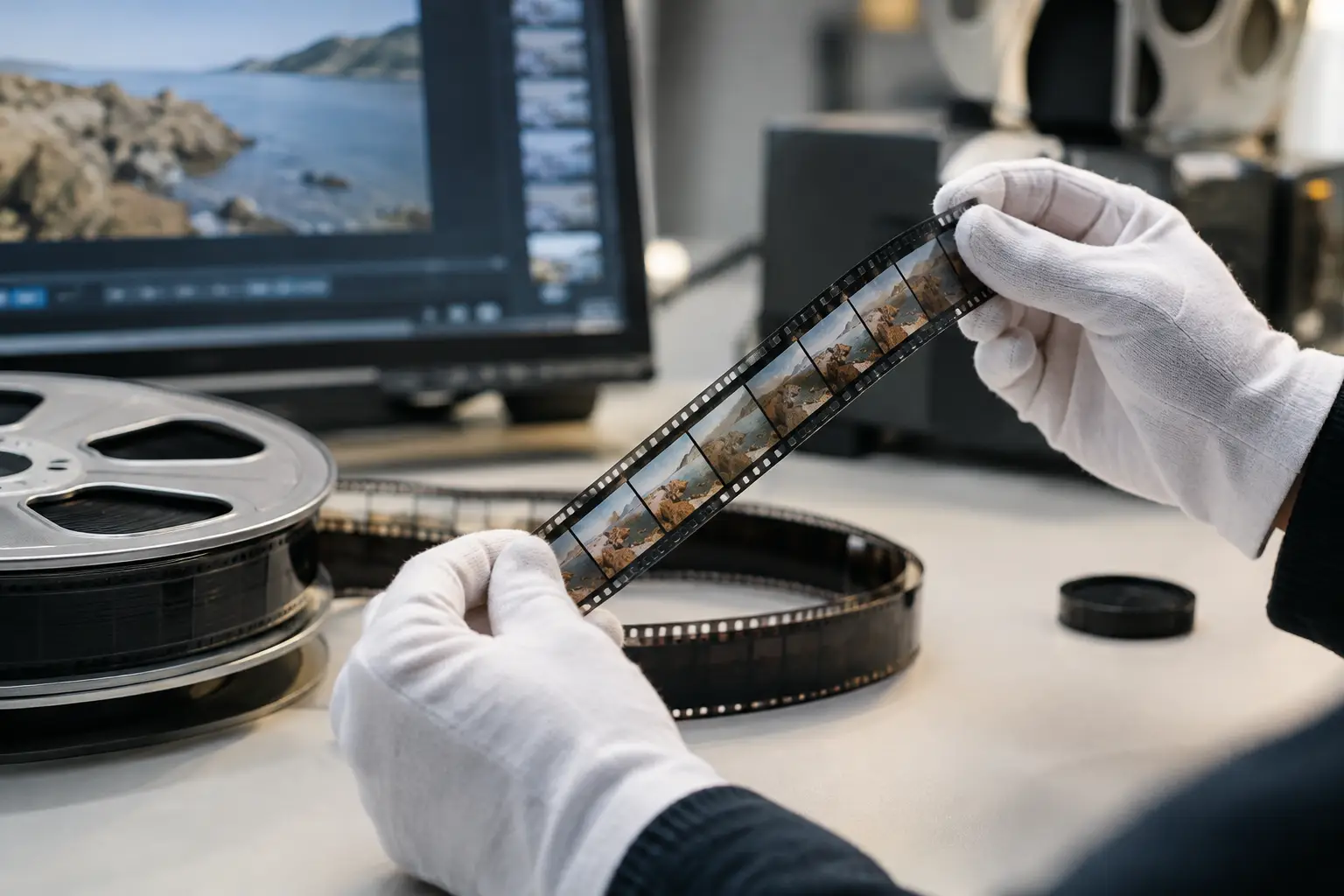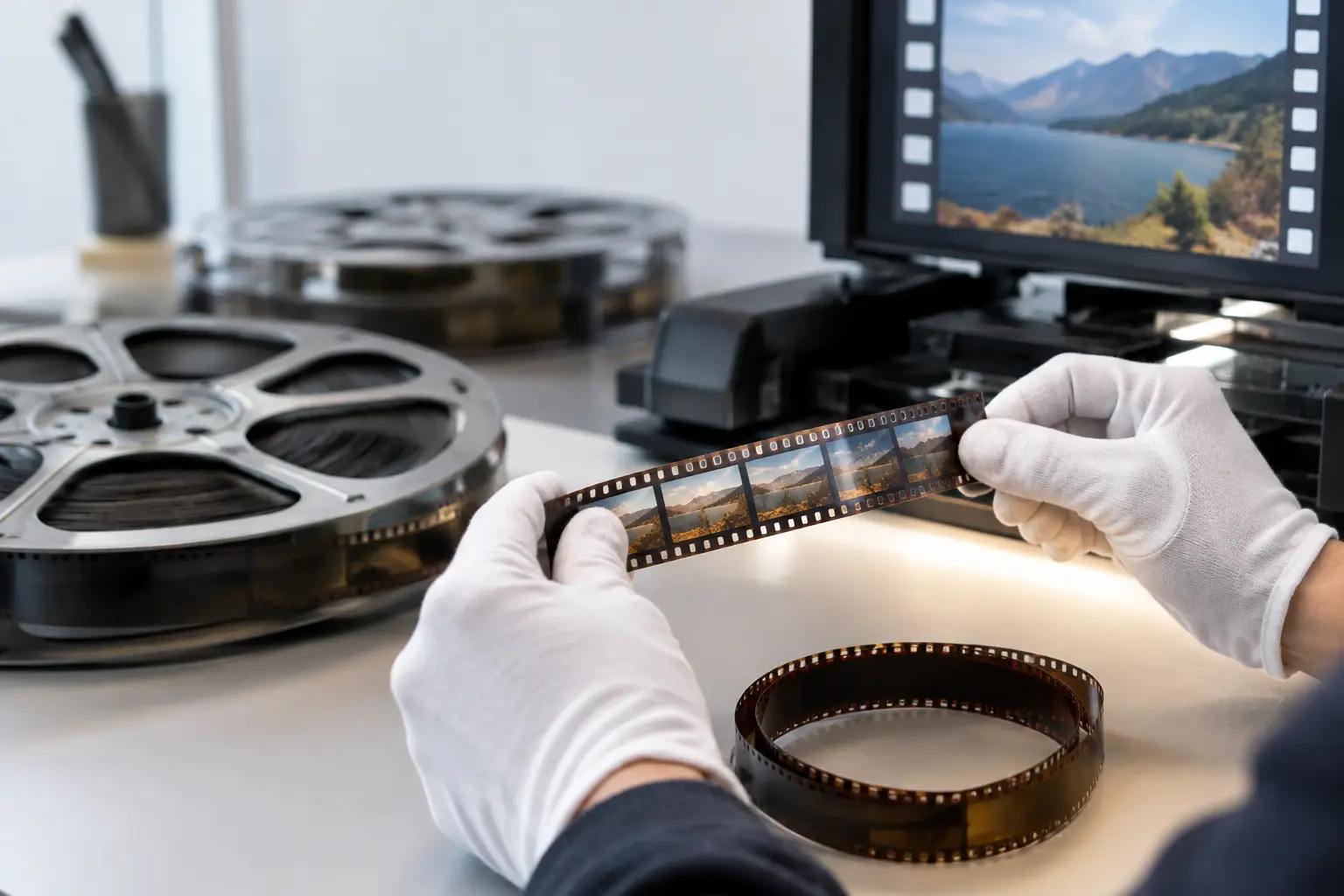
A 16mm scan can look deceptively simple: a sequence of frames, a few visible scratches, some weave, and color that has shifted over decades. Effective 16mm restauration is not a matter of applying one denoise filter. It is a controlled sequence of corrections that separates mechanical defects from photographic texture, preserves image detail, and produces a master that remains useful after delivery formats change.
For family archives, educational collections, industrial films, documentaries, and small-gauge productions, 16mm often contains more real image information than the first digital transfer suggests. The restoration process should reveal that information without turning the film into soft, unstable, overprocessed video.
16mm restauration starts with the scan
Restoration can only recover what the scan captures. If possible, scan at a resolution that supports the intended output and retains room for stabilization, framing, and cleanup. A 2K scan is often appropriate for regular 16mm material, while higher-resolution scanning can be justified for fine-grain stocks, archival preservation, or material requiring substantial reframing.
Use a lossless or visually lossless intermediate whenever practical. Compressed delivery files are not a sound restoration source because compression artifacts can be mistaken for grain, dirt, or edge damage. An image sequence, FFV1 master, or high-quality intraframe source gives filtering tools clean data to analyze.
Before processing, inspect several sections of the reel rather than one attractive shot. Examine dark scenes, light skies, dissolves, titles, handheld footage, damaged joins, and the beginning and end of reels. A filter setting that looks excellent on a static daylight shot may erase detail in a dim interior or create artifacts around a splice.
The scan should also retain enough image around the frame edge to identify perforations and registration behavior. Cropping too early can make perforation-based stabilization less accurate and can hide frame-edge defects that need separate treatment.
Diagnose defects before building the pipeline
Film damage is not one category. Grain is part of the photographed image. Dust is usually brief and localized. Scratches may persist for many frames. Gate weave is a mechanical positioning problem. Fading and color casts are tonal problems. Treating all of them with broad temporal filtering produces the familiar waxy result: clean-looking frames that no longer feel like film.
A productive 16mm restoration workflow identifies the dominant defect first. If the frame moves, stabilize before judging whether dirt removal is working. If a reel carries a strong red or cyan cast, establish a preliminary color balance before making decisions about shadow detail. If a splice causes a jump or flash, correct that event locally instead of increasing filtering across the entire reel.
This diagnostic pass also establishes what should remain. Fine grain, mild exposure variation, optical softness, and period-specific color characteristics may be intrinsic to the original material. Restoration should improve legibility and viewing stability, not impose the appearance of a modern digital camera.
Stabilize from film geometry, not image content alone
General motion stabilizers track visible picture features. That can work on sharp scenes, but it can fail on low-contrast footage, rapid pans, blank walls, title cards, or shots with moving subjects. For scanned film, perforation registration is often the more reliable reference.
Perforation-based stabilization measures the physical film geometry and aligns frames accordingly. It is particularly valuable when the scan shows vertical jitter, side-to-side weave, or inconsistent framing caused by shrinkage, camera movement in the gate, or transport variation. The goal is not always absolute stillness. A small amount of original camera movement should remain, while unwanted frame-to-frame mechanical movement is removed.
Check the stabilized result at normal speed and frame by frame. Overcorrection can reveal missing edge data, create abrupt reframing, or make handheld footage feel unnaturally locked. A controlled crop or a modest overscan margin is usually preferable to aggressive scaling.
Remove dirt without removing the image
Dust and small white or black specks are ideal candidates for temporal analysis because they often appear in only one or a few frames. Tools such as RemoveDirtMC can compare neighboring frames and identify defects that do not belong to the moving image. Used carefully, this is far more effective than blurring every frame.
The trade-off is motion. Fine detail, film grain, rain, confetti, water reflections, and fast movement can resemble transient dirt to an overly aggressive filter. Start conservatively, preview difficult shots, and increase cleanup only where the source supports it. A light, consistent pass followed by local correction for severe sections generally produces a more credible result than one heavy global pass.
Long scratches need a different approach. Because they persist over multiple frames, temporal dirt removal may leave them untouched or partially smear them. Their treatment depends on the scratch width, contrast, location, and duration. A faint edge scratch may be acceptable in an access copy; a bright vertical scratch through a face may justify targeted repair. The key is to avoid turning a narrow defect into a broad soft band.
Splices deserve their own treatment. A damaged cement splice or tape splice can produce a flash frame, a registration shift, torn perforations, or a sudden density change. Specialized splice cleanup can isolate these short disruptions instead of forcing a temporal filter to interpret them as normal motion.
Build correction in a deliberate order
The order of operations affects the result. Stabilization is commonly performed early because moving frame boundaries complicate later analysis. Dirt and defect removal can then operate on a more consistent image. Color and tonal correction should follow a clean preview of the source, with final sharpening used sparingly and only after noise reduction.
A practical pipeline often follows this logic: import and verify frame rate, stabilize by perforation where appropriate, repair splice events, remove transient dirt, apply restrained grain management, balance color and contrast, then encode a preservation master and delivery versions. Not every reel needs every stage. A clean black-and-white reversal film may need stabilization and modest tonal adjustment but no grain reduction at all.
This is where a visual restoration environment has real value. AvyScan Lab exposes an AviSynth+ pipeline through a structured Windows interface, so the operator can combine tools such as MVTools2, RemoveDirtMC, GamMac, and dedicated Perfo Lock controls without building scripts manually. The benefit is not merely convenience: repeatable settings and real-time previews make it easier to compare alternatives before committing a batch.
Correct color with reference points, not assumptions
A faded 16mm reel rarely has one universal correction. Film stocks age differently, and color may vary within a reel because of exposure changes, lab processing, or edited-in material from another source. Neutral objects, skin tones, known signage, black borders, and consistent scenes can provide useful references, but they are not absolute proof of the original grade.
Correct the strongest cast first, then set black and white levels without crushing shadow detail or clipping highlights. Watch the channels individually when possible. A color shift can hide in one channel while the overall image appears plausible. For material intended for preservation, favor a restrained grade that retains recoverable information; a more stylized viewing version can always be derived later.
Black-and-white film requires the same discipline. Avoid forcing deep digital blacks into footage that was photographed with soft tonal separation. The texture of gray values is often where faces, fabrics, skies, and production detail survive.
Preserve a master, then create delivery files
The restoration master and the viewing copy serve different purposes. A preservation-oriented file should retain the best available resolution, full restoration quality, and a codec designed for long-term handling, such as FFV1 where the workflow supports it. Delivery files can be created afterward in H.264 or H.265 with settings matched to streaming, editing, or client review.
For color material, keep chroma sampling under control throughout the workflow. Sources scanned in 4:2:2 or 4:4:4 should not be reduced unnecessarily before restoration decisions are complete. Early chroma loss can weaken color correction, edge treatment, and archival value.
If the film includes an optical or magnetic soundtrack, image and sound must remain synchronized after any frame repair, trimming, or speed correction. Verify sync at multiple points in the reel, not only at the opening. A restoration that looks excellent but drifts out of sync is not ready for delivery.
Batch processing is valuable once a workflow has been proven on representative material. Apply shared baseline settings to reels from the same scan session, then reserve manual review for outliers: badly shrunken footage, mixed stocks, heavy damage, or unusual color shifts. Automation saves time only when it is paired with quality control.
The best restoration is often the one that viewers barely notice. When the picture holds steady, color feels believable, dust stops distracting the eye, and the grain still carries the film’s original character, the archive can speak for itself.