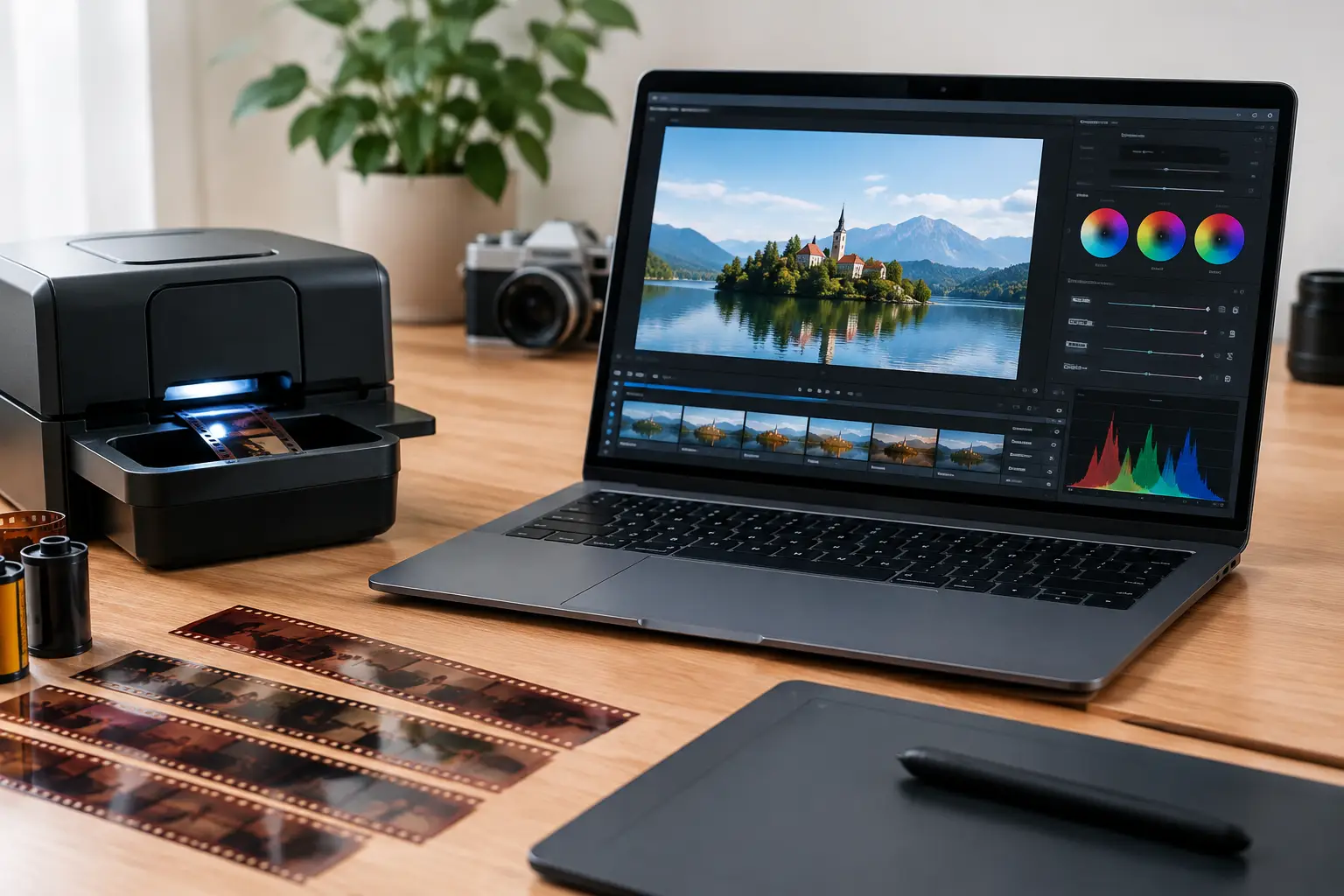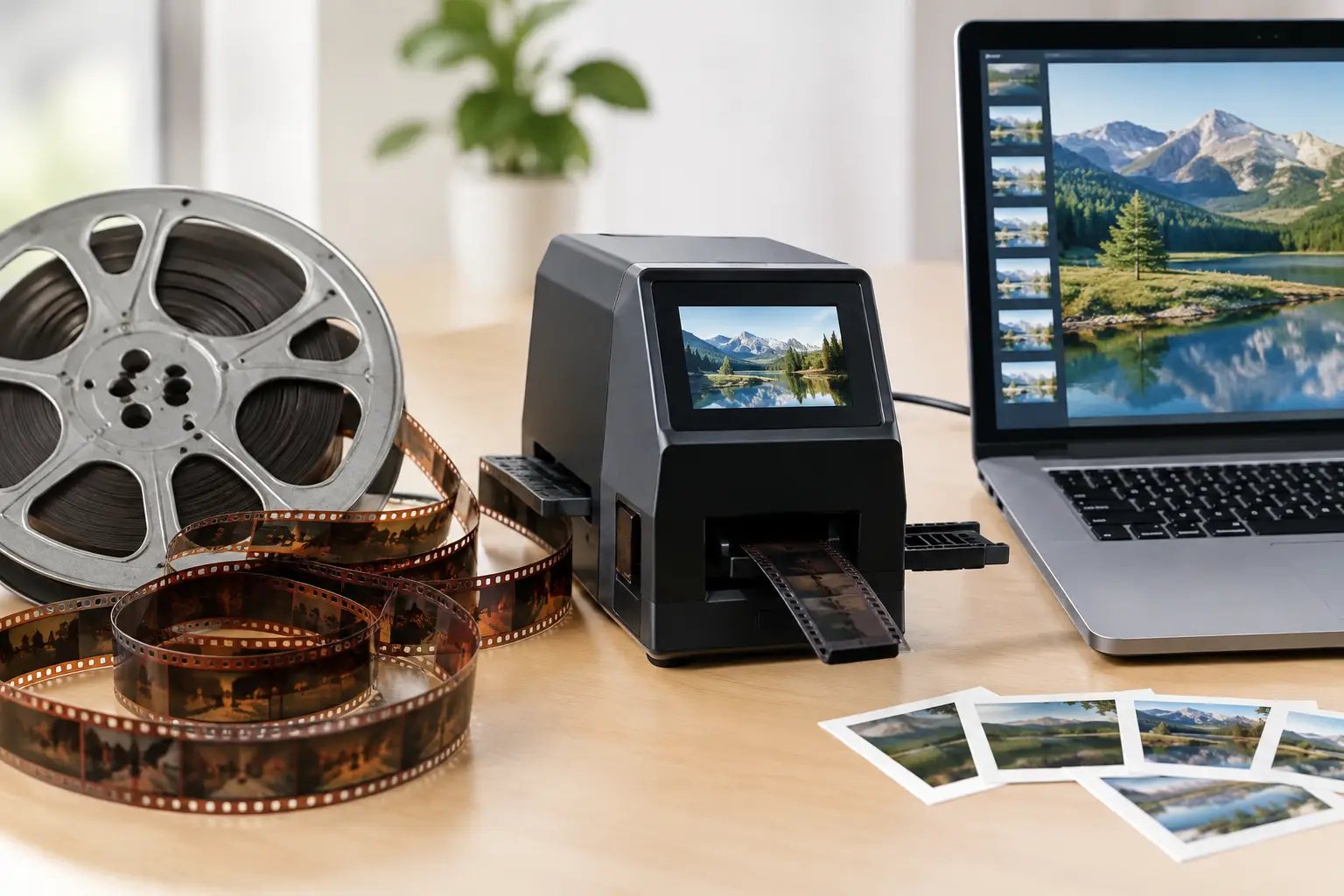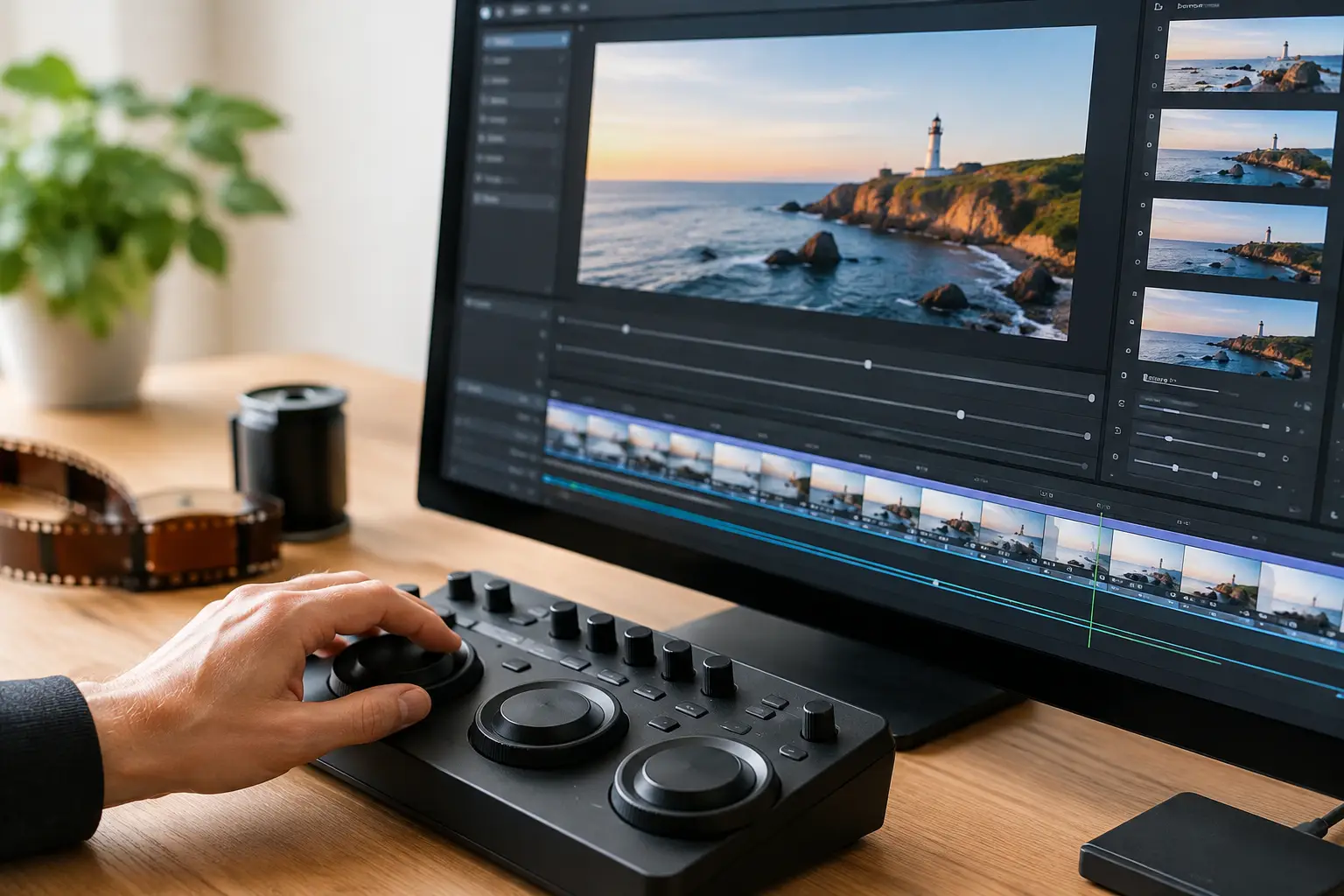
A scanned reel rarely arrives as a ready-to-deliver video file. It often begins as thousands of numbered TIFF, PNG, or DPX frames, each carrying more detail than a compressed movie format should discard. An image sequence encoder is the stage that turns those frames into a usable master or viewing copy. Its settings determine whether fine grain survives, whether color stays stable, and whether the exported file remains suitable for future restoration work.
For 8 mm, Super 8, 9.5 mm, and 16 mm transfers, encoding is not a final checkbox. It is a technical decision that follows every correction made to the scan: dust removal, gate weave stabilization, splice repair, exposure balancing, grain treatment, and color adjustment. A poor export can flatten those gains in a single pass.
What an image sequence encoder must preserve
An image sequence is not simply a video split into separate pictures. Each frame is an individual source image, commonly named in numerical order such as `reel_000001.tif`, `reel_000002.tif`, and so on. This structure is especially useful for film scanning because it preserves one scanned frame for every photographed frame and gives restoration tools direct access to the original sequence.
The encoder must first read that sequence in the correct order, at the correct frame rate, and with the correct interpretation of bit depth and color. If any of those elements are wrong, the output can be visually convincing while still being technically inaccurate.
A 16-bit TIFF sequence, for example, may contain tonal information that is lost if it is converted prematurely to 8-bit 4:2:0 output. A sequence scanned at 18 frames per second can look unnaturally fast if encoded at 24 fps without deliberate retiming. Similarly, a scanner that produces full-range RGB frames needs a controlled conversion when the chosen delivery codec expects YUV video levels.
Frame rate is part of the restoration record
Many amateur film formats were not shot at one universal speed. Regular 8 mm and Super 8 footage may be captured at 16, 18, 24, or other rates depending on the camera and scene. Sound film introduces further constraints because picture speed must remain aligned with the audio track.
An image sequence encoder should therefore use the verified capture rate, not a generic preset. If the scan was produced at 18 fps, encode the preservation master at 18 fps unless a deliberate restoration decision requires otherwise. Frame duplication, interpolation, or speed conversion may be appropriate for a modern delivery file, but the archival master should document the material as scanned.
Bit depth and chroma are not interchangeable
Bit depth controls tonal precision. Chroma subsampling controls how much color detail is retained. Both matter, but they solve different problems.
For a high-quality restoration master, 10-bit or higher output is usually preferable when the source and processing pipeline support it. This reduces the risk of banding in skies, walls, fades, and corrected underexposed footage. Chroma 4:2:2 is a practical minimum for many mastering workflows, while 4:4:4 may be justified for RGB scans, strong color work, graphics, or material intended for further grading.
An 8-bit 4:2:0 H.264 file can still be an excellent access copy. It is simply not the format to choose when the goal is to retain the full working value of a carefully restored scan.
Build the encoding path after image correction
Film restoration and encoding should be treated as separate stages in one controlled pipeline. Correct the image sequence first, inspect the result, then select an output format based on the role of the file. This avoids compressing defects before they are repaired and prevents repeated lossy exports during revisions.
A typical workflow starts with sequence import, followed by frame alignment and stabilization. Perforation-based stabilization can remove gate weave without creating the cropped, drifting look that can occur with generic motion stabilization. Dust, spots, splice flashes, and flicker are then addressed according to the condition of the reel. Color correction and grain management should follow visual review, not automated assumptions.
Only after those operations should the encoder create the selected master and delivery versions. AviSynth+-based workflows are particularly useful here because the processing chain can remain explicit: source interpretation, restoration filters, color conversion, and final codec settings are defined in a reproducible order.
Choose a master before choosing a viewing file
A preservation or production master should prioritize fidelity, predictable decoding, and minimal generational loss. FFV1 is a strong choice when lossless compression and archival efficiency are the priority. It preserves every encoded pixel while producing files substantially smaller than uncompressed video. Its trade-off is broad consumer playback support: it is designed for preservation and professional handling, not casual streaming.
ProRes is often appropriate for edit-friendly masters and postproduction exchange. ProRes 422 HQ provides high-quality 10-bit 4:2:2 output with manageable file sizes, while ProRes 4444 can retain more color information where the source and workflow justify it. These files are larger than long-GOP delivery encodes, but they are responsive in editing systems and suitable for additional finishing.
For viewing copies, x264 and x265 provide efficient H.264 and H.265 encoding. x264 remains widely compatible and is often the safer choice for client delivery. x265 can reduce bitrate at a similar perceived quality, especially at higher resolutions, but requires more processing time and may be less convenient on older playback hardware.
Image sequence encoder settings that need review
Presets save time, but a preset should be the starting point rather than the final decision. Film scans have characteristics that generic camera-video presets do not anticipate.
First, confirm frame numbering and sequence gaps. A missing image can shift timing or cause the encoder to stop. If a frame is genuinely absent, decide whether to hold the preceding frame, insert a duplicate marked in project documentation, or return to the scan source. Do not allow the application to make that choice invisibly.
Next, verify orientation and pixel aspect ratio. Most modern scans use square pixels, but legacy workflows and certain telecine sources may not. An incorrect aspect ratio can make faces look subtly narrow or wide even when the frame dimensions appear correct.
Color management deserves the same attention. Establish whether the scan should be treated as full-range RGB, full-range YUV, or legal-range YUV. Incorrect range conversion produces either washed-out blacks and weak contrast or crushed shadows and clipped highlights. When delivering HDR is not part of the project, keep the workflow in a clearly defined SDR space and avoid assigning color metadata that the images do not actually represent.
For interframe codecs, choose the compression structure with care. Long GOP encoding is efficient, but it can complicate frame-accurate review and make localized artifacts more visible around grain, scratches, and fast camera movement. A shorter GOP or an intraframe codec uses more storage but gives editors and restorers cleaner access to individual frames. The right choice depends on whether the file is meant for preservation, editing, approval, or public distribution.
Audio must be encoded with equal discipline when the reel includes magnetic or optical sound. Maintain the established synchronization point, retain the original sample rate where practical, and avoid changing picture speed after sync has been confirmed. A visually perfect export is not useful if a spoken sentence drifts by the end of a 400-foot reel.
Create distinct outputs for distinct uses
Trying to make one file serve every purpose usually creates compromise. A sensible project may create a lossless FFV1 preservation master, a ProRes working master for editing, and an H.264 or H.265 access copy for review and delivery. Each output comes from the same approved restoration pipeline, not from another compressed derivative.
File naming should make that relationship obvious. Include the reel identifier, scan resolution, frame rate, restoration version, codec, and date where appropriate. For example, `SmithReel03_2K_18fps_Restored_v02_FFV1` provides more useful information than `final_final_new.mov`. This level of organization matters when a collection contains dozens of reels, alternate grades, or later restoration revisions.
Before committing to a full batch, encode a representative section. Include a dark scene, a bright exterior, visible grain, a splice, camera movement, and any synchronized sound. Review the file at 100 percent magnification and on a normal playback display. Look for banding, block artifacts, chroma bleeding, level shifts, unstable grain, and dropped or repeated frames.
A reliable image sequence encoder does more than assemble pictures into a container. It carries the decisions made during restoration into a file that can be trusted months or years later. Preserve the frames with enough precision for the next person who needs them, then make delivery copies that are practical for the people who want to watch the film.