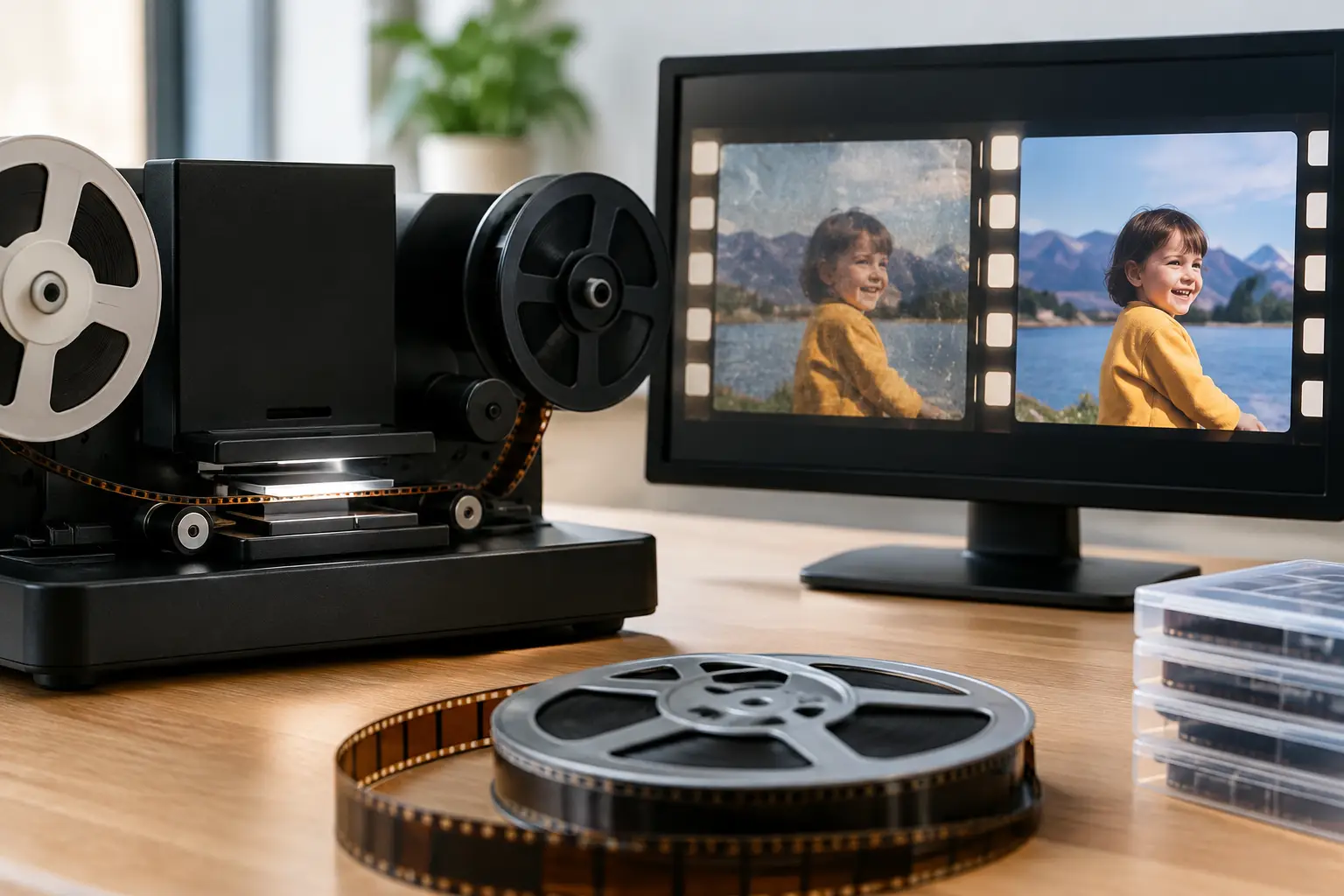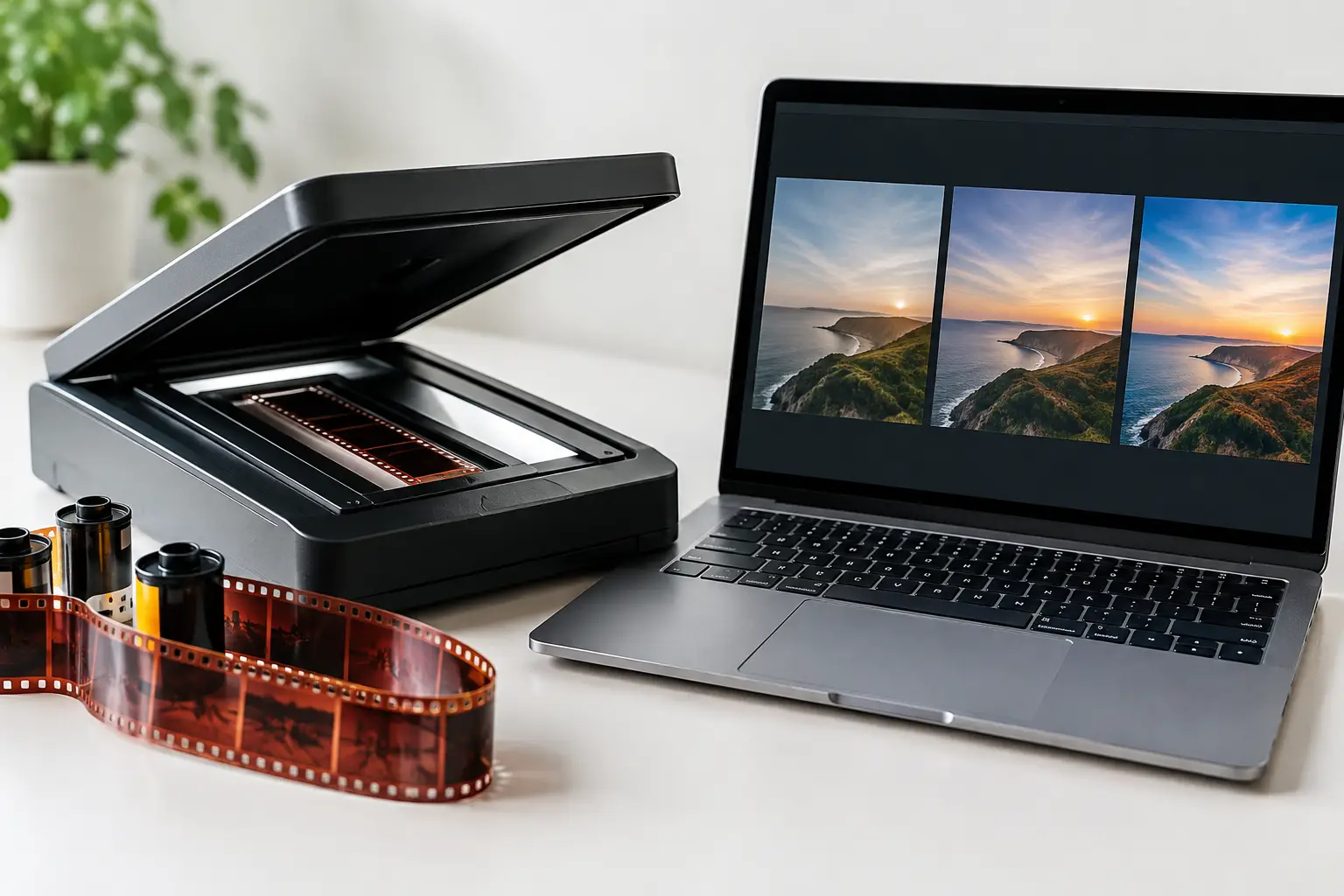
A faded Super 8 sunset can look acceptable in an 8-bit preview, then fall apart the moment you correct its cyan cast. Bands appear in the sky, shadow detail turns blocky, and the image begins to look digitally processed rather than faithfully restored. This film scan bit depth guide explains where that damage comes from, which bit depth is worth paying for, and where higher numbers stop producing meaningful gains.
Bit depth is not a restoration effect. It does not remove grain, repair scratches, or stabilize a warped frame. It determines how finely each pixel can describe tonal values. That precision matters most when the scan needs color correction, density recovery, dust removal, grain management, or multiple export versions.
What Bit Depth Means in a Film Scan
A digital image records brightness and color as numeric values. Per channel, 8-bit video provides 256 possible code values. A 10-bit file provides 1,024 values, 12-bit provides 4,096, and 16-bit provides 65,536.
The increase is not mainly about making an image look sharper. Resolution determines the amount of spatial detail captured from the film frame. Bit depth determines the smoothness and editability of the tonal information within that detail. A 16 mm scan with fine grain may need high spatial resolution, while a dense reversal original may also need enough bit depth to preserve subtle transitions in bright clouds and dark clothing.
Film is an analog medium with continuous density variation, not a fixed number of digital steps. A scanner samples that density through a sensor, analog-to-digital conversion, scanner optics, and its own processing pipeline. The useful result is therefore limited by the scanner's real dynamic range, sensor noise, exposure setup, and transfer method. A file labeled 16-bit is not automatically carrying 16 bits of meaningful image information.
That distinction matters. Requesting a high-bit-depth scan from a weak transfer system can create very large files without recovering one additional stop of shadow detail. But reducing a genuinely high-quality scan to 8-bit before restoration can throw away values you may need later.
Film Scan Bit Depth Guide: Choosing the Right Level
8-bit: suitable for finished delivery, risky for restoration
An 8-bit file is often appropriate for a final viewing copy, especially for standard web delivery, casual sharing, or a version that has already been graded and cleaned. It is compact, widely compatible, and practical for H.264 or H.265 exports.
It is a poor master format when the image still requires substantial work. Levels adjustments stretch the available values. White balance corrections shift channels independently. Selective color work can expose gaps between values that were not visible in the original scan. The result is banding, especially in skies, walls, faded backgrounds, or underexposed scenes.
For lightly corrected home movies with stable exposure, 8-bit can be sufficient at the end of the workflow. It should rarely be the only file retained from a valuable film transfer.
10-bit: the practical minimum for most restoration work
For many 8 mm, Super 8, 9.5 mm, and 16 mm projects, 10-bit is the most useful working target. Four times as many tonal steps as 8-bit gives color and density corrections substantially more room before visible artifacts appear.
A 10-bit scan or intermediate is especially sensible when dealing with faded color negative, uneven exposure, strong color casts, or scenes containing smooth gradients. It is also a practical choice for high-quality mezzanine exports, provided the codec preserves the required precision and does not introduce destructive compression.
Do not confuse 10-bit with 10-bit 4:2:0 delivery video. Bit depth and chroma sampling are separate decisions. A 10-bit 4:2:2 or 4:4:4 intermediate can preserve color information far better than an 8-bit 4:2:0 file, even when both use the same frame size.
12-bit and 16-bit: for preservation and demanding correction
Twelve-bit and 16-bit files are most valuable when the scanner can actually supply clean data at that precision and when the material merits a preservation-oriented workflow. Color negatives with dense shadows, films needing major exposure recovery, archival originals, and scans intended for repeated future work are strong candidates.
These formats are commonly stored as image sequences or high-bit-depth intermediates, depending on the scanner and postproduction environment. TIFF and DPX are familiar choices for frame-based workflows. FFV1 can also be an efficient archival option when a lossless video container suits the project and the full processing chain supports it correctly.
The trade-off is operational, not theoretical. Higher-bit-depth files require more storage, faster disks, more RAM, and longer encode times. A 16-bit 4K image sequence can become difficult to manage quickly, particularly for a large family archive or a service bureau processing many reels per week. It is worth the cost when it protects recoverable information. It is wasteful when the source, scanner, or intended output cannot benefit from it.
Scanner Output Is More Important Than the Label
Before choosing a format, ask what the scanning provider actually delivers. Some systems scan internally at high precision but output an 8-bit compressed video file. Others provide a high-bit-depth log or linear file that retains more of the sensor's captured range. Those are very different starting points.
Ask whether the scan is flat, log, or display-referred. A flat or log transfer may look low contrast because it is designed to retain more highlight and shadow latitude for later correction. A display-referred file may look finished immediately, but it can have clipped whites, crushed blacks, or baked-in color decisions that limit restoration.
Also ask whether automatic corrections are enabled. Auto exposure, auto color, sharpening, noise reduction, and contrast enhancement can be useful for quick viewing copies. For restoration masters, they may hide defects, alter film grain, clip channels, or make scene-to-scene matching harder. The ideal answer depends on the project: a simple family-film delivery and a preservation master should not be treated as the same product.
Keep Precision Through the Restoration Pipeline
A high-bit-depth source only helps if the workflow retains that precision. Converting it to 8-bit before color correction defeats much of the purpose. The same applies when an application processes internally at lower precision or when an intermediate codec silently reduces the image to 8-bit.
Work from the best available scan, then perform geometry correction, stabilization, dust and splice cleanup, color balancing, grain reduction, and final grading without unnecessary conversions. Some operations are more sensitive than others. Color correction and levels work benefit strongly from extra precision. Stabilization depends more on clean frame analysis and accurate perforation or image tracking. Dust removal depends on temporal analysis and careful thresholds, but can still expose posterization if it follows aggressive 8-bit grading.
A controlled pipeline also separates the preservation master from access copies. Keep the highest-quality scan or restoration intermediate as the source for future work. Create lighter 8-bit versions for viewing, sharing, or platforms that do not support professional codecs. This avoids repeating restoration from a compromised delivery file.
For film-specific workflows, the value is not simply in choosing 10-bit or 16-bit. It is in being able to preview corrections, assess grain and defects at full resolution, and encode the final result without accidental color-space or bit-depth changes. A structured tool such as AvyScan Lab helps make those decisions visible rather than burying them in a command-line chain.
A Practical Recommendation by Project Type
For a casual Super 8 reel that needs only trimming and gentle color adjustment, a 10-bit working file followed by an 8-bit delivery export is usually a sensible balance. For a collection with faded Ektachrome, mixed exposures, or visible color drift, retain at least a 10-bit master and avoid early conversion to 8-bit.
For valuable 16 mm originals, dense negatives, historical collections, or material that may be remastered later, request the highest-quality scan the equipment can genuinely deliver. A 12-bit or 16-bit master is justified when it preserves usable latitude, preferably with minimal baked-in correction. Test a short representative section before committing an entire archive to a costly format.
The correct bit depth is the one that preserves the information you can still recover from the film, while keeping storage and processing realistic. If a difficult sky, shadow, or color cast survives your correction pass without banding, clipping, or unstable color, your workflow is carrying enough precision. Keep that master safe. The next restoration decision may be better than the one you can make today.