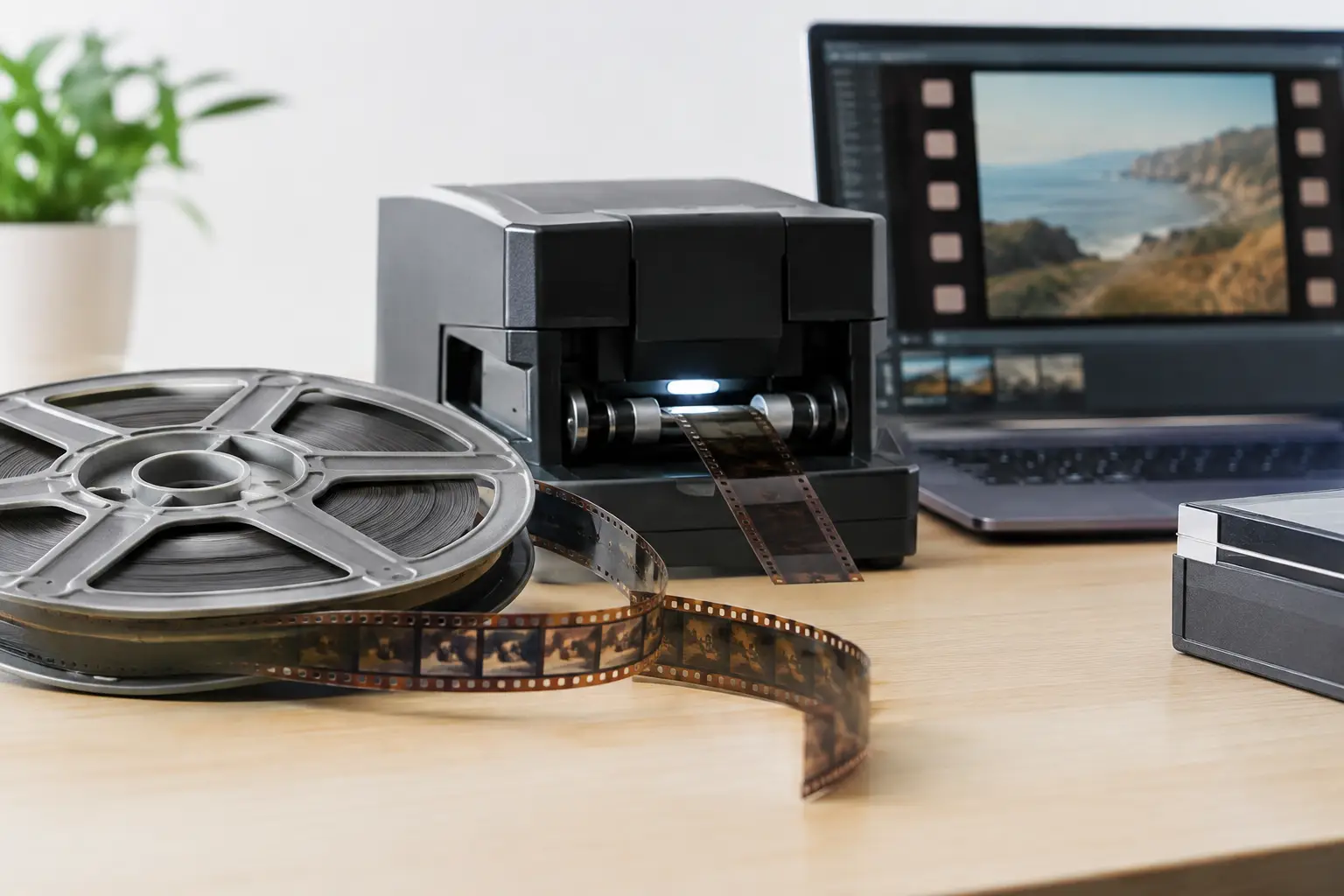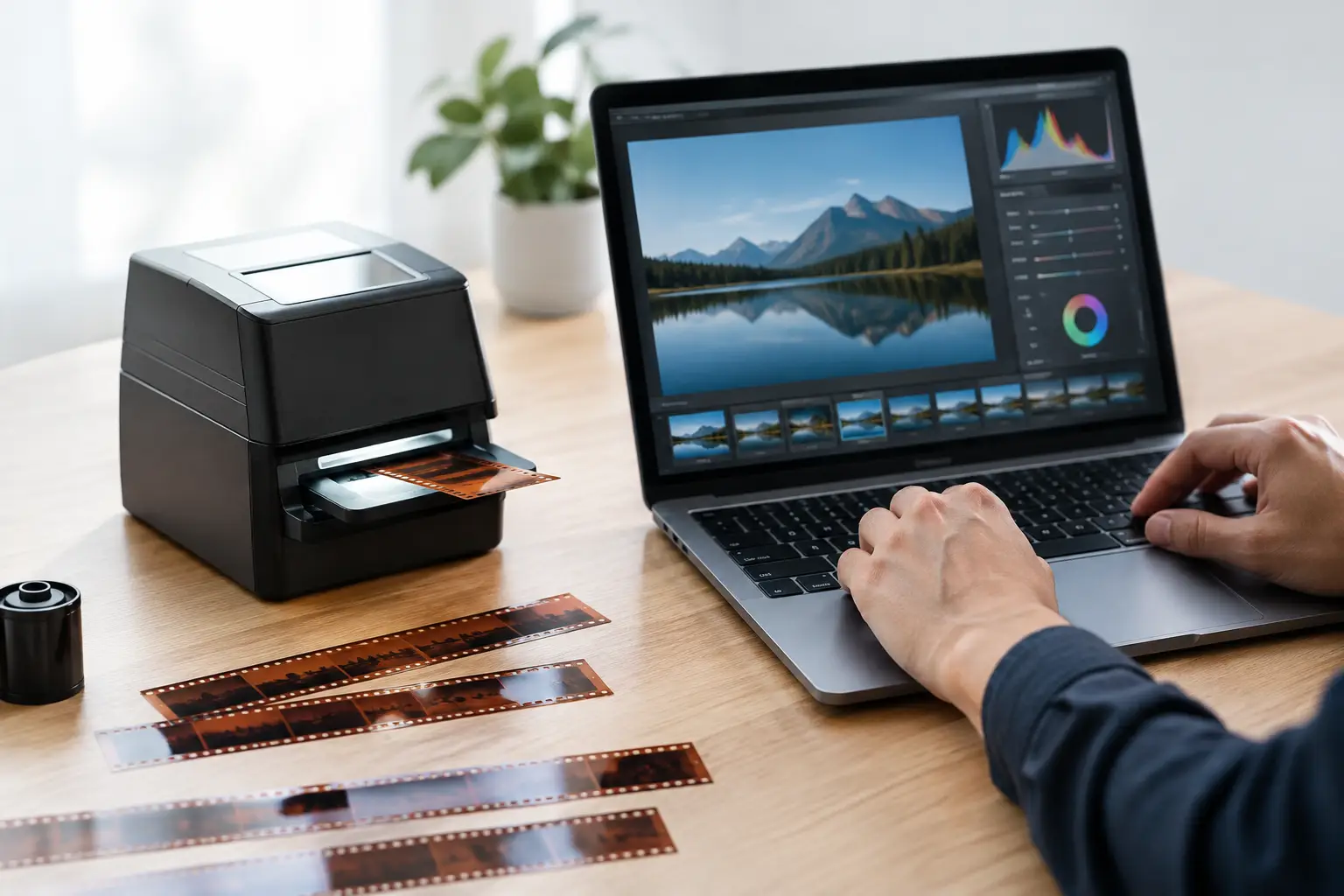
A scan can be sharp, stable, and free of dust yet still feel wrong because the exposure has drifted. Faces lose separation, a white shirt clips into a flat patch, or shadow detail disappears beneath a heavy black point. Learning how to balance film exposure is not about making every frame bright. It is about rebuilding the tonal relationships recorded on the film while respecting the limits of the scan and the character of the original stock.
For 8 mm, Super 8, 9.5 mm, and 16 mm material, exposure correction is usually a shot-by-shot restoration task. Home movies often contain abrupt changes caused by auto-exposure cameras, clouds, backlit subjects, aging reversal film, or a reel assembled from multiple shooting sessions. A single global adjustment may improve one scene and damage the next.
Start With the Scan, Not the Look
Exposure correction cannot restore information that was never captured. Before grading, inspect the scan in a lossless or lightly compressed working format and verify that highlight and shadow detail actually exist. If the scanner clipped the brightest areas to digital white or crushed the darkest areas to zero, later adjustments can only redistribute the remaining values.
A high-bit-depth scan gives you substantially more room to work. Ten-bit or higher files preserve finer tonal steps than 8-bit video, particularly in skies, faces, and underexposed interiors. When the source and pipeline allow it, preserve chroma at 4:2:2 or 4:4:4 during restoration rather than converting early to a delivery format with reduced color information.
Do not judge the scan solely from a media player's preview. Use scopes. A waveform monitor shows where luminance is concentrated and reveals clipping that may be hard to see on an uncalibrated display. A histogram is useful for identifying broad tonal distribution, but it does not tell you where those values occur in the frame. Use both, then confirm the image visually.
How to Balance Film Exposure in the Right Order
Correct exposure before aggressive grain reduction, dust removal, or final sharpening. Tonal changes can make dirt more visible, alter the behavior of temporal filters, and exaggerate noise in lifted shadows. Stabilization can happen earlier in the workflow if it is needed to make a shot easier to evaluate, but color and tonal decisions should be made on the stabilized image.
The practical order is simple: establish black level, protect the white level, set the midtones, then correct color bias. Each stage affects the others, so work in small adjustments and compare against the uncorrected frame frequently.
Set a credible black point
Film shadows are not automatically black. An evening exterior, a dark jacket, or the inside of a room may contain meaningful detail close to the lower end of the signal. Pulling the black point down until every shot has deep blacks creates contrast, but it can erase texture in hair, clothing, foliage, and underexposed backgrounds.
Find an area that should read as the deepest neutral part of the scene, not simply the darkest pixel. Set the black point so that area has weight without swallowing nearby detail. In faded film, there may be no true black at all. In that case, forcing one can make the result look harsh and digitally graded. Retaining slightly elevated blacks is often more faithful to the stock and the original shooting conditions.
Protect the white point
The same principle applies at the top of the range. A sunlit wall, a wedding dress, or a bright cloud should look bright, but it should not become featureless white unless the original image was genuinely overexposed. Watch for channel clipping as well as luminance clipping. A highlight may appear acceptable in brightness while one color channel has already flattened, producing unnatural color shifts.
If highlights are compressed by the scanner or faded film has a narrow tonal range, a gentle curve is usually safer than a hard levels adjustment. Roll off the brightest values gradually. This preserves a natural transition into highlights and avoids the brittle video appearance that can make amateur film look newly processed rather than carefully restored.
Use gamma to place the story
Gamma or midtone control is where exposure balancing becomes visually meaningful. It changes the perceived brightness of the middle of the image without forcing black and white points as aggressively. For most family films, faces are the best reference. Skin should retain contour, eyes should not disappear into shadow, and the subject should separate from the background.
A backlit picnic scene may need a modest midtone lift to recover faces while leaving the sky controlled. An indoor birthday scene may need the opposite: a slight reduction in gamma to keep lamps and windows from dominating the frame. The correct setting depends on what the shot asks the viewer to see, not on a fixed numerical target.
Correct color after luminance is stable
Exposure and color are connected, but correcting a blue cast before setting tonal range often leads to false decisions. Once luminance is stable, inspect neutrals and skin tones. Reversal stocks can develop cyan, magenta, or yellow shifts with age, while mixed lighting can create a cast that belonged to the original scene.
Neutral correction should not erase atmosphere. A tungsten-lit interior does not need to become daylight neutral, and a late-afternoon scene should not lose its warm character. Correct unwanted aging or scanning bias first, then preserve intentional or natural scene color. Tools such as GamMac can be useful for controlled gamma and color-channel adjustment when applied with a restrained hand.
Treat Each Shot as Its Own Exposure Decision
A reel is not one image. It may contain a beach sequence, a living room, a snow scene, and a night parade within a few minutes. Applying one correction across the entire clip is efficient only when the original exposure is consistent. Otherwise, split corrections at scene boundaries or keyframe the adjustment through gradual changes.
Watch carefully for auto-exposure pumping. Older cameras often brighten and darken while the subject moves past a window, sky, or reflective object. A temporal exposure correction can smooth mild fluctuations, but excessive smoothing makes intentional camera moves and changes in lighting feel artificial. Correct obvious pumping, not every frame-to-frame variation.
Splices deserve special attention. A physical splice may join two shots with very different stocks, exposure settings, or levels of fading. Clean the splice artifact first when necessary, then grade each side independently. Trying to match fundamentally different scenes perfectly can produce a worse result than allowing a brief, believable transition.
Check the Image at Normal Speed
Still frames are essential for precision, but exposure is experienced in motion. A correction that looks excellent on one frame can flicker when grain, gate variation, or changing scene content moves through the image. Preview the full shot at normal speed after every meaningful adjustment.
Use four checks before committing to a grade:
- Shadow detail remains visible where the original scene plausibly contained it.
- Important highlights retain texture rather than flattening into clipped white.
- Faces and key subjects read clearly at normal playback speed.
- The correction does not introduce visible flicker, noise emphasis, or color shifts between adjacent shots.
This is also the moment to evaluate grain reduction. Lifting an underexposed image reveals grain because the grain was always present in the darker emulsion layers. RemoveDirtMC or other temporal filtering can reduce distracting noise, but strong filtering after a shadow lift may smear facial detail and motion. Reduce only enough to make the image comfortable to watch, then let the film retain its photographic structure.
Preserve a Reversible Restoration Pipeline
Keep an untouched scan and save your correction settings separately from delivery encodes. That practice lets you revisit a reel when a better scan, display, or restoration method becomes available. It also allows you to create different masters: a conservative archive version, a clean viewing version, and a compressed access copy.
For archival or high-quality intermediate output, choose a codec suited to repeated processing, such as FFV1 or a high-quality intra-frame format. Reserve x264 or x265 delivery encodes for the final version, after exposure, color, stabilization, and cleanup have been approved. Re-encoding a lossy file after every correction compounds artifacts, especially in grainy Super 8 and underexposed 16 mm footage.
AvyScan Lab supports this kind of structured workflow by exposing specialized AviSynth+ processing through a visual interface, so shot correction, preview, cleanup, and professional encoding can remain part of one controlled pipeline rather than a collection of disconnected exports.
The best exposure balance is rarely the brightest or most contrast-heavy image. It is the version that lets a viewer read the faces, weather, place, and time preserved in the frame while still believing they are looking at film.