A film scan can look technically sharp and still fail as preservation. A warped 8 mm reel may drift frame to frame, a faded Super 8 print may carry a heavy cyan cast, and a 16 mm splice can produce a sudden exposure jump that generic video tools treat as ordinary footage. The essential tools for film digitization are therefore not just a scanner and an export preset. They are a controlled chain for inspecting film, capturing every available image detail, correcting material-specific defects, and producing files that remain useful years from now.
For home movie collectors, archives, and digitization services, the right toolset depends on the condition of the material and the intended deliverable. A one-of-a-kind family reel calls for conservative handling and a high-quality preservation master. A commercial transfer workflow also needs repeatable settings, efficient batch processing, and dependable quality control. The principle is the same: protect the original film while preserving as much image and sound information as the scan contains.
Essential Tools for Film Digitization: Start Before Scanning
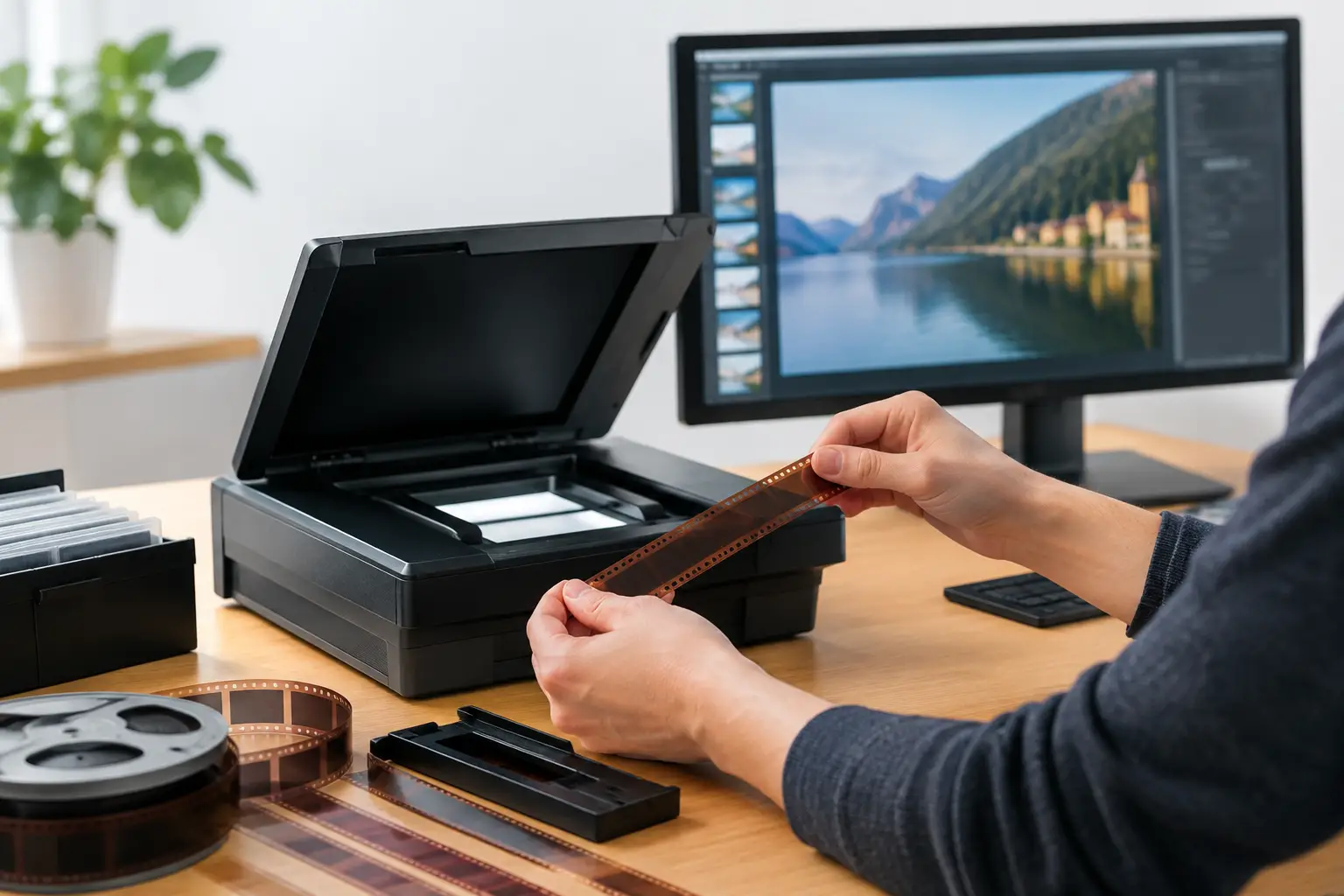
Digitization begins at the inspection bench. Before a reel reaches a scanner, use a rewind bench, clean reels, archival cores, leader, and a film viewer or inspection light. These modest tools reveal issues that can damage film or compromise the capture: shrunken stock, brittle perforations, loose splices, mold, curled film, and vinegar syndrome.
A film cleaning system is equally central, but it must suit the stock and its condition. Soft lint-free wipes, appropriate film-cleaning supplies, and careful manual handling can remove loose dust and surface residue. Aggressive cleaning or excessive pressure can scratch the emulsion, soften a weak splice, or transfer contamination deeper into the reel. If film is severely warped, mold-affected, or actively degrading, stabilization and specialist conservation should come before routine scanning.
Proper winding tension matters more than it seems. Unevenly wound film may snag, telescope, or pull poorly through a transport. Rewind slowly, inspect splices, and add leader where needed. For 8 mm, Super 8, 9.5 mm, and 16 mm, verify the gauge before selecting reels, adapters, gates, and transport components. A near-fit is not a fit when perforations and sprockets are involved.
Capture Hardware That Respects the Film
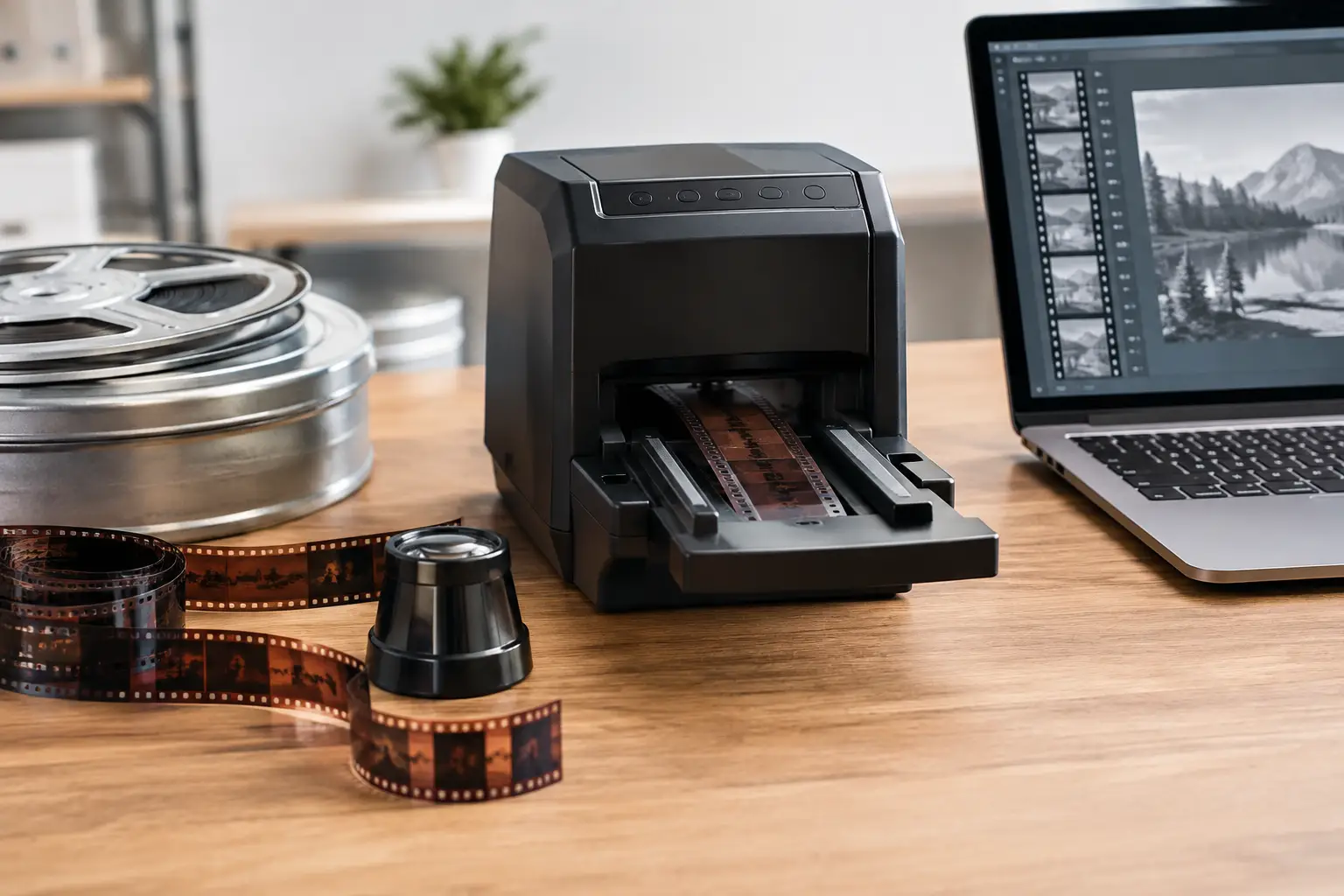
The scanner or transfer system sets the ceiling for the project. A frame-by-frame scanner is generally preferable for preservation work because it captures individual frames without the flicker and motion artifacts associated with projecting film and recording it with a video camera. Look for stable transport, gentle film handling, consistent illumination, and the ability to capture at a resolution and bit depth appropriate to the gauge.
Resolution alone is not the whole specification. A high-resolution scan with clipped highlights, crushed shadows, unstable registration, or poor focus does not preserve more usable information. For small-gauge film, clean optics, even illumination, and accurate exposure are often more valuable than chasing an inflated resolution number.
A calibrated monitor is another essential tool, not a luxury reserved for finishing suites. Color correction performed on an uncalibrated display can create a new problem while trying to solve an old one. Use a display capable of showing consistent tonal separation, calibrate it with a colorimeter, and evaluate footage in a controlled viewing environment. This is particularly important with reversal stocks, faded color negatives, and mixed reels where scenes may have aged differently.
Storage deserves the same planning. Scans can become large quickly, especially at 10-bit or higher precision, with 4:2:2 or 4:4:4 chroma and lossless or visually lossless codecs. Use fast working storage for ingest and restoration, then maintain at least two separate copies of the source scan and final master. A single external drive is a convenience, not an archive strategy.
Restoration Software Is Where the Scan Becomes Usable
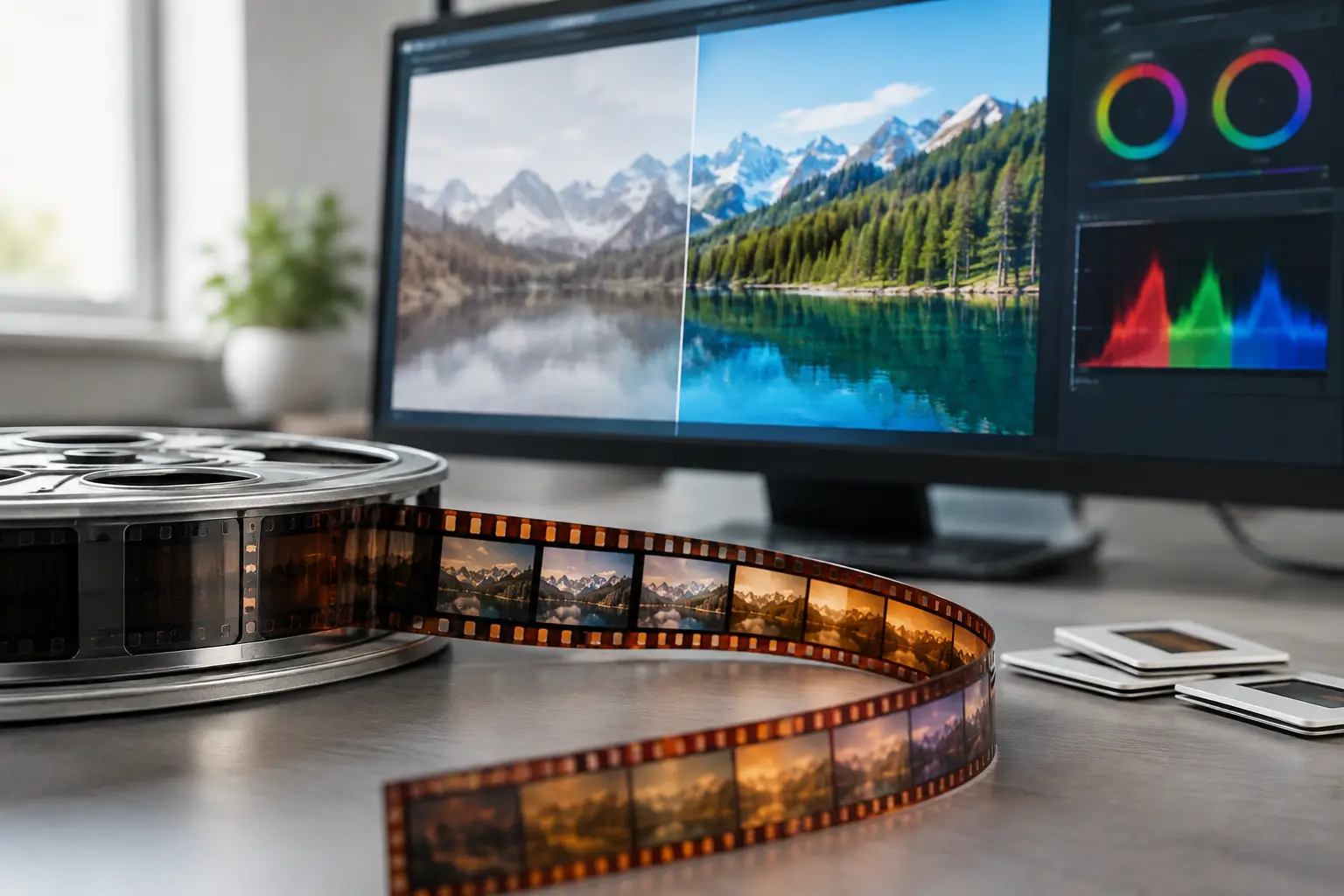
Capture preserves what the film contains. Restoration software decides how much of that information can be seen without changing the character of the original image. Generic editors can trim clips and apply broad color effects, but they rarely provide a focused workflow for perforation instability, splice artifacts, dirt bursts, frame-level defects, and film grain.
The most useful restoration environment combines specialized processing with direct visual control. It should let the operator build a non-destructive pipeline, preview changes immediately, and adjust treatments by scene rather than forcing one setting across an entire reel. That matters because a dusty daylight sequence, a dark indoor shot, and a splice between two camera rolls do not need the same correction.
For dust and spots, temporal dirt-removal filters can compare neighboring frames to identify transient defects. Tools based on motion analysis, including workflows using MVTools2 and RemoveDirtMC, can be highly effective when configured carefully. The trade-off is detail retention. Overly aggressive cleanup may smear fine texture, erase small moving details, or create artifacts around motion. The objective is not sterile footage. It is a cleaner image that still looks like film.
Grain reduction requires similar restraint. Grain may be distracting in underexposed or heavily degraded scans, but it is also part of the image structure. Apply denoising selectively, inspect faces, fabric, foliage, and titles at full resolution, and compare before-and-after frames. A light pass followed by modest sharpening is often safer than a strong filter trying to produce a modern digital look.
Stabilization needs to address the source of movement. Standard video stabilization can crop the frame and interpret intentional camera motion as a fault. Film-specific stabilization based on perforation position is more precise for transport jitter and weave. Perfo Lock-style workflows can stabilize the image against the film’s mechanical reference while preserving the original camera movement. This is especially valuable for small-gauge footage with worn or damaged perforations.
Splices are another case where specialized tools save time. A cement or tape splice can introduce a one-frame jump, flash, dirt burst, or registration shift. Splice cleanup tools let the operator target those moments without applying broad corrections to unaffected footage. That localized control is faster and less destructive than trying to repair an entire reel with a global filter.
AvyScan Lab brings these film-oriented stages into a Windows interface built around AviSynth+, allowing operators to use advanced processing without manually writing scripts. For repeat jobs, the ability to save presets and run batch workflows is as important as any single filter.
Color, Exposure, and Sound Need Their Own Controls
Color correction should begin with neutral technical adjustments before creative interpretation. Correct obvious exposure errors, black and white points, and severe color casts first. Then evaluate saturation and hue. A faded print may benefit from channel balancing and gamma control, while an original reversal film may already have a distinctive palette worth preserving.
Tools such as GamMac are useful when tonal response needs careful adjustment, but every correction should be judged against the material, not a generic idea of what color film should look like. Avoid forcing neutral whites into scenes lit by tungsten bulbs, sunsets, or colored stage lights. The goal is credible reproduction of the photographed scene and the stock’s remaining information.
If the reel includes magnetic or optical sound, image and audio synchronization become part of the preservation workflow. Use audio tools that can monitor waveform alignment, remove obvious hum or noise conservatively, and keep sync stable through edits and splices. Do not assume a fixed frame rate will solve every problem. Older reels may have been shot or transferred at variable speeds, and sound drift may require section-level correction.
Master Files, Access Copies, and Quality Control
A professional digitization workflow normally produces more than one output. The preservation master should retain the highest practical quality from the restored scan, using a format suited to long-term storage and future reprocessing. FFV1 is a strong option for lossless archival video, while ProRes or another high-quality mezzanine codec may fit editorial environments. Keep the original scan as well when storage permits, because restoration choices may need revision later.
Access copies can be smaller and more widely compatible. H.264 through x264 remains practical for many uses, while H.265 through x265 can reduce file size at comparable quality but may require more encoding time and have broader playback constraints. Export settings should match the destination: a family viewing file, an editing master, and an archival deliverable are different products.
Quality control closes the loop. Watch the rendered file from beginning to end, not only selected previews. Check for dropped or duplicated frames, crop errors, color shifts, interlacing mistakes, unstable stabilization, audio drift, and artifacts introduced by denoising or compression. Verify file metadata, naming conventions, reel identifiers, and storage locations. For service providers and archives, this documentation is part of the deliverable.
The best workflow is not the one with the most filters. It is the one that lets you inspect each reel, make reversible decisions, and preserve a clean master without sanding away the film’s history. Start conservatively, document what you change, and keep enough quality in the master to answer tomorrow’s restoration questions.