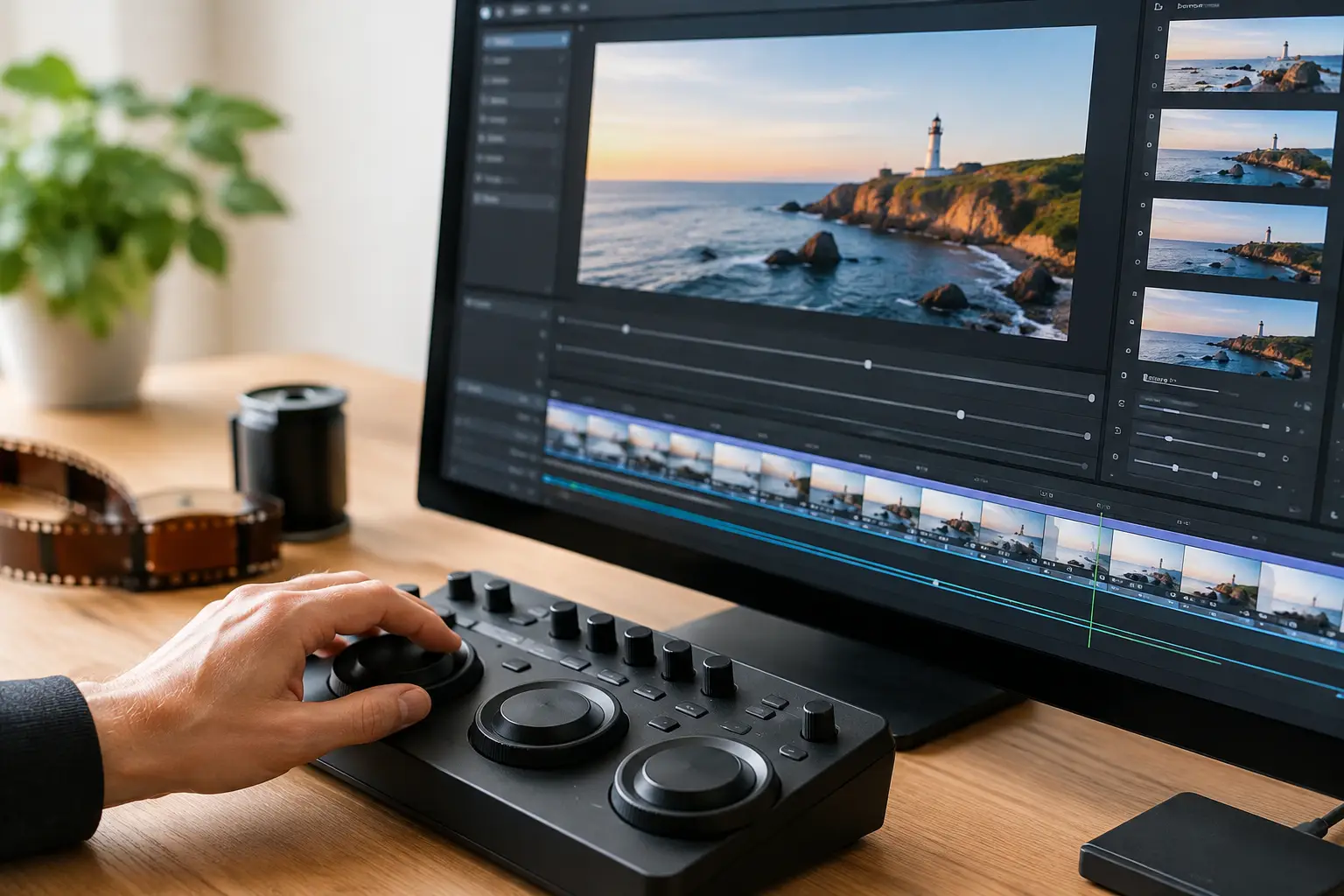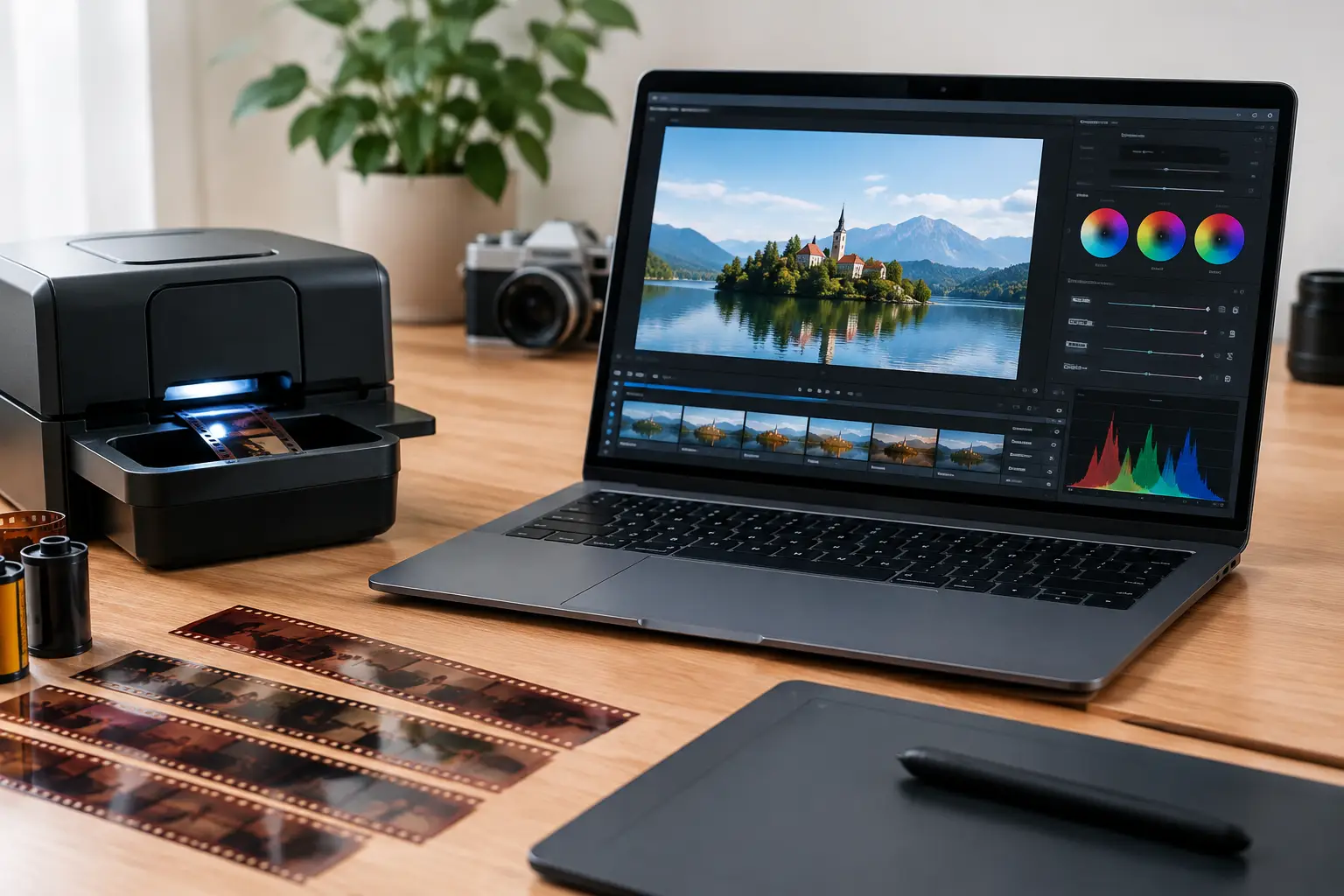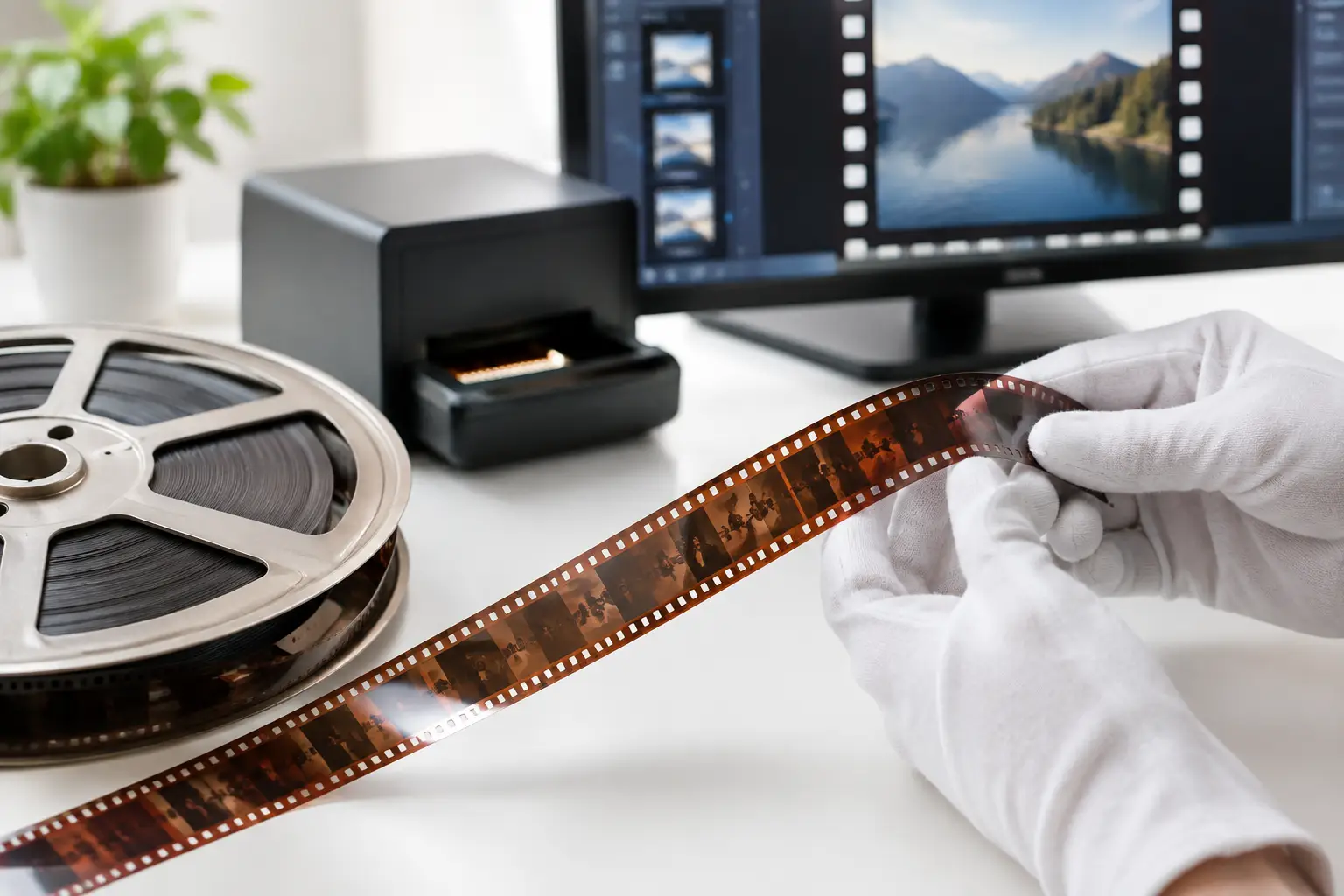
A family reel can contain a child’s first steps, a town before redevelopment, or the only moving images of a relative. But once film has been scanned, the work is not automatically finished. Film digitization is the controlled process of turning fragile analog footage into usable digital files while preserving its timing, framing, texture, and historical character.
For 8mm, Super 8, 9.5mm, and 16mm collections, the difference between a basic transfer and a dependable preservation master often comes down to the decisions made after capture. A scan may reveal detail that has been hidden for decades, but it also reveals gate weave, dust, splice flashes, color fading, grain, and damage that projection once disguised.
Film Digitization Is More Than Scanning
Scanning creates a digital representation of the film. Film digitization, done properly, creates a managed workflow around that scan: inspection, stabilization, defect correction, color work, sound synchronization when applicable, and export to formats suited to preservation and access.
This distinction matters because each stage affects the next. An unstable image is harder to clean without smearing detail. Aggressive grain reduction can make dust removal look more convincing, but can also erase fine textures in faces, fabric, or landscape. A compressed delivery file may look acceptable on a phone while discarding information needed for future restoration.
The goal is not to make old footage look newly shot. The goal is to preserve what is actually on the film, reduce distractions caused by physical deterioration or transport mechanics, and produce files that remain useful beyond a single viewing platform.
Start With the Right Scan
No restoration filter can recreate image information that was never captured. For that reason, the source scan should be treated as the foundation of the project, not as a temporary intermediate file.
Resolution should match the format, the scanner’s optical performance, and the intended use. A high-resolution scan can be valuable for 16mm originals with significant image detail, while a smaller gauge may benefit more from careful exposure, stable registration, and clean focus than from chasing oversized file dimensions. Overscanning can also be useful when edge information, perforations, or frame boundaries are needed for stabilization and inspection.
Whenever possible, retain a high-quality source file before applying restoration. For preservation-oriented work, a lossless or near-lossless master provides a reliable return point if processing choices need to be revised. FFV1 is often a strong option for archival workflows, while ProRes can be practical in editing environments. The best choice depends on storage capacity, downstream software, and whether the file is intended as a preservation master, an editing intermediate, or a viewing copy.
Inspect Before You Correct
A reel should not receive a blanket correction simply because it is old. A faded Kodachrome home movie, a black-and-white 9.5mm print, and a color-reversal Super 8 reel can each require a different approach. Even within one reel, exposure and color may change between scenes.
Begin by reviewing the scan from beginning to end. Identify repeated issues: frame jitter, vertical drift, splice flashes, dust bursts, scratches, density changes, or sections with missing frames. This inspection stage helps separate persistent defects from isolated events. It also prevents a common error: applying a strong global filter to solve a problem that appears for only ten seconds.
For long collections, batch processing becomes essential, but batch processing should follow testing. Build a short representative sample containing bright scenes, dark scenes, motion, faces, and damaged sections. Test the pipeline there first. Once the settings preserve the desired detail and behave predictably, they can be applied more confidently across related reels.
Stabilization Should Respect the Frame
Mechanical instability is one of the most visible issues in small-gauge transfers. The image may shift laterally, bounce vertically, or weave from frame to frame as the film moves through the gate. Viewers notice this immediately, especially when architecture, titles, or horizon lines are present.
Perforation-based stabilization can provide a more reliable reference than analyzing image content alone. A process such as Perfo Lock uses the physical geometry of the film transport to stabilize the frame, reducing gate weave without mistaking intentional camera movement for unwanted motion. This is especially useful when handheld footage contains panning, zooming, or subjects moving across the frame.
The trade-off is framing. Stabilization may require a small crop or reveal irregular frame edges. The correct setting depends on whether the priority is maximum image area, steady playback, or a balanced compromise. For preservation masters, it can be wise to keep an uncropped source version alongside the stabilized derivative.
Clean Defects Without Removing the Film’s Character
Dust, spots, and scratches are not all the same. Some appear for one frame, others persist through a sequence, and some are embedded in the original image or caused by aging emulsion. Temporal tools can compare neighboring frames to identify transient defects, while spatial tools can target localized marks. Used together, they can significantly improve a scan.
However, defect removal is where overprocessing becomes most obvious. Strong settings can turn moving detail into trails, flatten natural grain, or create plastic-looking faces. A frame with visible grain is not necessarily a damaged frame. Grain is part of the photographic structure of film, and its intensity varies by stock, exposure, and format.
A measured workflow often combines temporal cleaning, such as RemoveDirtMC-based processing, with selective grain management. The settings should be adjusted while viewing motion, not only paused frames. A still image can look impressively clean while playback exposes ghosting or unstable textures.
Splices deserve their own treatment. A bright flash, jump, or exposed frame at a join can interrupt a sequence more than ordinary dust. Dedicated splice cleanup lets the operator repair these brief defects without applying unnecessary processing to the surrounding footage.
Restore Color and Density Scene by Scene
Color correction is not simply a matter of increasing saturation. Aging film can develop cyan, magenta, yellow, or red casts; blacks may lift; highlights may lose separation; and exposure may fluctuate from shot to shot. The correction should restore plausible relationships between colors while respecting the visual language of the original stock.
White balance, gamma, contrast, and channel-level adjustments should be evaluated against recognizable references: skin tones, neutral objects, foliage, sky, and known clothing colors. Tools such as GamMac can help manage gamma and color balance with more control than a one-click automatic correction.
Automatic correction can be useful as a starting point, particularly for large collections, but it should not be trusted blindly. A sunset is supposed to be warm. A stage performance may be lit in saturated blue. A color algorithm that forces every scene toward neutral can remove intentional mood along with unwanted casts.
For mixed reels, split correction by scene when necessary. It takes more time than applying one global setting, but the result is more faithful and easier to review. For high-volume work, save presets for common film stocks and damage patterns, then make scene-specific exceptions only where they are justified.
Build Deliverables for Real Use
A single output file rarely serves every purpose. Preservation, editing, online sharing, and home viewing have different technical requirements.
Keep a high-quality master with minimal destructive processing when the collection has long-term value. Create a restored master for stable, cleaned, color-corrected footage. Then generate access copies that are easier to share or play. H.264 through x264 remains widely compatible, while x265 can reduce file size at comparable visual quality when playback support is known. For editing workflows that need greater color fidelity, 4:2:2 or 4:4:4 chroma formats may be justified, though they require more storage and compatible software.
For sound film, image and audio must remain synchronized throughout the pipeline. Changes to frame rate, dropped frames, or incorrectly handled pulldown can create drift that gets worse over time. Always verify synchronization near the beginning, middle, and end of a reel, not only at the first scene.
This is where a specialized Windows workflow can save meaningful time. AvyScan presents AviSynth+ processing through a visual interface, so restoration settings, real-time previews, professional encoders, and batch tasks can be managed without building every workflow from command-line scripts.
Preserve the Decisions Along With the Files
The technical settings used during film digitization are part of the archive. Record the scan resolution, frame rate, source format, stabilization method, color adjustments, cleanup filters, codec, chroma format, and any scene-level exceptions. A filename alone cannot communicate why a reel was processed in a certain way.
Good documentation makes future work faster and safer. If a better scan becomes available, or if a family member requests a version with lighter restoration, the workflow can be recreated rather than guessed. It also distinguishes an intentional restoration choice from accidental loss.
The most useful digital film archive is not the one with the most aggressive cleanup. It is the one that gives future viewers a stable, faithful image and gives future restorers enough information to make better choices when tools improve.