
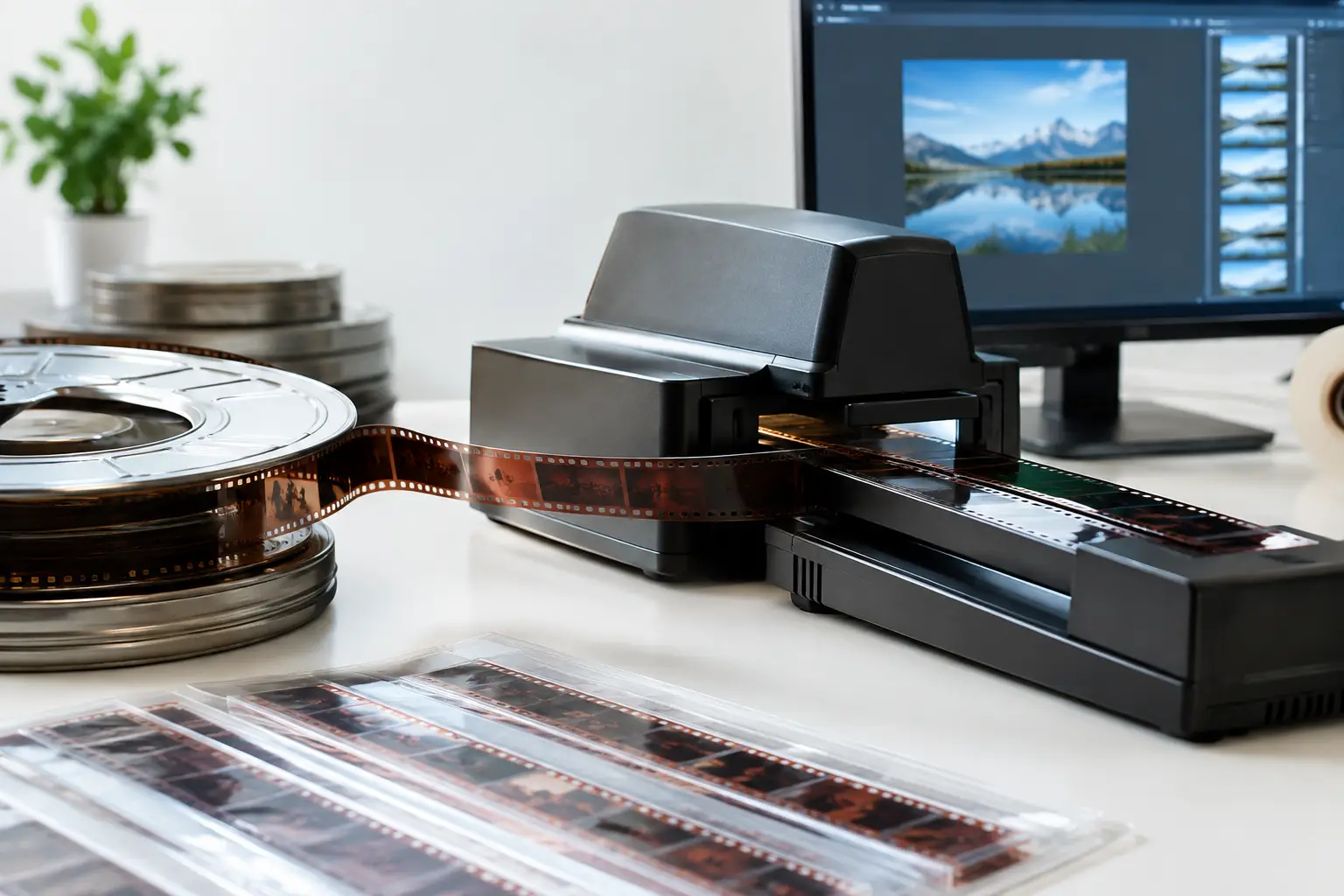
A box of 40 scanned Super 8 reels rarely contains 40 identical problems. One reel may carry heavy gate weave, another a warm color cast, and several may have splice flashes or a persistent dust pattern. Yet many parts of restoration should remain consistent across the entire collection. Film batch processing is the controlled way to apply those repeatable decisions without turning each reel into a separate manual project.
For archivists, transfer providers, and collectors working through large film holdings, the objective is not simply speed. It is repeatability: the same grain treatment, the same encoding profile, the same naming logic, and the same documented output standard across an entire job. The right workflow reduces repetitive work while preserving the ability to treat exceptions individually.
What Film Batch Processing Actually Automates
Batch processing does not mean applying one aggressive filter stack to every file and hoping for the best. It means separating stable technical decisions from reel-specific restoration choices.
Stable decisions are usually ideal for a batch preset. These include the output codec, frame size, color sampling, audio handling, destination folder, naming convention, and baseline export parameters. If a project requires preservation masters in FFV1 and review copies in H.264 or H.265, those outputs can be defined once and generated consistently for every approved source.
A baseline restoration chain can also be appropriate when scans were created on the same machine, under the same capture settings, from film in similar condition. For example, a modest temporal grain reduction, a conservative dust-removal pass, and a Perfo Lock stabilization setting may be valid across a group of 16 mm reels from the same collection.
The limitation matters. Exposure shifts, faded dyes, shrinkage, bad splices, and severe scratches do not distribute themselves evenly through an archive. A batch job should establish a dependable starting point, not erase the operator's judgment.
Build Batches Around Scan Conditions, Not Shelf Order
The most common batch-processing mistake happens before any filter is enabled: grouping media because it arrived together. Shelf order is useful for inventory, but it is not a restoration category.
Instead, organize reels by characteristics that affect processing. Keep regular 8 mm and Super 8 separate when their scans differ in image area, perforation behavior, or stabilization needs. Separate sound film from silent film when synchronization and audio export are part of the workflow. Color reversal, color negative, black-and-white, and heavily faded material should also be reviewed as distinct groups.
A useful batch can be as small as six reels. If those six share scan resolution, frame rate, film gauge, capture system, and broad condition, they are more likely to respond predictably to the same workflow. A 100-reel batch with mixed gauges and decades of film stock may look efficient at the start, but it creates expensive review work later.
Before processing, inspect representative clips from the beginning, middle, and end of each proposed group. Look for changes in density, color drift, registration stability, and splice condition. This short assessment is faster than correcting a poor treatment after dozens of files have been encoded.
Create a Baseline Restoration Preset
A reliable preset begins with restraint. It should improve recurring defects without damaging image detail, film texture, or motion.
For grain-heavy scans, temporal methods can be effective when configured carefully. AviSynth+ workflows using motion-compensated processing, often supported by MVTools2, can distinguish much of the moving image from random grain. But high settings can flatten fine textures, blur hair or fabric, and create motion artifacts around fast action. The best batch setting is usually not the strongest setting visible on a single paused frame. It is the setting that remains credible throughout actual playback.
The same principle applies to dirt removal. Filters such as RemoveDirtMC can reduce recurring dust and small spots efficiently, particularly on clean scans with transient debris. They should not be expected to repair every deep scratch, embedded emulsion defect, or damaged splice. Those conditions may need a separate treatment path or manual review.
Color correction deserves particular caution. A gentle baseline adjustment can correct a capture-wide cast, but scene-by-scene exposure variation is not a batch problem. If the entire scan set has a consistent green or cyan bias, a controlled correction may belong in the preset. If one reel was shot under tungsten lighting and the next in bright snow, a universal correction will create new inaccuracies.
For physically unstable film, perforation-based stabilization can produce a steadier frame than generic image stabilization because it uses a meaningful reference in the film itself. Perfo Lock is especially useful when the scan includes stable perforation information. When sprocket holes are cropped, obscured, or damaged, test the result before assigning that method to a large batch.
Use Previews to Set the Safe Processing Range
A batch preset is only trustworthy after it has been previewed on difficult material, not just the cleanest reel in the group. Choose clips with visible grain, a high-contrast scene, camera movement, faces, dark areas, and at least one splice if present.
Review at normal playback speed as well as frame by frame. Temporal artifacts are often invisible in still images. Watch for waxy faces, crawling edges, disappearing detail, ghost trails, or a frame that appears to breathe as stabilization compensates too aggressively.
This is where a visual AviSynth+ environment has a practical advantage. The operator can test the processing chain, adjust parameters, and compare results without building and debugging scripts for every job. AvyScan makes that power usable in a workflow designed around scanned film rather than generic video effects.
Once the preset is approved, save it with a descriptive name that records its intended use. “S8_2026Scan_MildGrain_PerfoLock_FFV1” is more useful six months later than “Final_New.” Clear preset names make restoration decisions traceable and help different operators maintain the same standard.
Set Exports Before You Commit the Queue
Encoding is part of preservation strategy, not an afterthought. The restoration chain can be identical while the right deliverable changes according to purpose.
For a high-quality preservation or working master, lossless or near-lossless options such as FFV1 or ProRes can retain the output of the restoration process without adding destructive compression. For editing, ProRes may suit an established postproduction workflow. For client review, web delivery, or access copies, x264 and x265 can reduce file size substantially while maintaining strong image quality when configured appropriately.
Set the pixel format deliberately. Chroma 4:2:2 or 4:4:4 may be justified when the source scan and subsequent grading work benefit from retained chroma information. A 4:2:0 access copy may be entirely appropriate for viewing. The key is to avoid accidentally making the access version the only retained output.
Audio requires the same discipline. Sound Super 8 and 16 mm transfers may contain hiss, speed variation, or synchronization issues, but the original captured audio should be retained in a preservation-oriented deliverable before any optional cleanup or normalization is supplied for viewing.
A batch queue should also use predictable filenames. Include a collection identifier, reel number, version, and output role. This avoids a common archive problem: several files with nearly identical names, no indication of which one is the master, and no clear link back to the physical reel.
Add Quality Control Checkpoints
Automation reduces clicks. It does not remove the need for quality control. The practical answer is to inspect strategically rather than attempt exhaustive, real-time viewing of every encode.
Check the first completed file before allowing a large queue to run unattended. Confirm frame rate, image dimensions, codec, audio mapping, color appearance, and output location. Then inspect a sample from each reel at its beginning, middle, and end. This catches many batch failures, including a missed source anomaly, an unexpected crop, a broken audio stream, or a filter setting that performs poorly on one subset of material.
Keep an exception list. A reel with severe color fading, a torn splice, an unusually warped section, or an absent perforation reference should leave the standard batch and receive a dedicated pass. That is not a failure of the batch workflow. It is exactly what a controlled workflow is meant to reveal.
Where Batch Processing Saves the Most Time
The greatest gain is not just in encoding multiple files overnight. It comes from eliminating repeated setup while improving consistency between reels. A transfer provider can apply the same approved deliverables to a full client order. An archive can standardize masters and access files across a collection. A collector can process dozens of family reels with a measured baseline treatment, then focus personal attention on the few clips that genuinely need it.
Film batch processing works best when it is treated as a repeatable production method: classify the scans, test a conservative preset, lock the output requirements, queue the compatible reels, and review the exceptions. The result is faster throughput without surrendering the judgment that fragile film images still demand.
When a reel falls outside the preset, let it. Preserving the character and evidence of the original film is worth more than forcing every frame through the same correction.