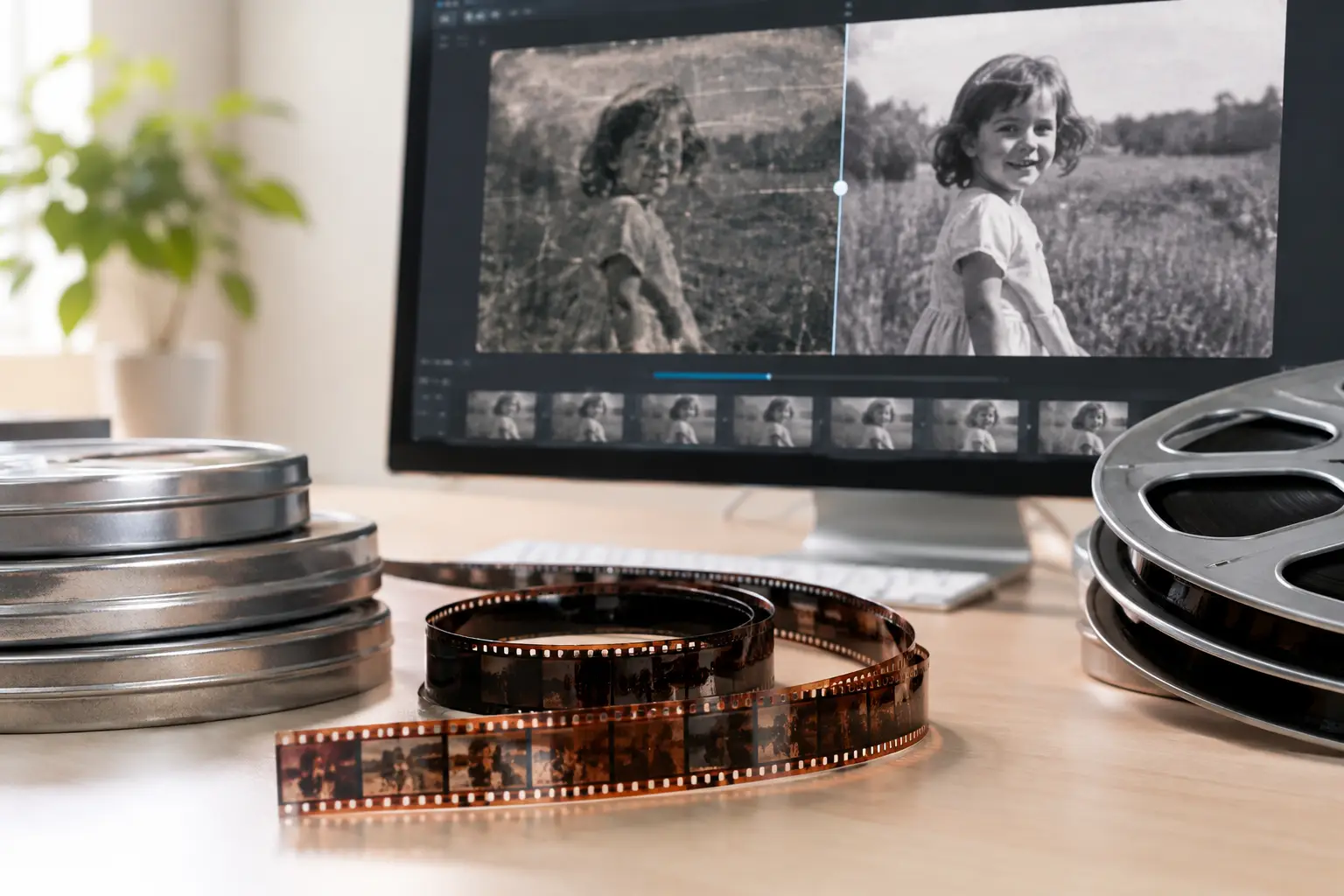
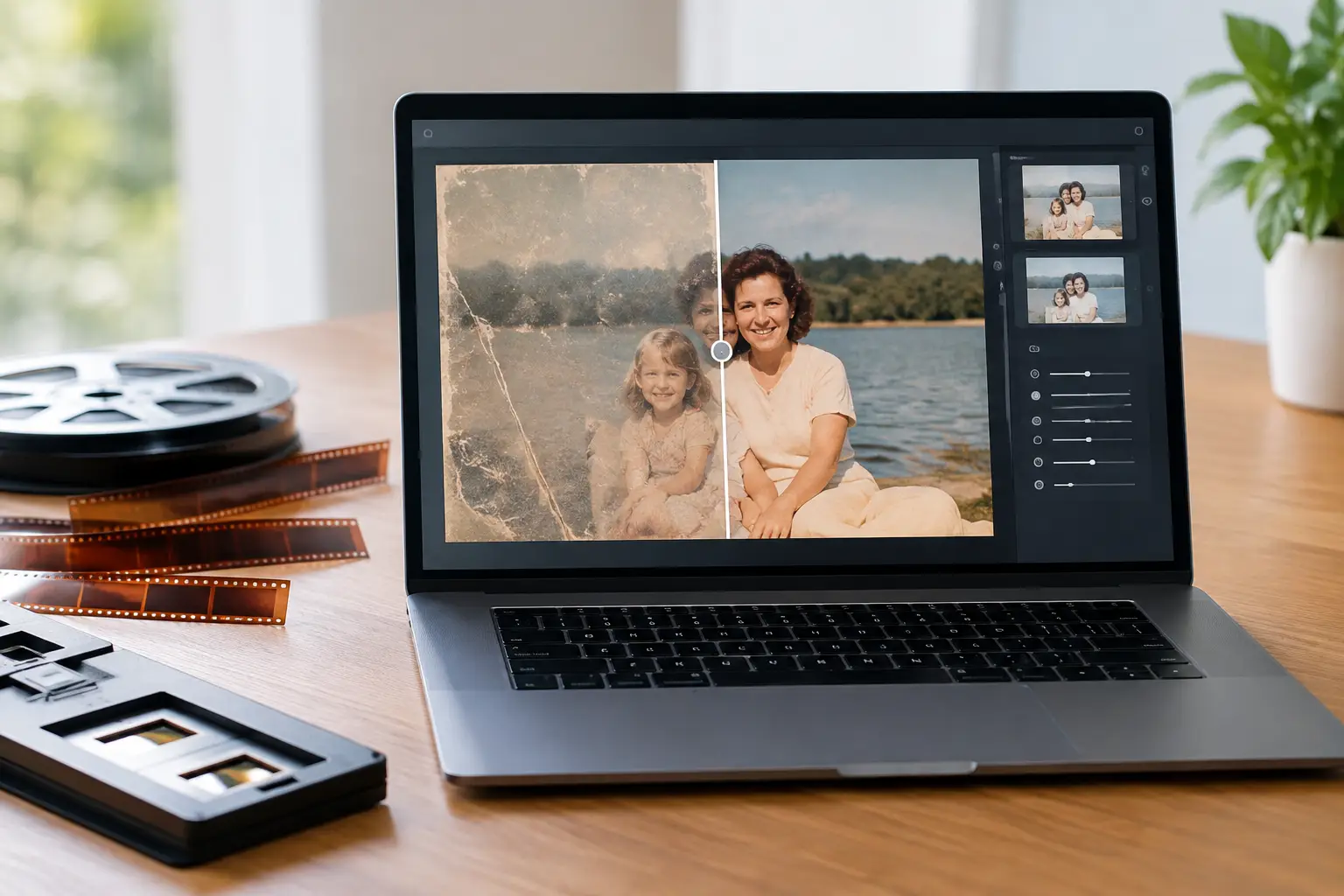
A scanned reel can look technically sharp and still feel unusable. Fine dust becomes fixed in every frame, unstable perforation registration creates visible gate weave, faded dye shifts skin tones, and a splice can cause a sudden exposure or geometry jump. A useful Windows restoration software review must therefore assess more than a list of filters. The question is whether the software gives a film restorer a controlled pipeline from source scan to archive-ready master.
For 8 mm, Super 8, 9.5 mm, and 16 mm material, generic video editors are often adequate for trimming and basic color correction. They are less convincing when the work calls for frame-aware dirt removal, film-specific stabilization, controlled grain reduction, splice repair, or export formats suited to preservation and postproduction. The best choice depends on the scan quality, the intended deliverable, and how much manual intervention the project can support.
What Windows restoration software must handle
Film restoration starts with defects that are not evenly distributed. A roll may be clean for several minutes, then contain a damaged splice, a cluster of embedded particles, or a section affected by shrinkage and poor registration. Applying one aggressive correction to the full reel is rarely the right answer. The software should make it practical to preview, tune, and selectively apply processing without turning every job into a custom scripting exercise.
A capable Windows workflow should cover five connected tasks: source inspection, image cleanup, motion stabilization, color and exposure correction, and delivery encoding. Each stage affects the next. Heavy temporal cleaning can soften fine detail. Strong stabilization can crop edges or create warping around damage. Color correction can reveal dirt that was less obvious in a flat scan. A review that treats these functions as isolated checkboxes misses the real production problem.
The starting point is format support. Scans may arrive as image sequences, lossless intermediates, ProRes files, or highly compressed transfer files. Image sequences and high-bit-depth mezzanine formats provide more room for restoration decisions. Compressed sources can still be improved, but pre-existing blocking, chroma subsampling, and baked-in sharpening limit what any tool can recover.
Grain reduction without erasing the film
Film grain is not the same as electronic noise. Its character changes with stock, exposure, scanner behavior, and frame-to-frame motion. A grain-reduction tool should preserve edges, texture, and moving detail while reducing the distracting random pattern that can overwhelm a scan.
This is where temporal processing matters. Filters that compare adjacent frames can distinguish persistent image information from short-lived grain and dirt, but their settings require restraint. Push temporal thresholds too far and moving objects can leave trails, faces can become waxy, and fine textures such as fabric, foliage, or titles can lose credibility.
A practical Windows restoration application should expose enough control to match the treatment to the footage. For a well-exposed 16 mm scan intended for projection, a light pass may be sufficient. For a heavily grained 8 mm home movie destined for modern display, more reduction may be acceptable, provided the original detail is not replaced with artificial smoothness. Side-by-side preview is essential because a still frame cannot reveal temporal artifacts.
Dust, spots, and scratches need temporal intelligence
Single-frame defects are among the strongest reasons to use restoration software rather than a standard editor. Dust and small spots appear abruptly, while real picture detail usually persists or moves consistently from frame to frame. Temporal dirt-removal methods can use this difference to identify and replace defects from neighboring image data.
Tools based on approaches such as RemoveDirtMC can be highly effective when configured for the source. They are particularly valuable for repeated white or black specks, scanner dust, and minor surface contamination. Their limitation is equally important: large scratches, unstable emulsion damage, and defects crossing detailed moving subjects may need lighter automated treatment followed by manual repair in selected shots.
The quality test is not whether every mark disappears. It is whether cleanup reduces distraction without causing flicker, ghosting, or loss of authentic image structure. For archival material, a restrained result is frequently more defensible than an aggressively polished one.
Stabilization should address the cause of movement
Not all instability is camera shake. In small-gauge film, the image can shift because the scanner registration varies, the film shrinks, perforations are damaged, or the original transport was inconsistent. Conventional stabilization estimates motion from image content. That can help, but it may also interpret a pan, a person walking through frame, or a cut as unwanted movement.
Perforation-based stabilization solves a different problem. When the scan includes usable perforation information or has been captured for registration analysis, a Perfo Lock workflow can stabilize against the film’s physical reference rather than the scene itself. This is especially relevant for transfers with pronounced gate weave. The result can retain intended camera movement while reducing the mechanical jitter that makes a scan look unstable.
MVTools2-based motion analysis remains useful where perforation data is unavailable or where controlled motion compensation is needed for other restoration stages. The best Windows restoration software gives the operator a choice rather than presenting stabilization as a one-click promise. Check crop behavior, edge fill, and motion consistency around damaged frames before committing to a full-reel render.
Splices and scene transitions deserve their own treatment
A splice often creates a brief brightness change, frame displacement, or burst of debris. Automated temporal filters can mistake it for normal motion and spread the defect across nearby frames. A dedicated splice cleanup function, or at minimum the ability to define processing ranges, makes a major difference on family collections and heavily edited amateur reels.
Scene changes need similar protection. Filters should not blend information across a cut, and automatic color operations should avoid carrying the grade of one scene into another. Reliable scene detection, range-based adjustments, and preview around transition points save time that would otherwise be spent repairing artifacts introduced by automation.
Color correction is a restoration decision, not a preset
Color-faded film rarely fails in a uniform way. One reel may shift toward red, another may have weak blues, and a single scene can vary because of exposure changes or aged processing. Automatic correction can provide a useful starting point, but a restoration workflow needs manual control over black point, white balance, gamma, saturation, and channel behavior.
Tools such as GamMac are valuable because they allow targeted correction of tonal and color relationships without forcing a generic look. The goal is not to make every film resemble current digital footage. It is to restore believable contrast, neutral references where they exist, and color relationships that respect the original material.
Use scopes when available, but do not rely on them alone. A technically neutral frame can still look wrong if skin, skies, painted walls, or familiar objects lose their expected relationship. For mixed-source reels, separate corrections by scene or shot are usually worth the additional setup.
Encoding and batch work determine whether the workflow scales
A restoration can be visually successful and still fail operationally if the export path is limited. Preservation masters and working copies have different requirements. FFV1 is a strong option for lossless archival delivery where storage efficiency matters. ProRes is widely practical for editing and finishing. x264 and x265 support efficient viewing copies, although their settings should be selected with care to avoid reintroducing compression artifacts into cleaned footage.
Chroma handling matters as well. A 4:2:2 or 4:4:4 workflow can preserve more color information through correction and intermediate rendering than a heavily subsampled path. This does not create color detail absent from the scan, but it prevents avoidable losses during processing. Bit depth, frame rate preservation, field handling, audio passthrough, and metadata should be checked before a long batch job begins.
Batch processing is where a dedicated application earns its place. A provider handling multiple reels needs repeatable presets, named output conventions, queue management, and the ability to keep processing while other work continues. Yet batch automation should not mean identical settings for every reel. Build presets by film stock, scan condition, and delivery goal, then inspect representative sections before launching the complete queue.
A practical assessment of AvyScan Lab
AvyScan Lab is designed around this specific restoration chain. Its value is not simply that it runs AviSynth+ filters, but that it places advanced processing in a structured Windows interface for operators who need results without writing and maintaining scripts. Grain reduction, dust and spot removal, gate-weave correction, color tools, splice cleanup, and professional encoders are organized as parts of a single workflow.
That approach is particularly relevant for users who want direct access to technologies such as MVTools2, RemoveDirtMC, and GamMac while retaining visual controls and real-time preview. Perfo Lock addresses the physical registration problems common in film scans, while image and sound synchronization supports material with an audio track. The free version can be sufficient for evaluating the complete image-quality path; an Expert perpetual license makes more sense for high-volume queues and advanced production use.
There are trade-offs. A specialized tool rewards users who understand their source material and are willing to test parameters rather than applying maximum correction everywhere. It is not a replacement for careful scanning, nor can it reconstruct image detail destroyed by mold, severe scratches, or poor compression. Its advantage is that the operator can make informed, repeatable decisions without building an entire restoration environment from separate utilities.
When evaluating any Windows restoration software, run the same difficult sample through each candidate: a clean scene, a grainy low-light scene, a shot with gate weave, a splice, and a faded color section. Review it at full resolution and in motion. The right application is the one that lets you remove distractions while leaving the character, timing, and evidence of the original film intact.