A film scan can look excellent on the day it is delivered and still be a poor preservation file. The question of which codec for film preservation is not answered by compression ratio alone. It depends on what must survive: the raw scanner output, the restored image, the ability to verify the file years later, and the practical limits of storage and playback.
For most digitized 8 mm, Super 8, 9.5 mm, and 16 mm collections, the safest approach is to keep more than one deliverable. Preserve the closest practical version of the scan, create a restoration master that retains grading and repair detail, then encode access copies separately. One codec rarely serves all three purposes well.
Which Codec for Film Preservation Is the Best Default?
For a long-term digital preservation master, FFV1 in an MKV container is often the strongest practical choice. FFV1 is lossless, meaning decoded pixels match the encoded source exactly. It is designed for archival use, supports high bit depths and 4:2:2 or 4:4:4 chroma sampling, and is widely used by archives and preservation workflows.
Its value is not merely that it avoids visible compression artifacts. FFV1 also provides efficient lossless compression compared with uncompressed video, which matters when scanning hundreds of reels. A 16 mm scan in 10-bit 4:2:2 can become very large very quickly. FFV1 reduces storage requirements without discarding grain structure, fine scratches, edge detail, or subtle color information that may be needed for later restoration.
MKV is a container, not a codec, but it is a sensible companion to FFV1. It can hold video, PCM audio, multiple audio tracks, subtitles, and technical metadata. It is flexible enough for preservation packages while remaining well documented and broadly supported by professional tools.
That recommendation comes with one condition: the files must be managed as preservation assets, not merely saved to a hard drive. Use checksums, keep duplicate storage copies, document the scan settings, and periodically verify file integrity. A lossless codec cannot compensate for an unmanaged archive.
Preserve the Scan Before You Preserve the Restoration
The most useful archival strategy separates the scan master from the restoration master.
The scan master is the closest record of what the scanner captured. It should retain the original frame geometry, native resolution, frame rate, bit depth, and as much color information as the scanner provides. Avoid baking in aggressive denoising, sharpening, stabilization, dust removal, or contrast changes at this stage. Those choices may be appropriate later, but they should remain reversible whenever possible.
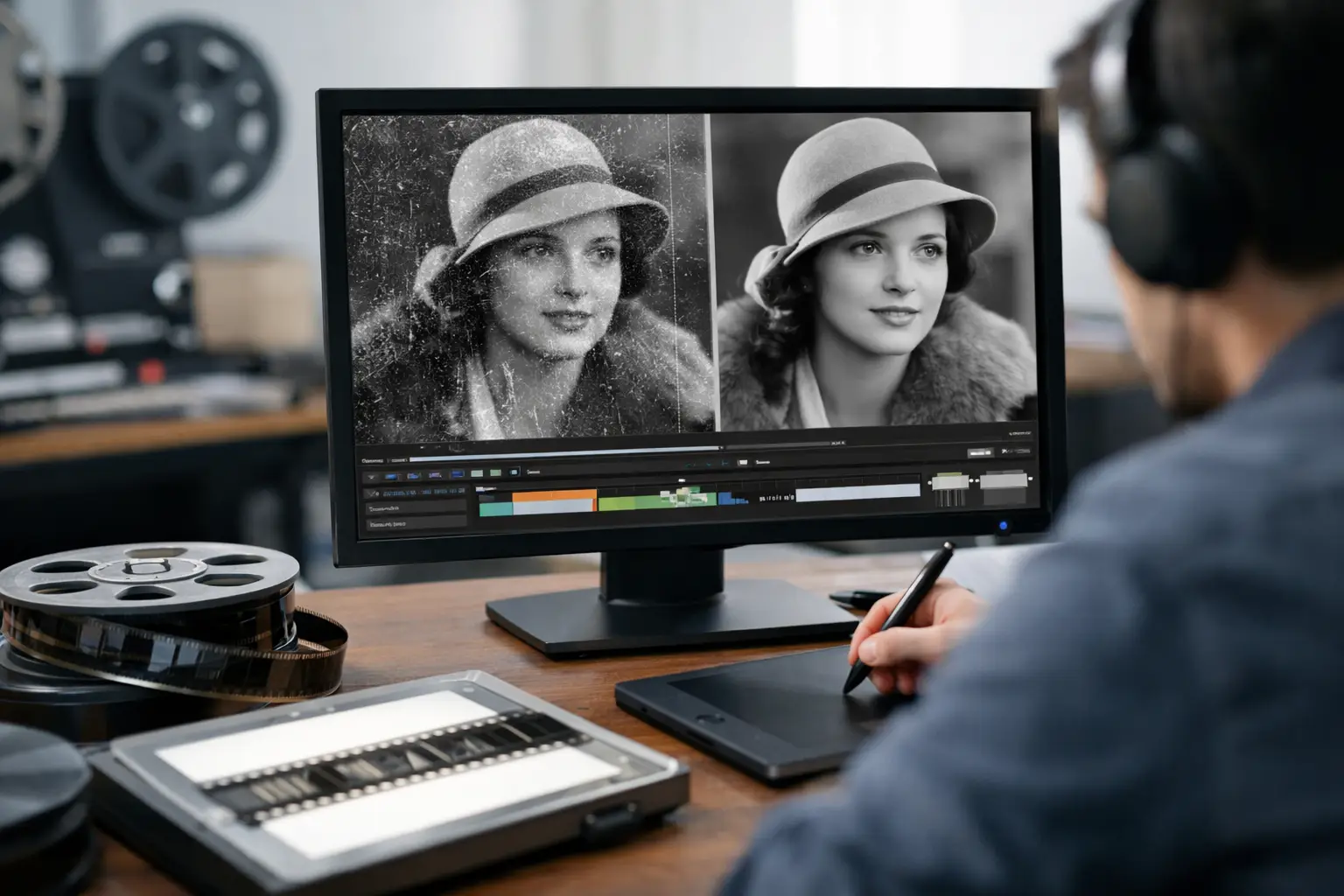
The restoration master is the high-quality result after image correction. It may include perforation-based stabilization, splice cleanup, dust and scratch treatment, grain management, color balancing, and image framing. This file documents the restoration decision-making and becomes the source for future distribution versions.
Both masters can be encoded in FFV1 when storage and workflow compatibility allow it. If the scan arrives as a sequence of DPX, TIFF, or PNG frames, retaining that image sequence can also be appropriate, especially for high-end scans or projects requiring frame-level intervention. Image sequences are straightforward and durable, but they create thousands of files per reel and demand more disciplined storage management.
For many small archives and film service providers, FFV1 offers a more manageable single-file preservation master without sacrificing image data.
Bit Depth and Chroma Matter as Much as the Codec
Selecting FFV1, ProRes, or another codec is only part of the decision. The encoded pixel format determines how much of the scan survives.
For color film, 10-bit encoding should be the practical minimum whenever the scan source supports it. Eight-bit video has only 256 code values per channel. In faded reversal film, dense shadows, blue skies, or carefully corrected color gradients, that limitation can produce banding and leave less room for future color work. Ten-bit encoding provides 1,024 code values per channel and gives color correction tools more usable precision.
Chroma sampling also deserves attention. A 4:2:0 file reduces color resolution and is intended primarily for delivery. It is not the preferred choice for a preservation or restoration master. Use 4:2:2 at minimum for most scanned color film, and use 4:4:4 when the scan pipeline, source material, and storage budget justify it.
Black-and-white film has different priorities. Chroma sampling is irrelevant when the image is truly monochrome, but bit depth remains valuable. A 10-bit or higher grayscale workflow can preserve subtle density variation in highlights and shadows, particularly in well-exposed 16 mm originals or carefully scanned negatives.
Do not upsample a limited source simply to claim a higher specification. Converting an 8-bit 4:2:0 input to 10-bit 4:4:4 does not restore missing information. Preserve the scanner’s real output characteristics, and choose an encoding format that does not reduce them further.
When ProRes or DNxHR Makes More Sense
FFV1 is ideal for preservation, but it is not always the fastest editing codec. Some NLEs, color systems, and client workflows handle Apple ProRes or Avid DNxHR more comfortably. In those cases, use a high-quality intraframe mezzanine codec as a working or restoration format.
ProRes 422 HQ and DNxHR HQX are sensible choices for 10-bit 4:2:2 material. They are visually high quality, edit efficiently, and are familiar across postproduction environments. For scans requiring 4:4:4 handling, ProRes 4444 or DNxHR 444 can be appropriate if the source and processing pipeline actually carry that precision.
However, these codecs are lossy. Their compression is mild and often invisible in normal viewing, but it is still compression. Repeated exports through lossy codecs can soften fine film grain, alter small dust details, and introduce generational loss. Treat ProRes and DNxHR as production formats, not as the only copy of an irreplaceable scan.
A practical workflow is to retain an FFV1 preservation master, work from a ProRes or DNxHR derivative when required, and render final delivery files from the approved restoration master. This keeps editing performance from dictating archival quality.
Why H.264 and H.265 Are Not Preservation Masters
H.264/AVC and H.265/HEVC are excellent distribution codecs. They make it possible to share restored films at reasonable file sizes, stream them, and store large family collections on consumer devices. They are not the right primary codec for film preservation.
Both codecs are lossy and commonly use long-GOP compression, where frames depend on neighboring frames for efficient encoding. At modest bitrates, they can blur grain, distort fast motion, break up dense detail, and make dust or scratches behave unpredictably. Those defects may be less noticeable on a phone screen, but they are unacceptable when the file may become the only surviving digital record.
Use H.264 for broadly compatible MP4 access copies. Use H.265 when smaller files or higher-resolution delivery justify its slower encoding and more limited legacy compatibility. In both cases, encode from the preservation or restoration master, never from an already compressed access file.
Audio, Frame Rate, and Container Choices
Film preservation is not only an image problem. If a Super 8 or 16 mm reel includes magnetic or optical sound, preserve the audio as uncompressed PCM whenever possible. PCM WAV or PCM audio inside an MKV preservation file avoids lossy audio coding and keeps synchronization work intact.
Maintain the scan’s actual frame rate. Do not convert 18 fps, 16 fps, or 24 fps footage to 29.97 fps simply because a delivery platform expects it. Frame-rate conversion can create duplicated frames, blended motion, cadence errors, and a false sense of motion that was never present on the original film. Access copies may need conversion, but the archival master should retain the native scan timing.
Avoid relying on MP4 as the sole preservation container. It is excellent for distribution, but MKV generally offers more flexibility for archival combinations of FFV1, PCM audio, multiple streams, and descriptive metadata. For image-sequence workflows, store the sequence in a clearly structured directory with separate audio, metadata, and checksum files.
A Practical Encoding Decision for Film Scans
If you need one defensible answer to which codec for film preservation, choose FFV1 with 10-bit 4:2:2 or 4:4:4 where appropriate, packaged in MKV, with PCM audio. Keep the original scan master before restoration if possible, and create separate viewing copies in H.264 or H.265.
For active postproduction, create a ProRes or DNxHR working derivative rather than compromising the archive. This is especially useful when applying operations such as grain reduction, RemoveDirtMC-based cleanup, MVTools2 stabilization, color correction, or frame repair. A dedicated restoration pipeline such as AvyScan Lab can generate professional encodes after these corrections while keeping the preservation strategy separate from convenience exports.
The final decision should reflect the scan source, not a generic preset. A lightly compressed 8-bit consumer scan cannot become archival merely because it is saved as FFV1. Conversely, a carefully captured 10-bit scan deserves an encoding path that preserves its detail, color latitude, and future restoration potential.
Treat the preservation master as the file you hope never to recreate. Store it losslessly, document it clearly, and let every smaller, more convenient version be a derivative of that protected source.