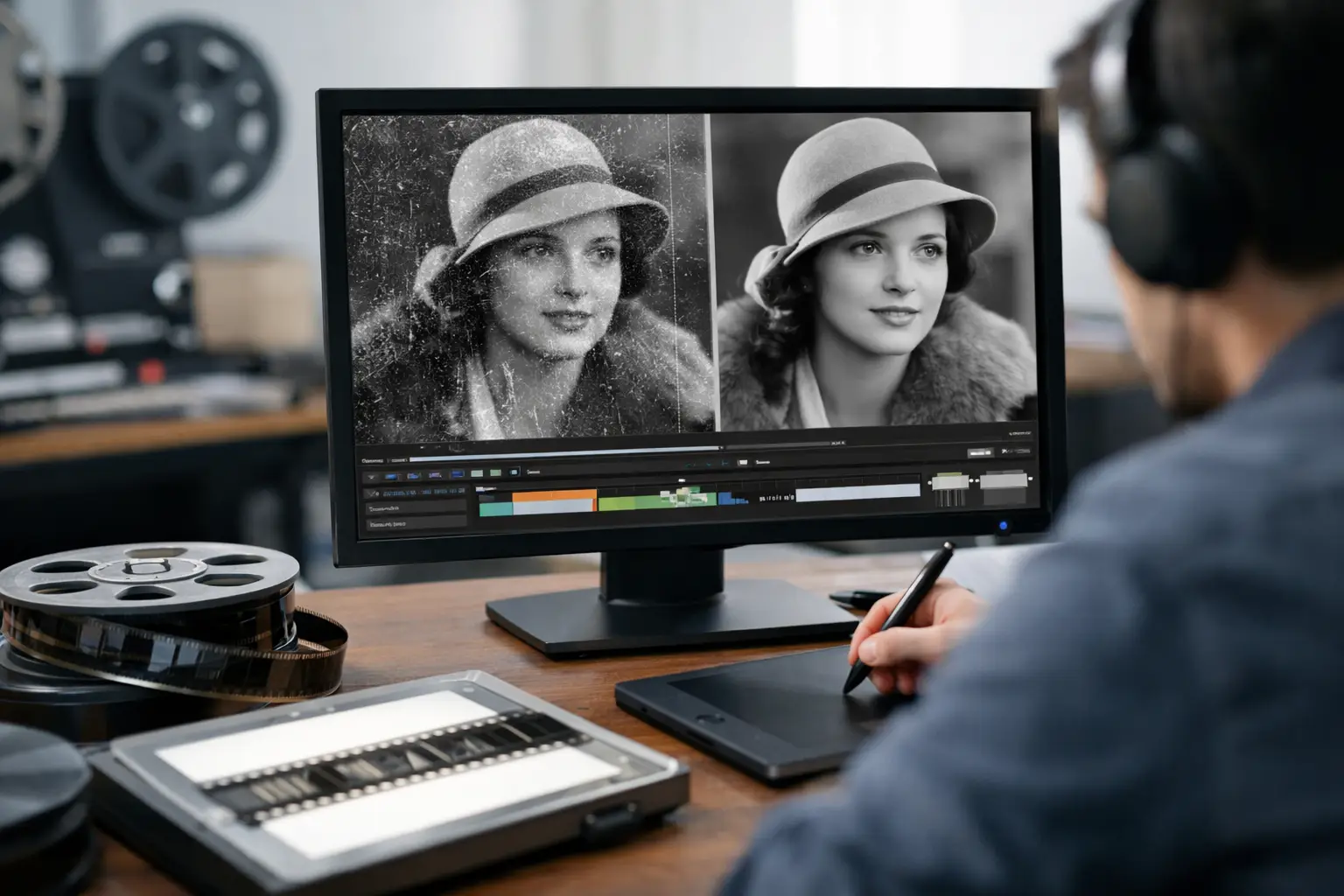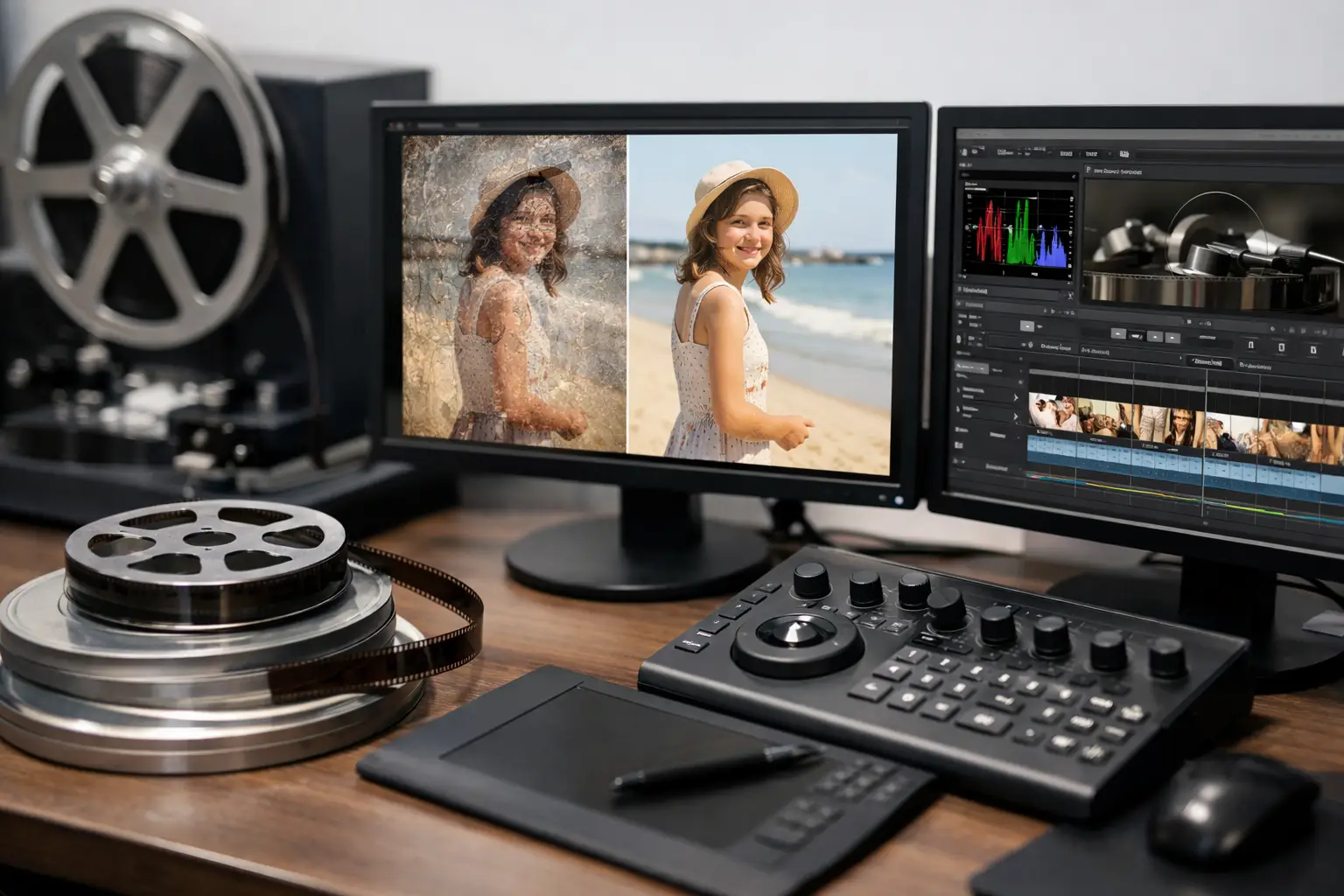
A restored Super 8 reel can look excellent in a compressed delivery file and still be poorly preserved. The distinction matters: a preservation master must retain the scan’s tonal range, grain structure, color information, and restoration work without introducing losses that cannot be reversed. The top encoding formats for preservation are therefore not simply the formats with the smallest files or the widest playback support. They are the formats that keep a film asset usable, verifiable, and re-encodable years from now.
For 8 mm, Super 8, 9.5 mm, and 16 mm collections, the right choice depends on what is being preserved: the untouched scan, the restored master, or a viewing copy. Those are separate assets with different technical requirements.
Preservation starts with the right master
Before choosing a codec, define the role of the file. A serious archive usually benefits from at least two master-level assets. The first is the raw scan, preserved before dust removal, stabilization, color correction, splice cleanup, or framing changes. The second is the restored master, containing approved corrections while retaining enough data for future color work and new restoration methods.
A third file, the access copy, is optimized for playback and delivery. It may be H.264 or H.265, but it should not be the only surviving version of a film. These delivery codecs discard information by design, even at high bitrates.
For film-origin material, retain the native capture characteristics whenever possible. If the scanner produced 10-bit or 16-bit data, do not reduce it to 8-bit merely because a common video player expects it. If a scan was captured as 4:2:2 or 4:4:4, avoid converting it to 4:2:0 in the preservation master. This is especially relevant for faded reversal stock, difficult color correction, and heavily restored footage where smooth gradients and subtle color separation need protection.
Top encoding formats for preservation masters
No single codec is correct for every archive. The following formats cover most practical film-scanning workflows, from personal collections to small commercial archives.
FFV1 in Matroska: the strongest file-based archival choice
FFV1 is a lossless video codec designed with long-term preservation in mind. It is widely respected by archives because it preserves every encoded pixel value, supports high bit depth and 4:4:4 sampling, compresses more efficiently than uncompressed video, and includes integrity features that help detect corruption.
For a restored film master, FFV1 is often the most rational default when storage efficiency and archival confidence both matter. A 10-bit 4:2:2 or 4:4:4 FFV1 file can preserve a high-quality restoration without the enormous storage footprint of an uncompressed master. Matroska, usually delivered as an MKV file, is the common container because it supports FFV1, multiple audio tracks, subtitles, metadata, and embedded checksums.
Its trade-off is operational rather than visual. FFV1 is not a consumer playback format. Many televisions, mobile devices, and basic editing applications will not open it directly. That is acceptable for a preservation master, provided the archive also creates practical access copies.
Uncompressed video: maximum simplicity, maximum storage
Uncompressed video stores image data with no codec compression. It is easy to understand, avoids codec-specific decoding concerns, and can be appropriate for short reels, scanner outputs, and institutions with substantial managed storage.
The cost is severe. High-resolution, high-bit-depth uncompressed video consumes storage quickly, and large files make copying, backup, and integrity checking slower. For a collection of many reels, the storage requirement can become harder to fund and maintain than the original digitization project.
Uncompressed files are best reserved for cases where the acquisition system requires them, where each reel is short, or where a facility has a defined storage policy built around them. They are not automatically superior to a well-documented lossless FFV1 master.
Lossless JPEG 2000: useful in specialized archival workflows
JPEG 2000 can operate in lossless mode and has a serious place in institutional and digital-cinema environments. It supports high bit depths and can be used for image sequences or motion content. Where an existing preservation system already supports JPEG 2000, it may be a valid choice.
For smaller archives and independent film restoration work, however, it can introduce unnecessary complexity. Encoding and decoding may demand more specialized tooling, and workflow compatibility is less straightforward than FFV1 in Matroska. Use it when an archive’s established infrastructure calls for it, not merely because it has an archival reputation.
DPX or TIFF image sequences: best when every frame is the asset
DPX and TIFF sequences are not video codecs in the usual sense. They store each scanned frame as an individual image file, commonly at 10-bit, 12-bit, or 16-bit precision. This approach is especially valuable for high-resolution 16 mm work, frame-by-frame restoration, VFX, color grading, or projects where individual frames must remain directly accessible.
Image sequences preserve a clear relationship to the physical film frame and avoid dependence on a video compression workflow. They also allow damaged frames to be replaced or corrected without rewriting an entire video file.
Their drawback is asset management. A single reel can generate thousands of files, and audio, timing information, reel metadata, and restoration notes must be managed separately. For a small collection, that overhead may not be justified. For an advanced restoration pipeline, it can be exactly what is needed.
ProRes 422 HQ, ProRes 4444, and DNxHR: excellent production masters, not lossless archives
Apple ProRes and Avid DNxHR are intraframe, visually lossless codecs widely used in postproduction. They edit smoothly, travel well between professional applications, and make practical mezzanine masters for review, color finishing, and client delivery.
ProRes 422 HQ is appropriate when the scan and workflow are 10-bit 4:2:2. ProRes 4444 or DNxHR 444 can retain 4:4:4 color data where that matters. These formats are often much easier to edit than FFV1 and substantially smaller than uncompressed video.
They are still lossy codecs. A single carefully encoded ProRes master can look indistinguishable from the source in normal viewing, but mathematically it is not identical. That makes ProRes and DNxHR strong working or production masters, while FFV1, uncompressed video, or image sequences remain better choices for the deepest preservation layer.
Containers, audio, and metadata are part of preservation
A codec alone does not preserve a reel. The container determines how video, audio, metadata, and timing information travel together. Matroska is particularly useful for FFV1-based masters. MOV is common for ProRes and some uncompressed workflows. MXF may be preferred in broadcast or institutional environments with established MXF systems.
For magnetic-stripe or optical-sound film, preserve the captured audio at its native sample rate when possible. PCM audio at 24-bit is a sensible master choice. Avoid converting original sound to AAC or MP3 inside the archival file. Those formats are suitable for access copies, not for retaining the best available signal.
Document the file as carefully as the image. Record the film gauge, reel identifier, scanner model, capture resolution, frame rate, bit depth, chroma sampling, codec, container, restoration steps, operator, and date. If stabilization was performed using perforation tracking, if splices were cleaned, or if color correction was applied to compensate for faded stock, record that work. A future restorer needs to know what was done, not just what the final file looks like.
Make access copies separately
H.264 in MP4 remains a sensible access format because it plays almost everywhere. H.265 can reduce file size at comparable quality, but compatibility and encoding time should be tested against the intended audience. For a family archive, an H.264 access copy is often the least troublesome option. For a commercial client, provide the format their delivery workflow actually supports.
Do not let convenience drive the master format. Generate access files from the approved restoration master, then regenerate them when devices, platforms, or requirements change. A controlled workflow, such as encoding from a restored timeline in AvyScan Lab, makes it easier to maintain a high-quality master while producing separate files for viewing, editing, or web delivery.
Verify files and plan for migration
A preservation format is only useful if the stored file remains intact. Keep at least three copies on different storage media or locations, and use checksums to confirm that copied files have not changed. Check the archive periodically rather than waiting for a drive failure to reveal a problem.
Format longevity is not a promise that files will never need attention. Maintain the software and documentation needed to decode them, and plan for managed migration when storage hardware or organizational requirements change. Lossless masters make that future work safer because they can be transcoded without accumulating generation loss.
The practical choice for many scanned-film archives is straightforward: keep the original scan, create a restored lossless FFV1 master in Matroska, and make H.264 or H.265 viewing copies as needed. Where frame-level work or institutional policy requires it, retain DPX or TIFF sequences instead. The best format is the one your archive can preserve, verify, document, and still open when the next generation asks to see the film.