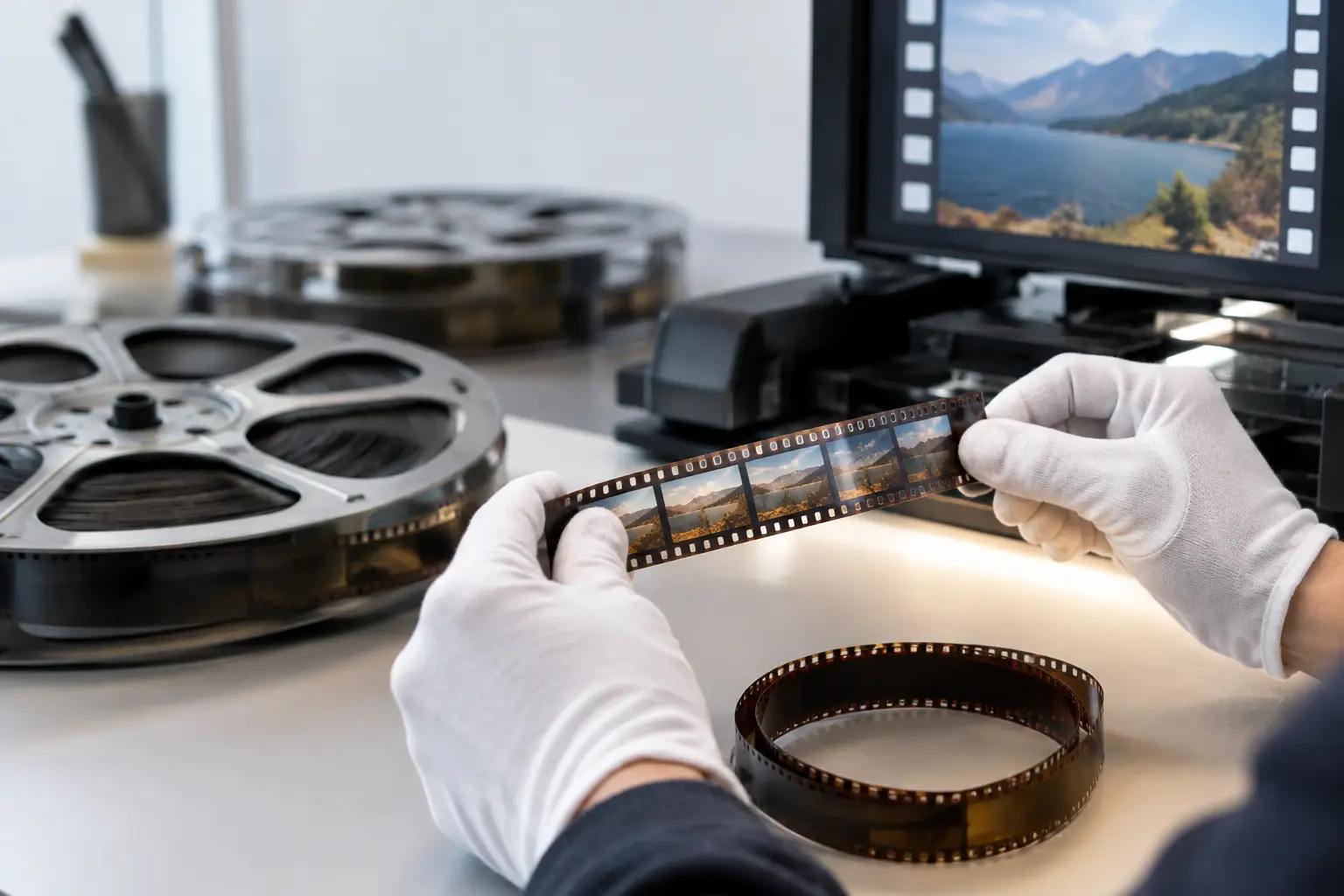
A successful restauration film workflow does not begin with a denoiser. It begins with an honest reading of the scan: what belongs to the original image, what was introduced by the film stock and camera, and what is now damage that distracts from the footage. A home movie with visible grain, gate weave, faded color, and a few splice jumps needs a different treatment from a 16 mm documentary scan covered in embedded dirt and unstable perforations.
The objective is not to make old film look digitally new. It is to produce a stable, clean, correctly exposed version that preserves the texture, motion, framing, and character of the original material. That requires a controlled order of operations, preview-based decisions, and export settings suited to both preservation and delivery.
Start With the Scan, Not the Filters
Restoration can only recover what the scan has retained. If possible, begin with the highest-quality scan available: consistent exposure, sufficient resolution, minimal compression, and access to the full frame area. For 8 mm, Super 8, 9.5 mm, and 16 mm film, that extra image around the frame edge is often useful. It reveals perforation position, edge damage, and splice behavior that can support accurate stabilization and cleanup.
Avoid making creative corrections during scanning unless they are necessary to produce a readable image. Heavy contrast, aggressive sharpening, baked-in noise reduction, or clipped highlights limit later decisions. A flat scan with visible grain may initially look less impressive, but it is usually a better restoration source than an image that has already been processed beyond recovery.
Before processing, inspect several representative sections rather than judging only the opening frames. Check bright outdoor scenes, underexposed interiors, titles, fades, splices, and any section with camera movement. This establishes the real condition of the reel and prevents settings chosen for one difficult shot from damaging the rest of the film.
Build the Restauration Film Pipeline in the Right Order
The sequence of processing matters because each stage changes the information available to the next. Correcting color before assessing exposure can exaggerate stains. Applying strong temporal cleanup before stabilization can confuse motion analysis. Sharpening before dirt removal can turn small defects into more obvious artifacts.
A practical pipeline generally starts with source preparation. Confirm the scan's frame rate, field structure, pixel format, and orientation. Many film scans are progressive, but files may still be interpreted incorrectly by generic video software. Treat the scan as a frame-by-frame film source, not simply as a consumer video clip.
Next, address mechanical instability. Gate weave, horizontal drift, vertical bounce, and rotation are common in small-gauge film. Stabilization based on the image alone can work well when the frame contains clear detail, but it may crop inconsistently or follow a moving subject. Perforation-based stabilization is more reliable when the scan includes the film edge. By locking the image to the physical geometry of the film, it separates camera motion from transport instability.
Once the frame is stable, repair abrupt defects around splices. A splice can create a one- or two-frame brightness change, a horizontal shift, a damaged image area, or a short burst of debris. Splice cleanup should be selective. Some edits are historically meaningful, particularly in home-edited reels, and should remain visible as edits even when their mechanical disruption is reduced.
Dirt and scratch removal follows. This is where automated processing can save substantial time, but it also demands restraint. Temporal filters such as RemoveDirtMC can identify isolated defects by comparing neighboring frames. They are highly effective on dust flashes and small spots when movement estimation is accurate. Used too aggressively, they can smear fine detail, soften facial features, or create trails around moving objects.
For that reason, tune cleanup against the most demanding material in the reel: fast movement, fine patterns, water, foliage, and camera pans. A setting that removes every speck from a static shot may be unacceptable in a scene with children running across grass. The right result often retains a small amount of harmless film texture while removing defects that pull the viewer's attention away from the image.
Preserve Grain While Reducing Visual Noise
Film grain is not dirt. It is part of the photographed image and varies by stock, exposure, development, and scan method. Super 8 grain can be prominent even in well-preserved footage, while 16 mm may show finer structure but also more visible detail that can be damaged by over-filtering.
Grain reduction should therefore be treated as moderation, not erasure. Apply it after major dirt repair, then preview at 100 percent scale and in motion. A still frame can make a strong denoise setting appear clean and attractive; playback may reveal waxy faces, unstable textures, or a plastic appearance in skies and walls.
The same caution applies to sharpening. A carefully scanned film frame does not necessarily need additional edge enhancement. If sharpening is needed after stabilization and noise management, use it lightly and assess halos around high-contrast edges. Detail recovery is valuable. Artificial outlines are not.
Correct Exposure and Color Without Rewriting the Film
Color correction has two jobs: remove unwanted technical shifts and preserve intended photographic relationships. Faded reversal film may lean red or magenta. Aged prints may show inconsistent density. A reel shot over several years may change character from one cartridge to the next.
Start by establishing stable black and white points without crushing shadow detail or clipping highlights. Then correct obvious color casts using neutral objects where available. White shirts, gray surfaces, clouds, and known architectural materials can help, but they are not always truly neutral under the original lighting. A sunset should not be forced into neutral daylight simply because an automatic correction expects it.
Tools such as GamMac are useful when tonal correction requires more control than a simple brightness adjustment. The goal is to restore separation in shadows, midtones, and highlights while avoiding a contrast curve that destroys the gentle roll-off often present in film. Work shot by shot when the source demands it. Global correction is efficient, but it cannot solve every exposure change inside a long reel.
For black-and-white footage, color correction still matters. A scan may carry a blue, green, or brown bias that affects perceived contrast. Neutralizing it can produce a cleaner monochrome image, provided that the adjustment does not erase intentional toning or the appearance of the original stock.
Treat Sound and Picture as One Restoration Job
Sound film adds another technical dependency: synchronization. A restoration that improves image stability but shifts audio by even a few frames is not finished. This is especially relevant with magnetic sound Super 8 or 16 mm material, where scanner behavior, capture settings, and splice repairs can affect timing.
Check sync at several points, not only at the beginning. Listen for dialogue, hand claps, door closures, music beats, or other clear visual cues. If the drift increases through the reel, the issue may be frame-rate interpretation rather than a fixed offset. Image restoration should also avoid dropping or duplicating frames unless the audio timeline is adjusted accordingly.
Audio cleanup should remain proportionate to the source. Removing steady hiss or low-frequency rumble can improve intelligibility, but aggressive noise suppression can make voices metallic and erase room tone. The same principle applies to picture: preserve the evidence of the original recording while reducing distractions.
Export a Preservation Master and a Viewing Copy
A restored project should normally produce at least two outputs. The preservation master prioritizes image integrity, high bit depth where available, and a codec suitable for future editing or re-encoding. FFV1 is a strong option for lossless archival workflows, while high-quality intermediates can be appropriate when the rest of the post-production chain requires them.
The viewing copy prioritizes compatibility and manageable size. H.264 through x264 remains widely practical, while x265 can reduce file size at comparable perceived quality when encoding time and playback support are acceptable. Choose chroma sampling intentionally. Material restored in 4:2:2 or 4:4:4 should not be discarded casually if the master is meant to support future grading, analysis, or re-delivery.
Keep project settings, source notes, processing choices, and export parameters with the master. A restoration is more valuable when a future operator can understand what was done and reproduce or revise it. Batch processing can make this disciplined workflow practical across multiple reels, provided each film has first been reviewed for exceptions.
AvyScan Lab is designed around this kind of work: a visual Windows workflow that applies specialized AviSynth+ processing without requiring manual scripts, while keeping preview, stabilization, cleanup, color correction, and professional encoding under direct operator control.
The strongest restored film is rarely the one with the most filters applied. It is the version in which the viewer notices the moment, the people, and the place before noticing the condition of the reel.