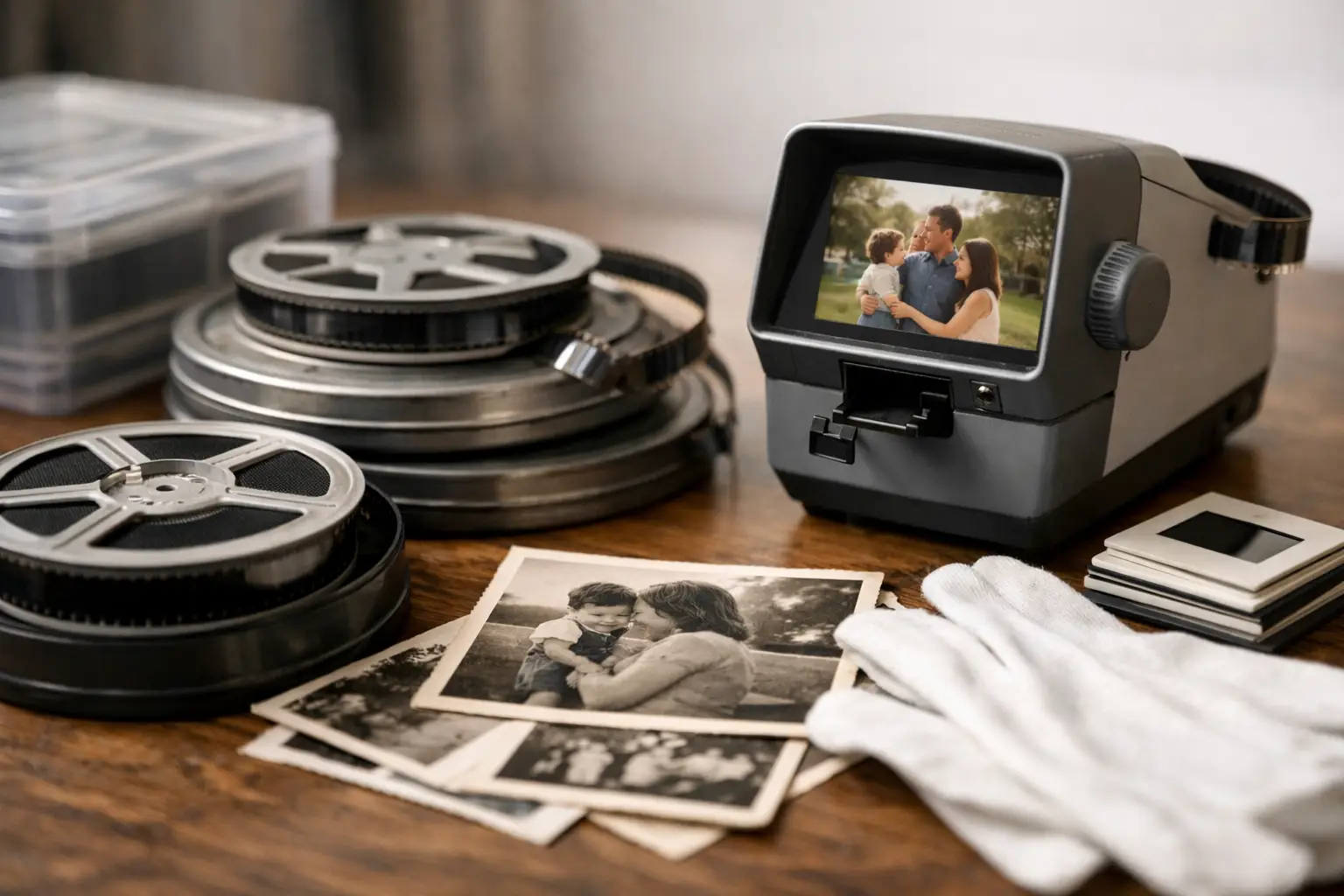
A search for a RemoveDirt alternative for film usually starts after a familiar disappointment: the dust is gone, but so is part of the image. Fine facial detail turns waxy, moving objects leave traces, or the natural texture of an 8mm scan is replaced by an unnaturally clean video look. The right replacement is not simply a stronger filter. It is a restoration workflow that separates transient defects from legitimate film detail.
RemoveDirt and its motion-compensated variants remain useful references in AviSynth-based restoration. They were built to compare neighboring frames and replace pixels that appear briefly, which makes them effective against dust, white specks, and some scratches. But scanned film presents conditions that require judgment: grain moves, exposure breathes, registration shifts, and damage can persist for several frames. A modern alternative should provide more control over those variables rather than treating every frame-to-frame difference as dirt.
What a RemoveDirt Alternative Must Preserve
For 8mm, Super 8, 9.5mm, and 16mm material, dust removal is only one stage of a larger image pipeline. The scan may also show gate weave, splice flashes, abrasion, color fading, uneven illumination, and grain amplified by the scanner. If cleanup is applied before the image is stabilized, motion analysis has to distinguish real subject movement from frame displacement. That reduces accuracy and raises the risk of artifacts.
A capable alternative therefore needs temporal analysis, motion compensation, adjustable defect thresholds, and a reliable preview. Temporal analysis compares information across frames. Motion compensation aligns image content before comparison, allowing the filter to identify a short-lived dust particle without confusing it with a moving hand, a passing car, or camera panning. Threshold controls determine how aggressively pixels are classified as defects. Preview is where the decision is validated at full speed and at the final delivery resolution.
The key trade-off is simple: more aggressive cleanup can remove more debris, but it can also erase grain, soften edges, and create interpolation artifacts. Archival footage rarely benefits from maximum filtering. It benefits from targeted filtering.
The Best RemoveDirt Alternatives for Film Workflows
There is no single replacement that fits every scan. The practical choice depends on whether the dominant problem is isolated dust, persistent scratches, unstable registration, or noisy grain. In a specialist workflow, several processing methods are often combined rather than substituted one-for-one.
Motion-compensated temporal cleaning
A motion-compensated temporal cleaner is the closest functional alternative to RemoveDirtMC. Tools based on motion vectors, including workflows built around MVTools2, analyze movement between frames before generating a cleaned result. This is particularly effective on footage with handheld camera motion, moving subjects, or modest gate weave.
For film, the strength of this approach is selectivity. The filter can suppress one-frame or two-frame dirt events while retaining picture content that remains consistent after motion alignment. It is usually safer than a simple temporal median filter, especially for family films containing faces, foliage, water, and textured clothing.
Its limitation is source instability. Heavy shrinkage, warped film, severe jitter, or missing perforation alignment can produce unreliable motion vectors. Stabilization should come first whenever possible. Perforation-based registration is especially useful because it anchors each frame to the physical geometry of the film rather than to image content that may itself be moving.
Dedicated spot and splice cleanup
Not every defect needs a global temporal filter. A bright splice flash, an opaque tape splice, or a recurring edge defect often responds better to dedicated cleanup than to stronger dirt removal. This matters because a global filter cannot know that a sudden full-frame exposure change is a splice rather than a large defect.
Splice-aware processing can isolate those events and repair them with neighboring frame information. The result is cleaner than applying broad temporal filtering across the entire reel, and it avoids the ghosting that appears when a filter tries to reconstruct a rapid edit or damaged join.
For localized defects, use a mask or an exclusion region when available. Sprocket-hole intrusions, edge scratches, and scan borders should not influence motion analysis. Cropping or masking them early gives the temporal cleaner a more stable picture area to evaluate.
Grain reduction with temporal limits
Film grain is not dirt. It is part of the recorded image, and it becomes especially visible in underexposed Super 8 or reversal stocks. Yet scanners can exaggerate grain or add electronic noise that competes with fine detail. A controlled denoiser can be useful as a RemoveDirt alternative when the apparent debris is actually dense, frame-varying noise.
The operational difference is important. Dirt removal detects outliers. Grain reduction averages or attenuates high-frequency variation. If grain reduction is used to solve dust, the image often becomes soft. If dirt removal is used to solve scanner noise, the result may shimmer.
Apply modest grain reduction after major dust events have been addressed, then inspect moving detail. Hair, fabric, grass, and film titles reveal overprocessing quickly. A good restoration leaves some texture behind because the original film had texture.
Manual and semi-automatic repair
Some defects are too persistent or too large for temporal automation. Long vertical scratches, emulsion damage, mold marks, and damaged title cards need localized repair. In those cases, a semi-automatic approach is faster and safer than pushing a global filter beyond its limits.
This is also the appropriate method for unique frames. If a frame is missing image information that does not exist in adjacent frames, any automatic process must invent data. That may be acceptable for a casual viewing copy, but an archival master should make such reconstruction decisions deliberately.
A Practical Film Cleanup Order
The filter order determines whether a restoration remains controlled or becomes difficult to diagnose. Start by preserving a high-quality master from the scanner, ideally with sufficient bit depth and a lightly compressed or lossless codec. Avoid early delivery encoding, because compression artifacts can be misidentified as dirt.
Then correct mechanical instability. Perforation-based stabilization or careful image stabilization should happen before temporal cleaning. Once the frame is stable, crop or mask scan edges, sprocket areas, and persistent border artifacts. These regions generate false detections and consume processing time.
Next, run a conservative motion-compensated dirt pass. Preview difficult shots rather than judging only a static frame: pans, zooms, faces in motion, dissolve transitions, and flashing splices are the places where a filter reveals its weaknesses. If dust remains, increase cleanup gradually or use a second targeted pass. Do not jump directly to an aggressive preset.
After defect cleanup, address grain and color. Color correction should respect the original stock and exposure intent, not force every reel toward modern digital contrast. For faded material, restoring black level and channel balance before adding saturation generally produces more credible results. Finish with output encoding suited to the purpose: a lossless or mezzanine preservation file, followed by H.264 or H.265 delivery versions as needed.
Why an Integrated Interface Changes the Decision
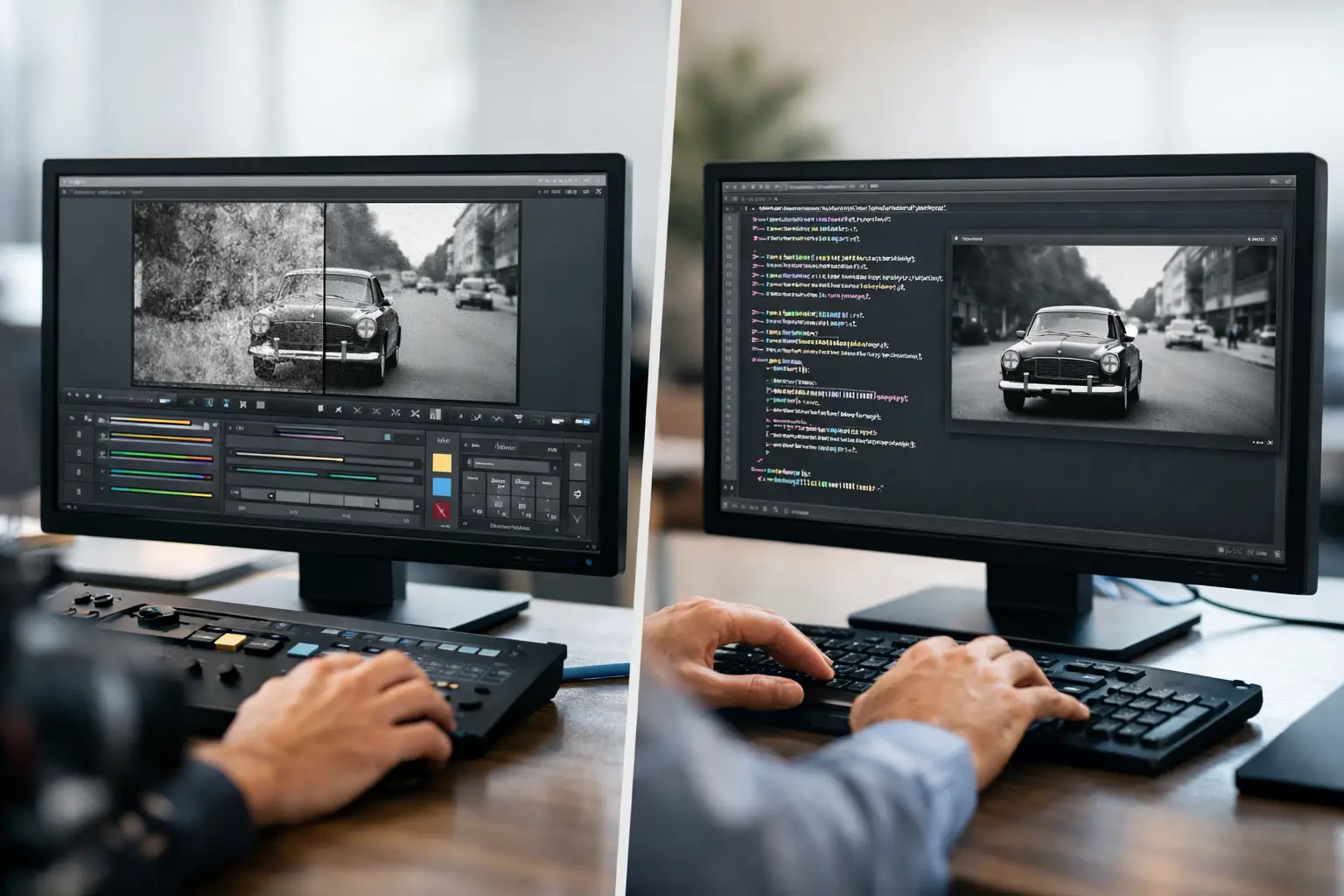
AviSynth+ remains a powerful environment for this type of work, but manually building scripts for MVTools2, temporal filters, masks, and encoders can slow down batch restoration. The challenge is not merely finding a RemoveDirt alternative. It is testing variations without losing track of settings across dozens of reels.
AvyScan Lab organizes that specialist pipeline in a Windows interface designed around scanned film. Stabilization, dust and stain removal, grain control, splice cleanup, color processing, preview, and professional encoding can be configured without requiring the operator to write the underlying AviSynth+ script. This is valuable for service providers and archives because repeatable settings can be applied across similar reels, then adjusted only where the footage demands it.
The best result is rarely the cleanest possible frame. It is the frame that still looks like film, holds detail during motion, and remains faithful enough to preserve the character of the original scan. Set your cleanup threshold by the scenes that matter most, not by the dirtiest frame in the reel.