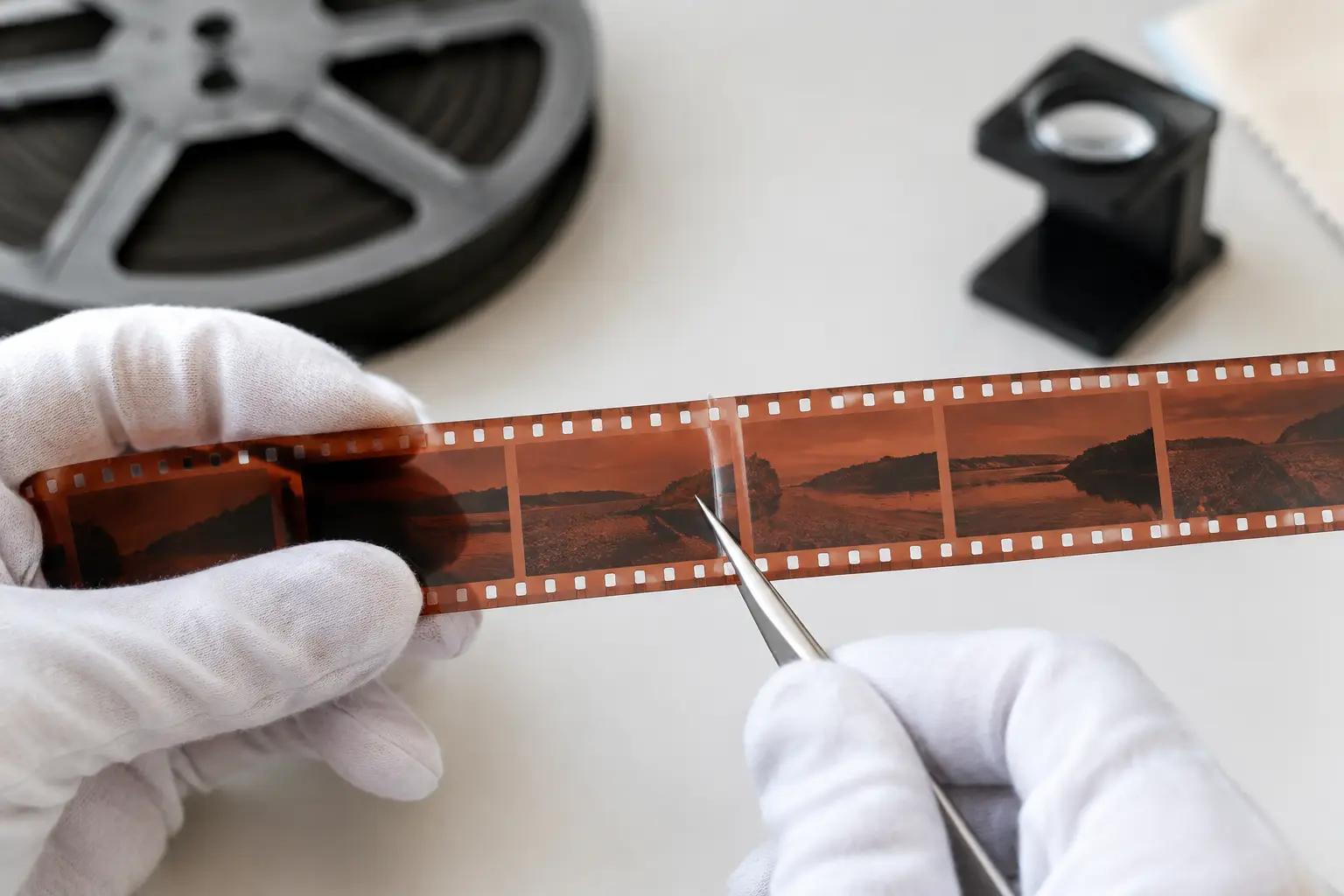
A scan can be sharp, correctly exposed, and still look unusable because the grain is moving more aggressively than the image content. This is especially common with small-gauge originals, underexposed reversal stock, pushed film, or scans made at high resolution. A grain reduction software review should therefore ask a practical question first: does the tool reduce distracting grain without turning faces, fabric, foliage, and film texture into wax?
For 8 mm, Super 8, 9.5 mm, and 16 mm restoration, grain reduction is not a one-click cosmetic effect. It is a controlled filtering stage inside a larger pipeline that may also include dust removal, splice cleanup, gate-weave correction, color work, and delivery encoding. The right choice depends on the source material, the intended viewing format, and how much control the operator needs over each compromise.
What Grain Reduction Must Preserve
Film grain is not simply random noise. It is part of the photographic image, and its behavior changes from frame to frame. Fine grain can help a scanned image retain a natural sense of texture. Heavy grain, however, can obscure low-contrast detail, exaggerate compression artifacts, and make dust or flicker cleanup less reliable.
Good grain reduction distinguishes between persistent picture information and short-lived variation. A face should remain stable while fine grain is attenuated. A stationary wall should not crawl. A moving hand should not leave a soft trail behind it. When a filter mistakes real movement for noise, the result is temporal smearing or ghosting. When it treats grain as detail, the image remains noisy and the processing has accomplished little.
This is why a convincing result is rarely the strongest available setting. The best setting is usually the lightest one that makes grain less intrusive at the intended delivery size. A family-film scan headed for a 1080p archive and occasional television viewing can tolerate a different treatment than a 4K preservation master intended for future grading.
Grain Reduction Software Review: What to Test
A serious evaluation starts with difficult footage, not a clean daylight shot. Use a short representative section containing faces, motion, dark areas, fine patterned clothing, sky, foliage, and any visible damage. If possible, include a scene with a pan or camera movement. These shots expose the weaknesses of temporal denoisers quickly.
Temporal filtering and motion analysis
The most useful grain-reduction systems analyze several frames rather than filtering each frame independently. Temporal processing can retain more image detail because it compares the current frame with neighboring frames. Its quality depends on motion estimation and compensation. In an AviSynth+ workflow, tools such as MVTools2 can provide the motion analysis that makes this approach practical.
The trade-off is clear. Stronger temporal filtering can produce a cleaner picture, but it also increases the risk of trails around moving objects, unstable edges, or softened motion. A useful application lets the operator adjust the treatment gradually and preview the result on the exact frames that matter. Presets are valuable as starting points, but they should not conceal the controls needed for difficult reels.
Detail retention at 100 percent
Always inspect the processed image at actual pixel size. A reduced preview can make almost any denoising result look acceptable because it hides both grain and damage. At 100 percent, check eyelashes, hair, lettering, knitwear, tree branches, and the edge of a building against the sky.
If these details lose definition before the grain becomes acceptable, the filter is too aggressive or poorly matched to the material. Grain reduction should lower visual distraction, not redraw the image. Slight remaining grain is usually preferable to plastic-looking skin, smeared grass, or textures that pulse from frame to frame.
Chroma noise and color integrity
Color scans often contain more than luminance grain. Faded reversal stock, low-light footage, and older transfers can show chroma noise as red, blue, or green speckling. A tool that treats chroma separately can clean these artifacts without unnecessarily softening the luma channel, where most visible detail resides.
The review process should also test color stability after filtering. Watch neutral walls, skin tones, and shadows. Grain reduction must not introduce color bleeding, gray out blacks, or erase subtle color separation. If color correction is part of the same workflow, perform a basic correction first so the denoiser is judged on a balanced image rather than on a strong cast.
Interaction with dust and defect cleanup
Grain, dust, scratches, and splice marks do not behave alike. Dust may appear in only one frame, while grain changes continuously across the entire image. A temporal dirt-removal process such as RemoveDirtMC can be highly effective for transient defects, but it must be configured with care around fast motion, flash frames, and edits.
The processing order matters. In many projects, stabilizing the scan and addressing obvious transient defects before final grain reduction produces cleaner motion analysis and more consistent output. In other cases, a light initial denoise helps defect detection. There is no universal order that wins on every reel, which is exactly why a visual pipeline and repeatable preview are more useful than a single opaque “enhance” button.
Why Film-Specific Controls Matter
Generic video denoisers are often designed around digital camera noise, compressed footage, or streaming artifacts. They can improve a film scan, but they may not account for perforation movement, sprocket-related instability, splices, or the irregular damage patterns found in aged originals.
Film restoration benefits from controls that recognize the scan as a sequence of physical frames. Perforation-based stabilization can reduce gate weave before temporal processing. Splice Cleanup can prevent abrupt joins from confusing filters. For sound films, image and audio synchronization must remain intact as frames are processed and encoded. These are not peripheral tasks. They directly affect whether a denoised reel feels stable and coherent from start to finish.
AvyScan brings these stages into a Windows interface built around AviSynth+ processing, so operators can combine grain reduction with dust removal, color correction, Perfo Lock stabilization, and delivery encoding without manually writing scripts. That structure matters when a project includes many reels with different stocks, exposures, and damage levels.
Preview Speed Is a Quality Feature
The quality of a grain-reduction tool is not limited to its filter algorithm. If previews are slow or settings are difficult to compare, users tend to accept the first result that looks broadly cleaner. That is how overprocessed scans make it into final exports.
A productive workflow supports side-by-side judgment through repeatable preview positions. Set an in point on a face, another on a high-motion scene, and a third in a dark section. Make small parameter changes, then compare the same frames. Look for temporal artifacts while playing the sequence, not just while paused.
Batch processing is equally important for service providers and collections with dozens of reels. It should apply consistent starting settings while preserving the ability to create exceptions. A heavily faded indoor reel should not inherit the same treatment as a clean daylight reel simply because both were shot on Super 8.
Export Can Undo Good Restoration
A clean filtered image can be damaged by an unsuitable export. Lossless or near-lossless masters are appropriate when future restoration, grading, or preservation work is expected. FFV1 is a strong choice for archival workflows where file size is less important than retaining image data. ProRes can fit edit-friendly production pipelines. x264 and x265 are practical delivery codecs when bitrate, playback compatibility, and storage need to be balanced.
Keep chroma sampling in view. A scan processed in 4:2:2 or 4:4:4 should not be casually reduced to a lower-quality delivery format if the master is meant to retain maximum color information. Likewise, avoid encoding a highly filtered image at a bitrate that creates mosquito noise or banding in smooth skies. Compression artifacts can resemble the problems grain reduction was meant to solve.
A Practical Standard for Choosing Software
The best grain reduction software is not the one that produces the smoothest still frame. It is the one that gives the operator enough control to preserve film character, inspect motion behavior, integrate defect cleanup and stabilization, and export a file appropriate to the job.
Begin with a conservative setting, judge moving footage at full resolution, and keep an untouched master of the scan. When grain reduction is treated as a measured restoration decision rather than a blanket effect, even difficult small-gauge footage can become calmer, clearer, and more faithful to the images people intended to keep.